Automate scheduling with simple yet powerful features
All the features you need to build a powerful scheduling flow that increases bookings, saves time and grows your business.
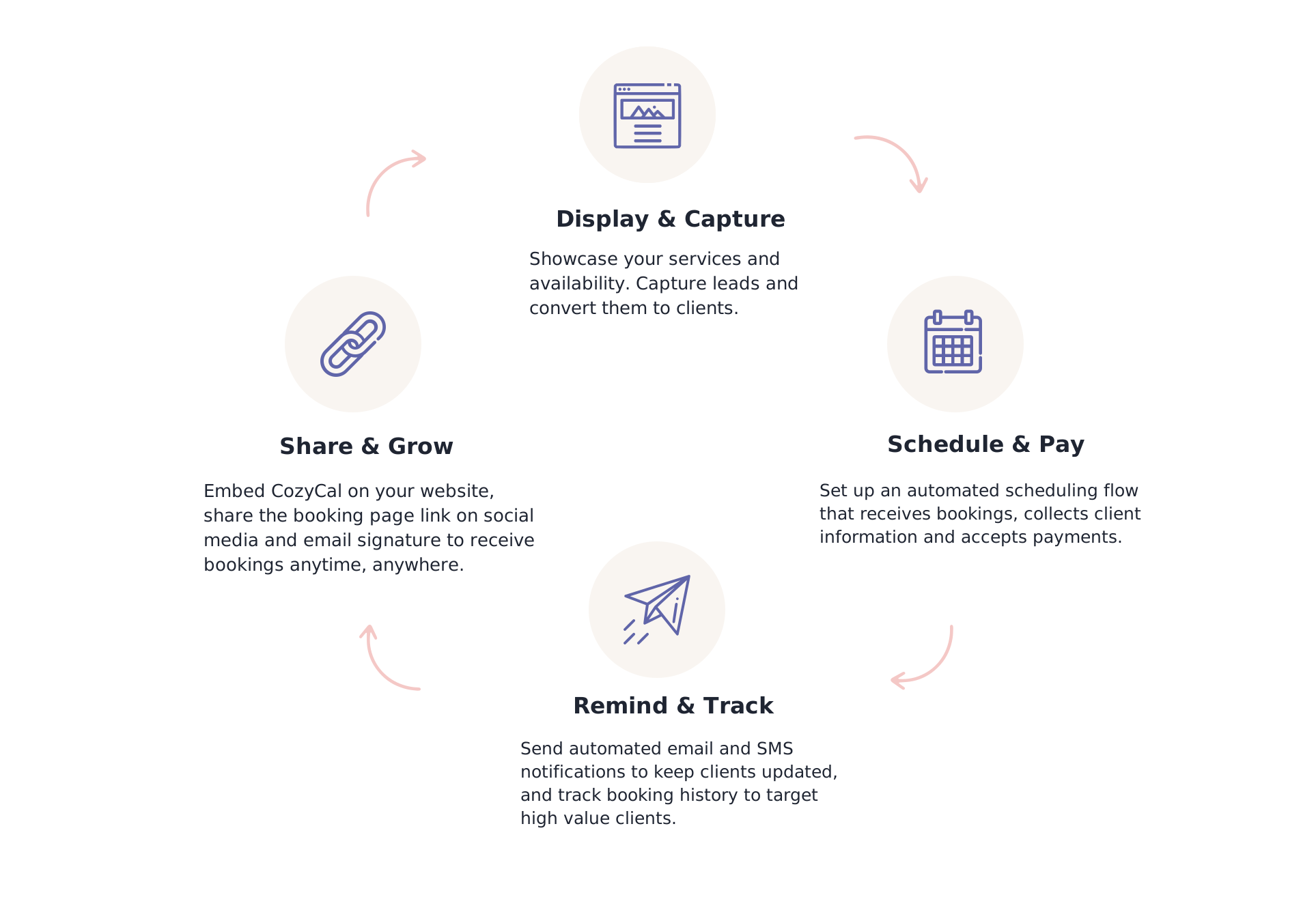
Sign upCreate a flywheel with your scheduling flow to captures more clients

Create a customized booking page
Showcase services, manage schedules and sync with external calendars to streamline the scheduling experience and maximize online bookings.


Customizable booking page
Highlight branding with your logo, background color, language, time format and display your service offerings clearly on a beautiful booking page.
Learn more →
External calendar sync
Syncs with Google calendar, Outlook calendar and iCal to update real-time availability and prevent double-bookings.
Learn more →
Auto-timezone detection
Detect timezone difference automatically so customers can schedule events either at their local timezone or in your timezone.
Learn more →
Flexible scheduling types
Schedule one-on-one meetings or group events, and use multi-host collective scheduling for pooled availability. Set event durations, booking windows, padding times, and block off specific times.
Learn more →
Package booking
Boost your earnings by selling packages, offering discounts on bulk session purchases, and collecting payments for multiple appointments at once.
Learn more →
Resource booking
Streamline the management of meeting rooms, co-working spaces, and equipment rentals with multi-host collective scheduling.
Learn more →
Set up a seamless scheduling flow that takes bookings for you 24/7
Automate the online scheduling process to improve efficiency, keep your clients in the loop and watch your revenue grow.
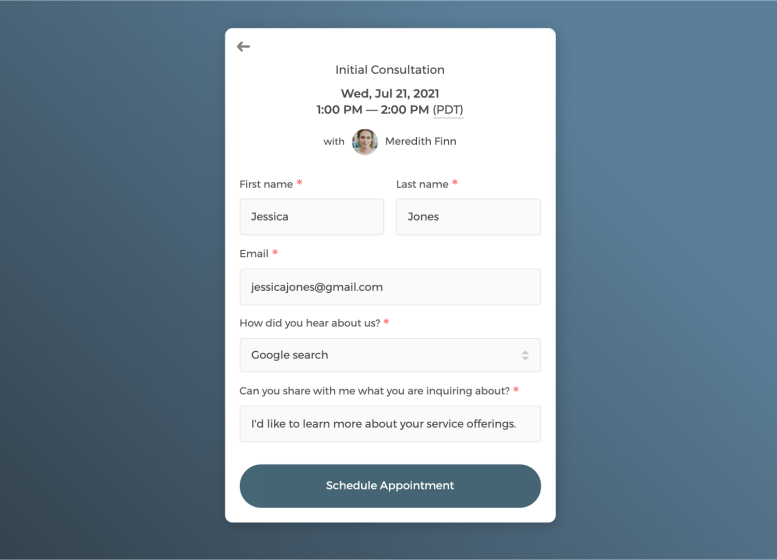

Customizable intake form
Collect essential guest information with customizable intake forms supporting various question types, ensuring you capture all the details you need.
Learn more →
Event requests
Accept or decline event requests after reviewing the prospect's intake form information and take full control of your schedule.
Learn more →
Accept payments
Connect with Stripe to create coupons, sell tickets, charge add-on items and accept payments online in a secure manner right on your booking page.
Learn more →
Virtual meetings
Share auto-generated unique meeting links with booked guests through Zoom or Google Meet. Meeting links are shared with guests in the confirmation email and event calendar description.
Learn more →
Send automated email and SMS notifications to keep clients updated
No more stressful emailing back and forth. Let us handle reminding your clients of upcoming scheduled events so you can focus on delivering the best services.
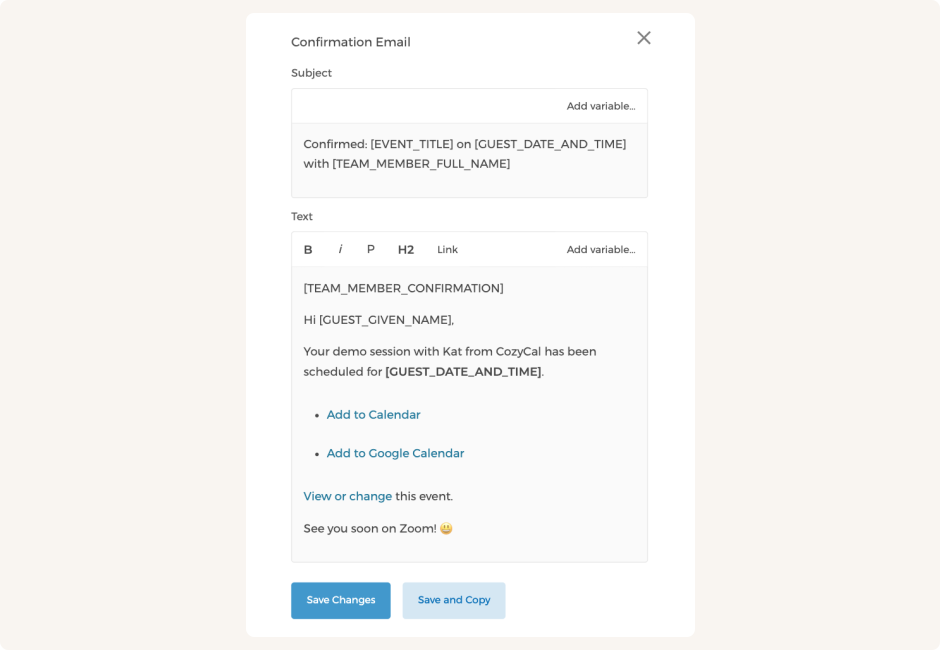

White-label email notifications
Send white label confirmation, reminder and cancellation emails to keep booked guests informed, with your branding highlighted.
Learn more →
SMS reminder
Remind guests of scheduled events with automated SMS text messages to reduce no shows.
Learn more →
Booking analytics
Track booking trends, cancellation rates, and top-performing services to optimize your business performance and maximize revenue.
Learn more →
Client database
Search scheduled guests, track booking history, and export client contact list for newsletter emailing or data analytics all through a centralized client database.
Learn more →
Install CozyCal on your website or share a custom link
Embed CozyCal on your website for a seamless scheduling experience. Ready to receive bookings anytime, anywhere.


Website widget
Customize and embed the booking page widget on any websites with only a short snippet code. Instead of being redirected to another domain, booking guests stay right on your website.
Learn more →
Sharable booking link
Customize and share your booking page or event type URL in emails and social media platforms for quick and easy scheduling.
Learn more →
Integrations
Connect CozyCal with your existing workflows to power up your scheduling process.
Learn more →
Mobile friendly interface
Responds quickly on mobile devices that allows you and your clients to schedule on the go.
Collaborate with coworkers through team scheduling
Let your team have complete control over work schedule
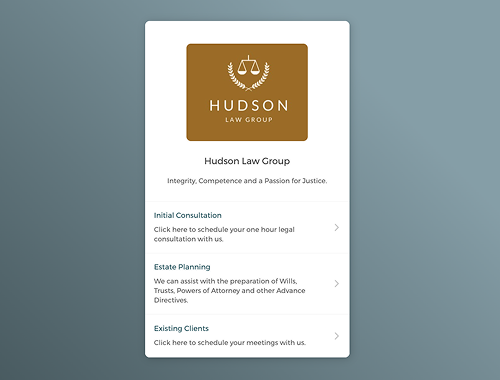
Collaborate with team members & manage resources
Invite coworkers to join your team booking page, pool availability with multi-host scheduling, or create individual team member booking pages to make scheduling accessible for guests.
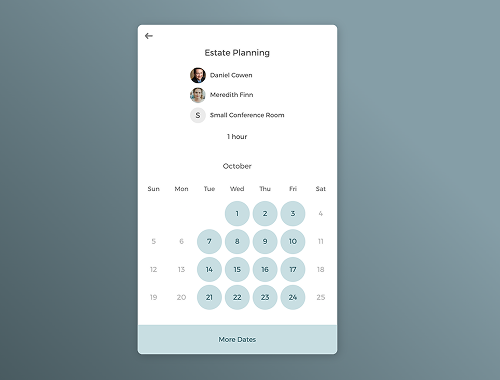
Flexible multi-host collective scheduling
Auto-assign bookings to team members and resources in a round-robin style, designate reserved hosts, rank by priority, or allow guests to choose who they want to book with.
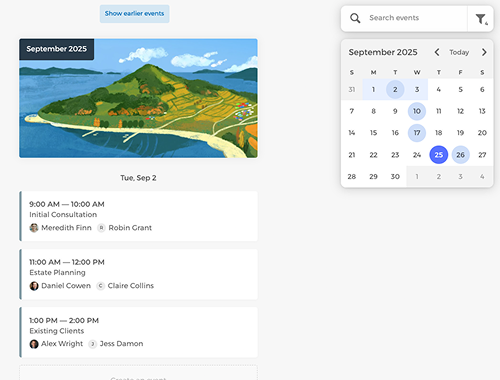
Have full control over team scheduling
As the admin, you can get a bird's eye-view of all bookings by filtering team members, and manage others' availabilities flexibly.
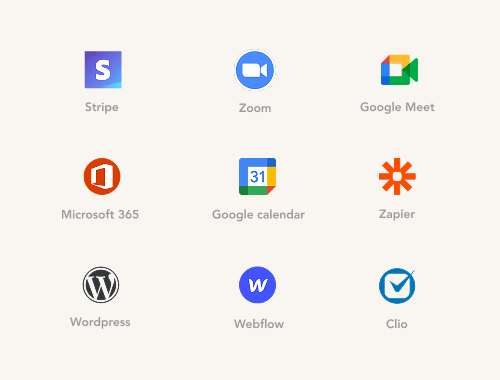
Integrate with existing workflows
Integrate with Google calendar, Outlook calendar, Zoom, Stripe and other tools to streamline your online scheduling process.