
Best tutor scheduling software
Empower students to schedule tutoring sessions anytime, anywhere with a delightful, all-in-one scheduling software.
Build an automated online scheduling flow for your students
Whether you offer language tutoring sessions to teach English or assisting students in learning science subjects, create a customized booking page that showcases tutoring sessions, enable students self-schedule classes, and reduces time spent on administrative tasks.
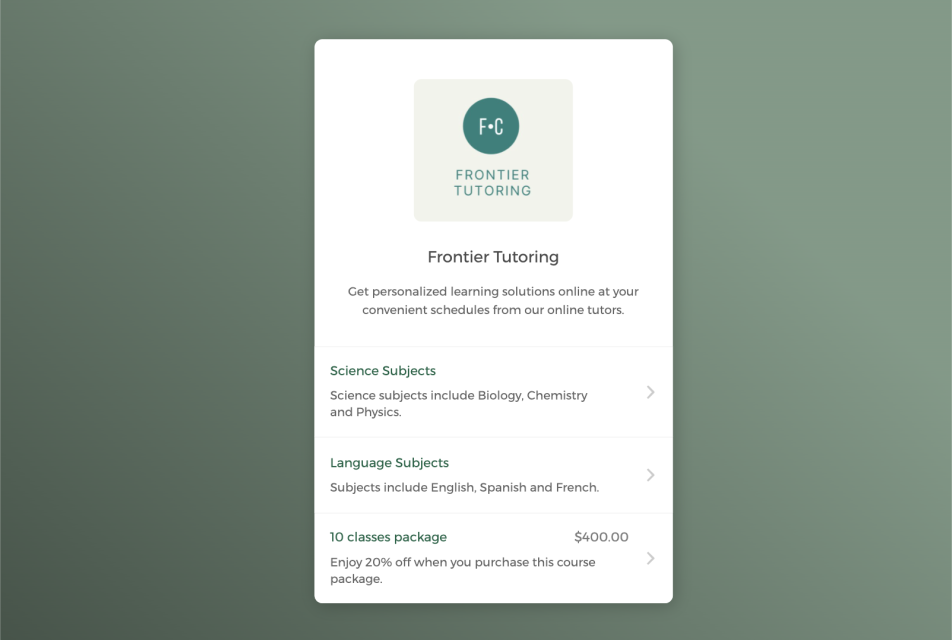

Empower students to self-register classes around the clock
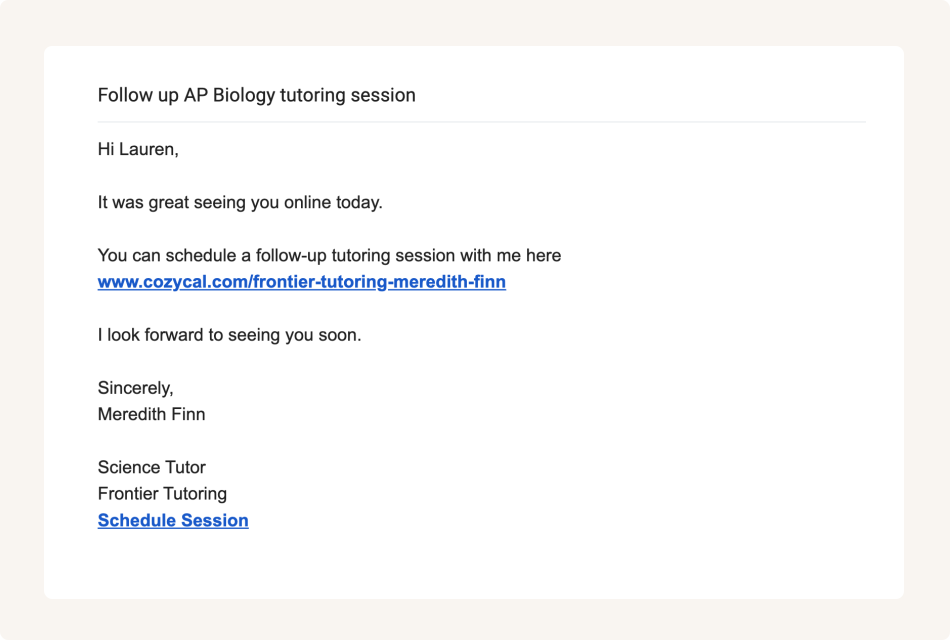
Share booking page link to accept class bookings from multiple channels
Keep your tutor schedule updated across multiple calendars
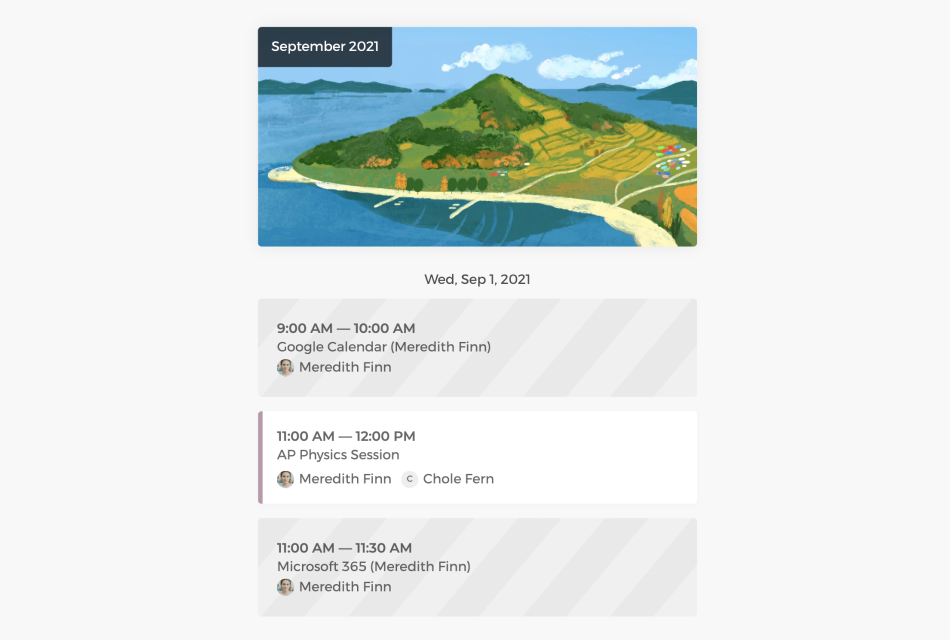
Connect with Google calendar or Outlook calendar to sync your personal schedule and available hours across all calendars in real-time, eliminate double-bookings and manage tutoring sessions easily.
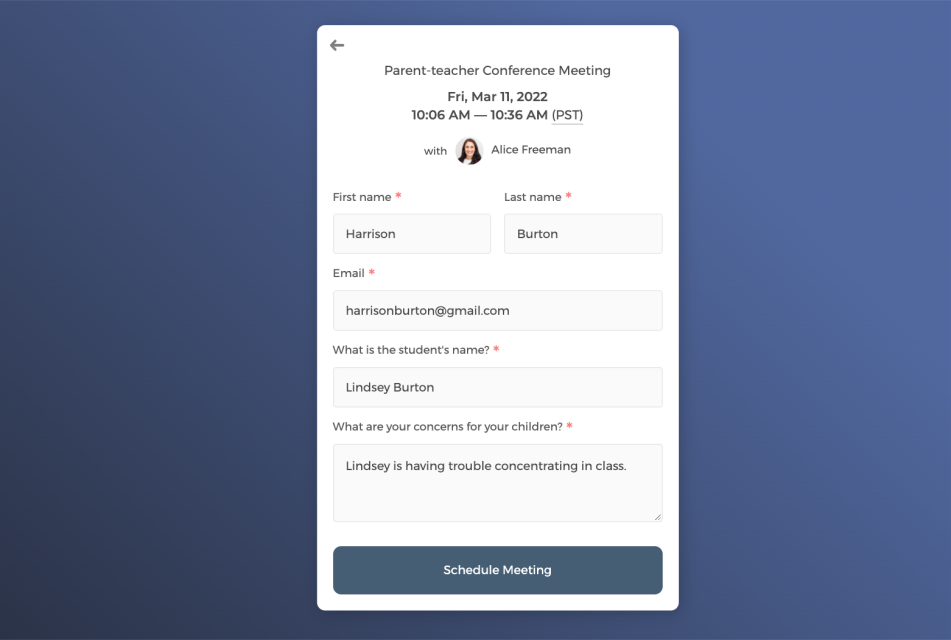
Collect student information through intake form
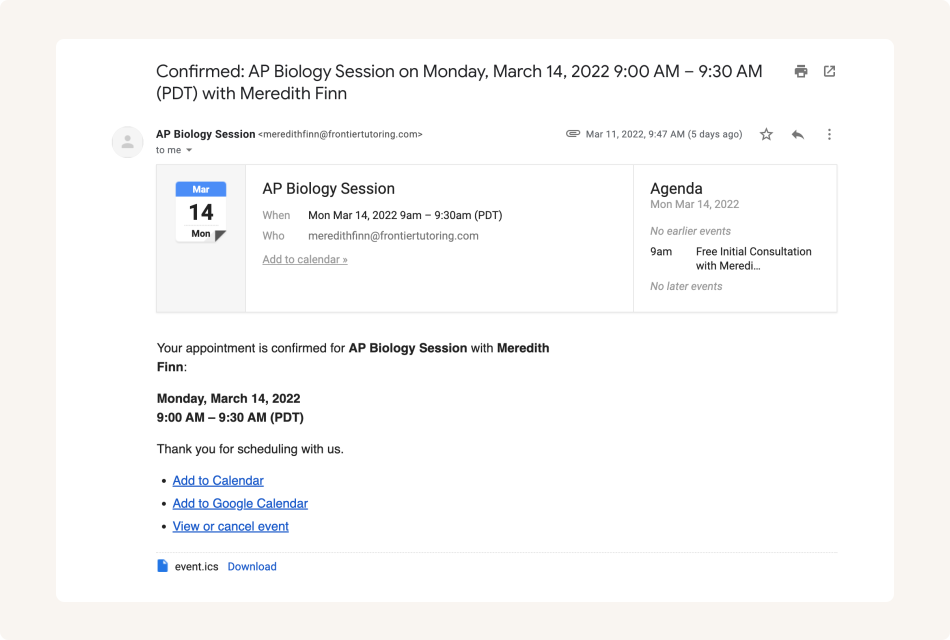
Send white label automatic email notifications to keep students informed
Control how your tutoring services get booked
You can get a bird's eye-view of all scheduled classes on the admin dashboard, cancel or reschedule classes, and allocate tutoring resources more efficiently.
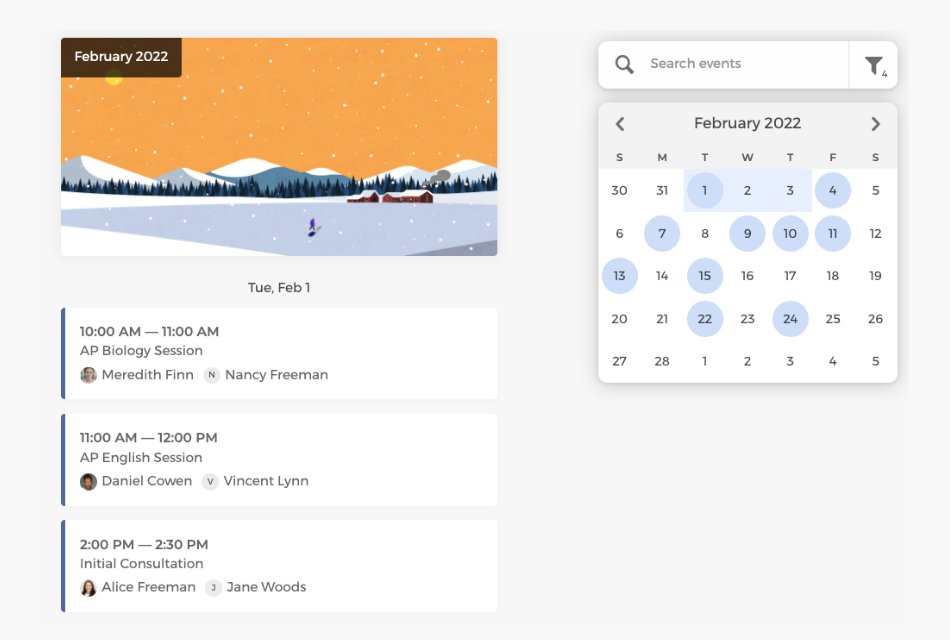
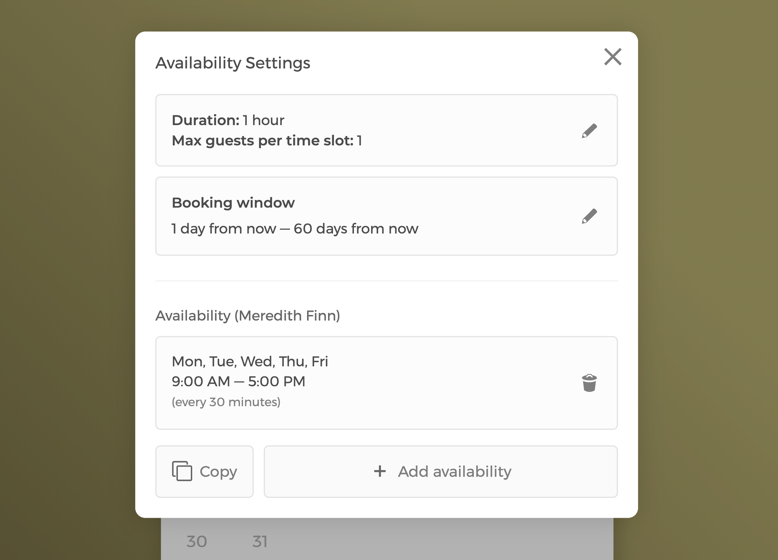
Manage service settings and team availability
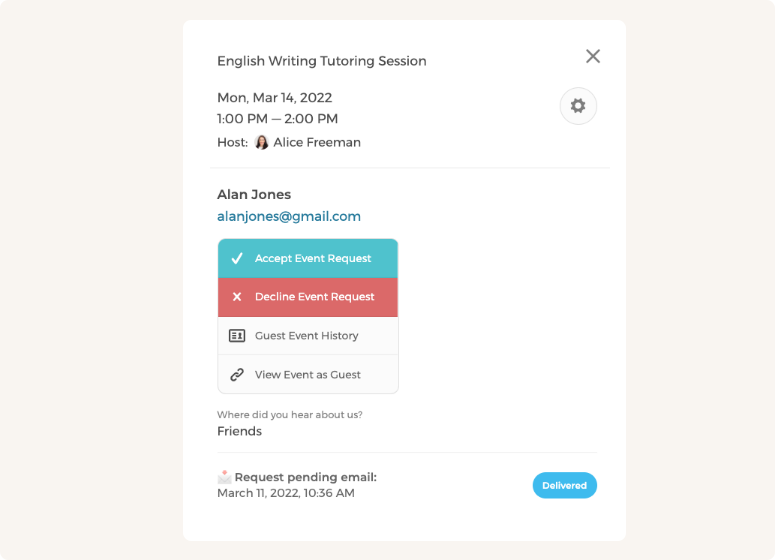
Manually approve or decline class requests
Customize your tutoring team's scheduling flow to maximize class bookings
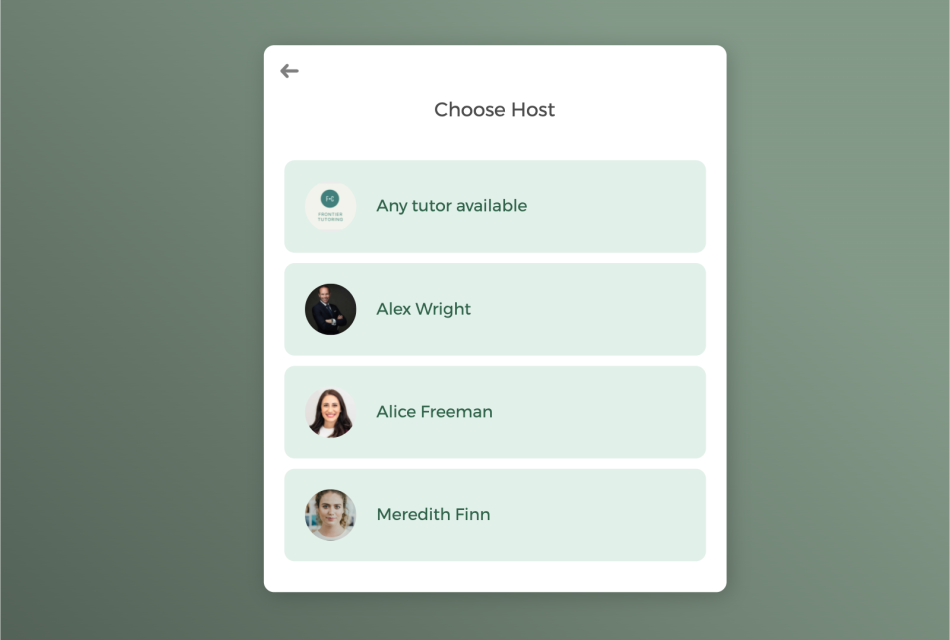
With a team of teachers, booked classes can be auto-assigned to tutoring staff in a round-robin manner or let students select a specific tutor.
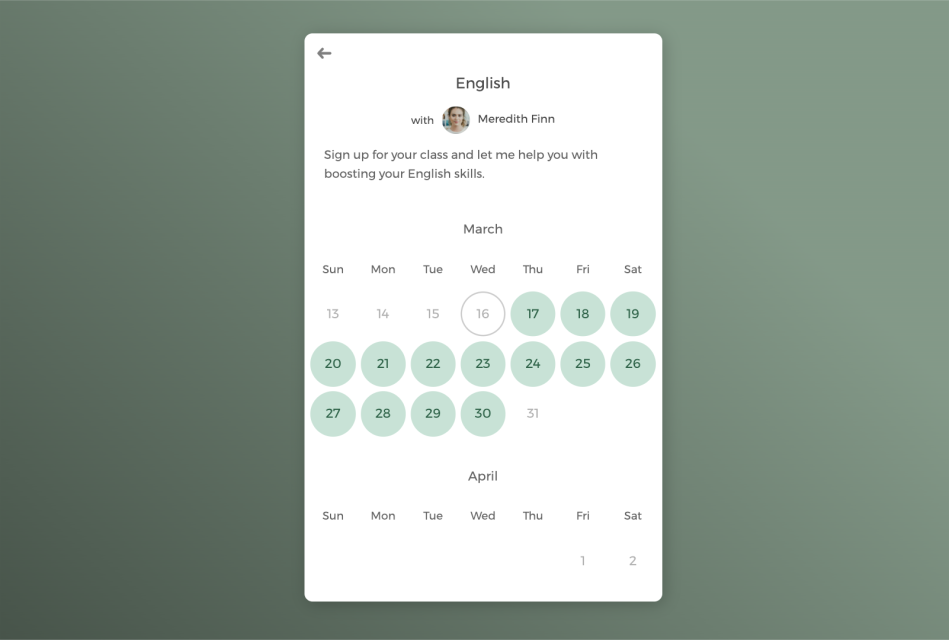
Host one-on-one tutoring sessions or group classes
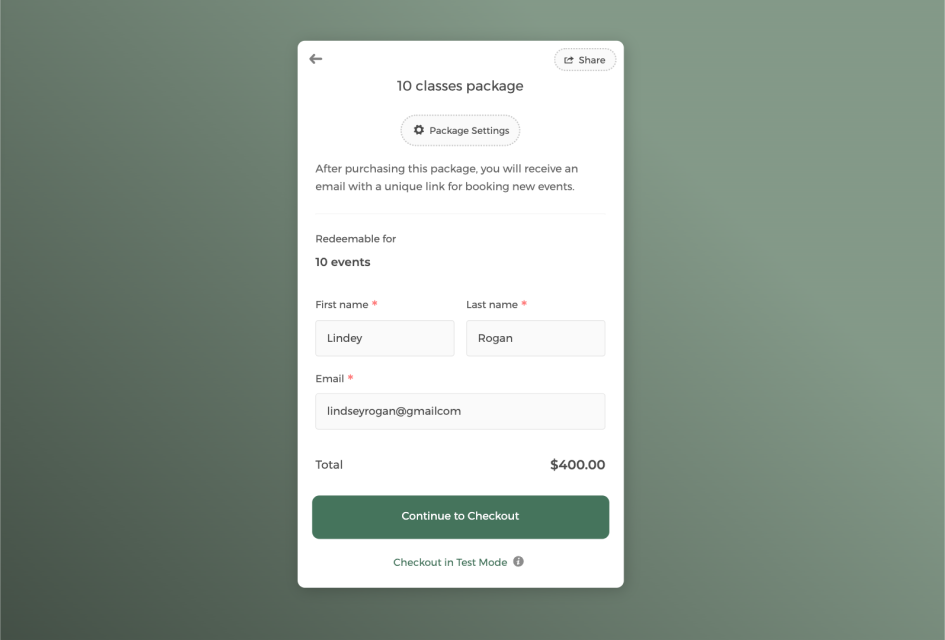
Sell classes in package to boost revenue and keep students engaged
Power up your tutor scheduling software with integrations
Connect CozyCal with apps your are already using to create automated workflows that increase efficiency and reduce overhead task switching.
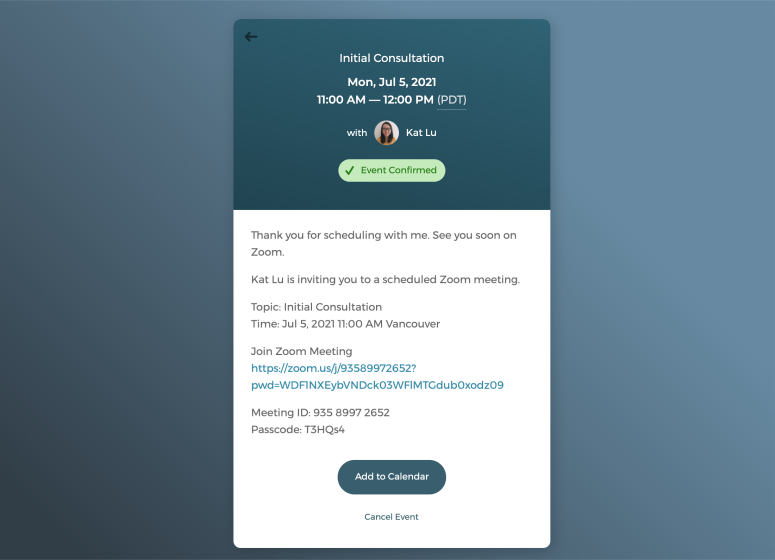
Offer virtual tutoring sessions with just one click
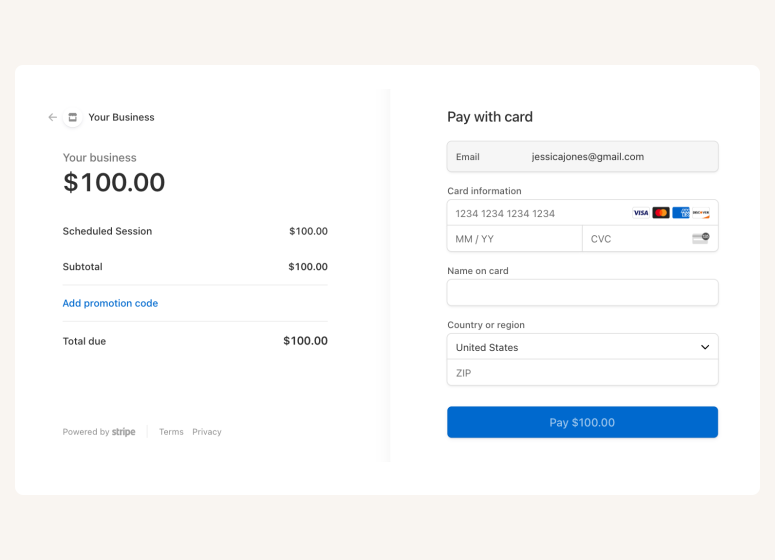
Accept online payments securely through Stripe







Questions & Answers
Have more questions? Contact us at support@cozycal.com
What types of tutoring businesses can use CozyCal?
CozyCal works for independent tutors, tutoring centers, language instructors, test prep services, and academic coaching businesses. Whether you're offering one-on-one sessions, group classes, or virtual tutoring, CozyCal provides the tools to manage bookings, collect student information, and accept payments, all from one platform.
Can students book their own tutoring sessions?
Yes. CozyCal lets students (or parents) self-schedule sessions through your booking page. You can embed a "Book Now" button or booking widget directly on your website, or share direct links via email, text, or social media. Students can view available time slots, select a session, fill out intake forms, and pay—all without back-and-forth communication.
Can students schedule recurring sessions?
Not yet. Currently, students book individual sessions one at a time. Recurring session scheduling is on our roadmap and will be available in a future update. In the meantime, you can use session packages to encourage ongoing bookings, students purchase multiple sessions upfront at a discounted rate and redeem them as they go.
Can I accept payments for tutoring sessions?
Yes. CozyCal integrates with Stripe to accept secure online payments directly on your booking page. You can set pricing for each session type, offer coupons and discounts, and add optional extras during checkout.
Can I sell session packages?
Yes. CozyCal's package booking feature lets you create bundles of one or more sessions at a discounted rate and get paid upfront. Students can redeem their purchased sessions over time. You can customize package receipts to thank students and create special promotions for loyal clients.
Can I offer virtual tutoring sessions?
Absolutely. CozyCal integrates with Zoom and Google Meet to automatically generate unique video conference links for each booking. The meeting link is included in confirmation and reminder emails, so students can join with one click with no manual link sharing required.
Can I collect student information before sessions?
Yes. CozyCal's customizable intake forms let you collect essential details during booking, such as contact information, academic needs, grade level, subjects, or specific topics to cover. This information syncs to your calendar event and is stored in your client database, helping you prepare tailored lesson plans.
Can I review booking requests before confirming them?
Yes. CozyCal's event request feature lets you screen bookings before they're confirmed. You can review the student's intake form information and then manually approve or decline the request. This gives you full control over who gets on your schedule.
Can I use my own branding?
Yes. CozyCal offers white-label options including custom booking page URLs, branded email notifications sent from your own domain, and the ability to remove CozyCal branding. This helps maintain a consistent, professional look for your tutoring business.
Can I manage a team of tutors?
Yes. As an admin, you can get a bird's-eye view of all bookings, filter by tutor, and manage everyone's availability from a central dashboard. Individual tutors can also edit their own services and availability settings. You can configure session duration, padding time between sessions, and booking windows for each service type.
What integrations does CozyCal support?
CozyCal integrates with Google Calendar, Outlook Calendar, Stripe, Zoom, Google Meet, Google Analytics, and Zapier. Through Zapier , you can connect CozyCal with over 1,000 other apps to automate workflows, like sending booking data to a CRM or adding new students to your email list.
Can I track bookings and manage my student database?
Yes. CozyCal provides a centralized client database where you can search students, track session history, and export contact lists for newsletters or analytics. All intake form responses are stored alongside booking records for easy reference.