
Delightfully simple tour scheduling software
Empower clients to book tours anytime, anywhere with a delightful, all-in-one scheduling software.
Streamline your tour agency's scheduling flow and maximize bookings
Whether you are offering city bike tours or luxury train journeys, create an automated scheduling flow that showcases your tour options, enables clients to self-book tours, and purchase tickets at their convenience.
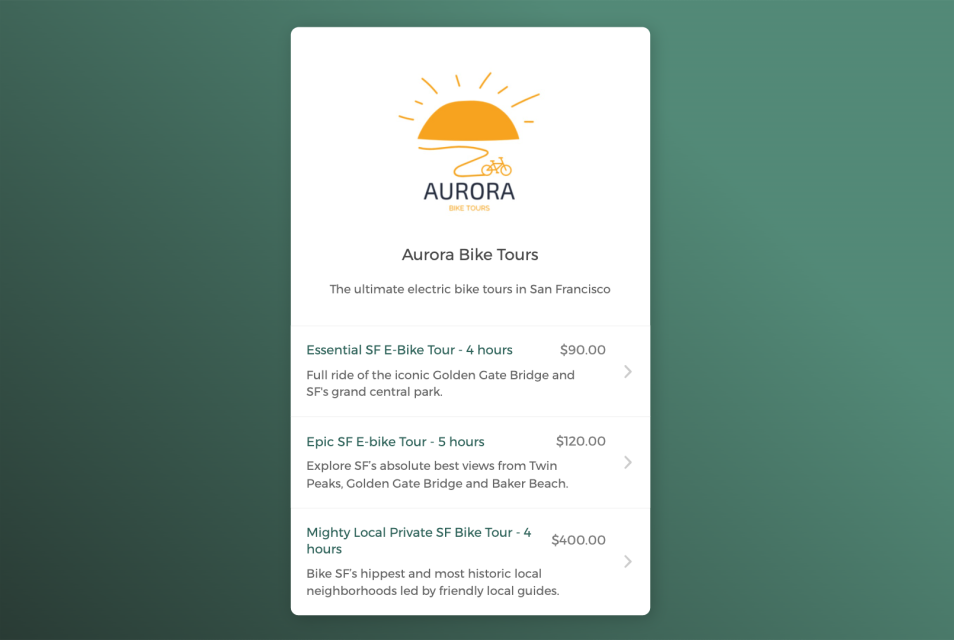

Empower clients to book tours on their own
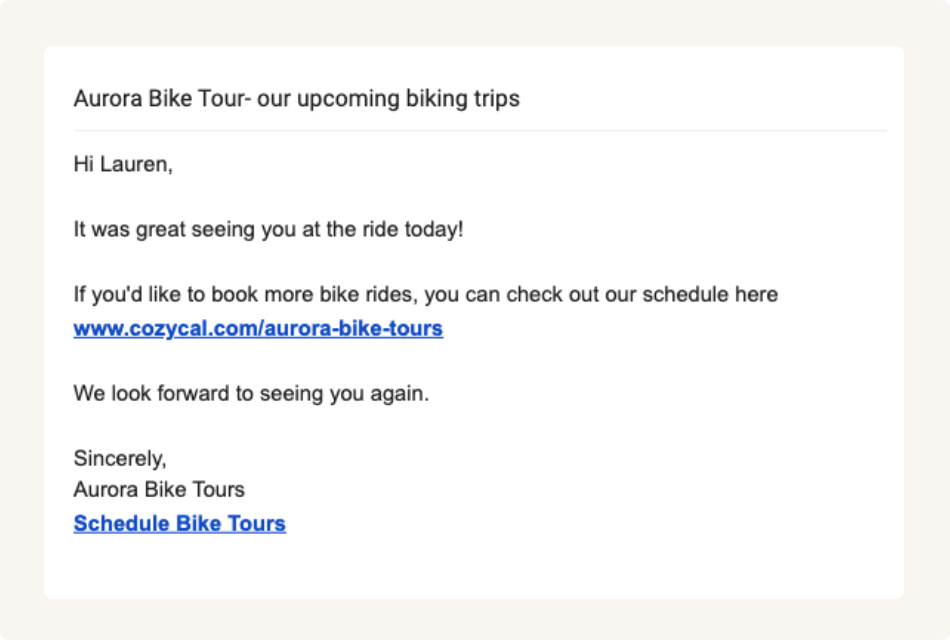
Share booking page links to accept tour bookings from multiple channels
Keep your tour schedule updated across multiple calendars
Connect with Google calendar or Outlook calendar to sync your tour schedule and availability across all calendars in real-time, eliminate double-bookings and manage tour sessions booking easily.
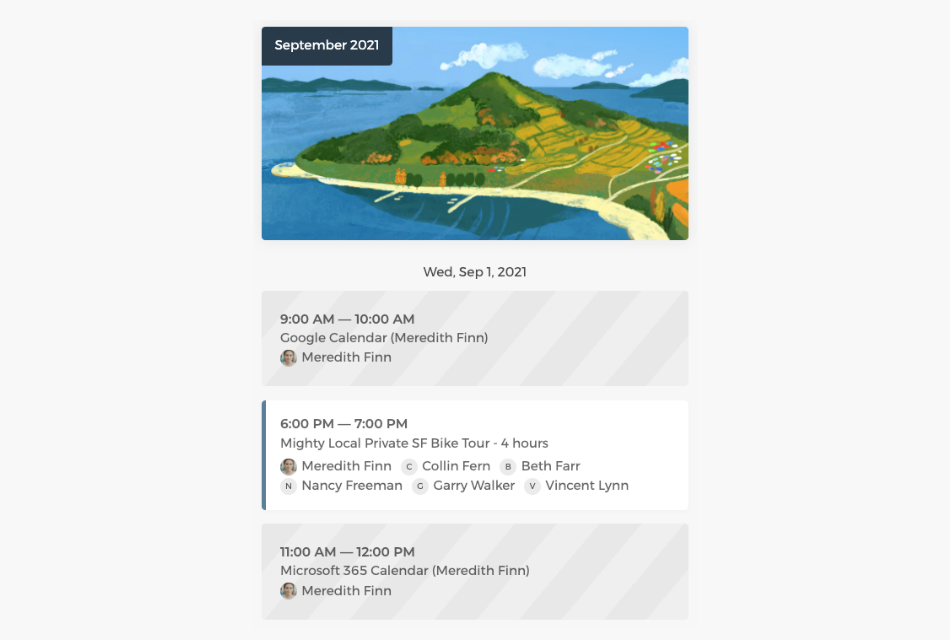
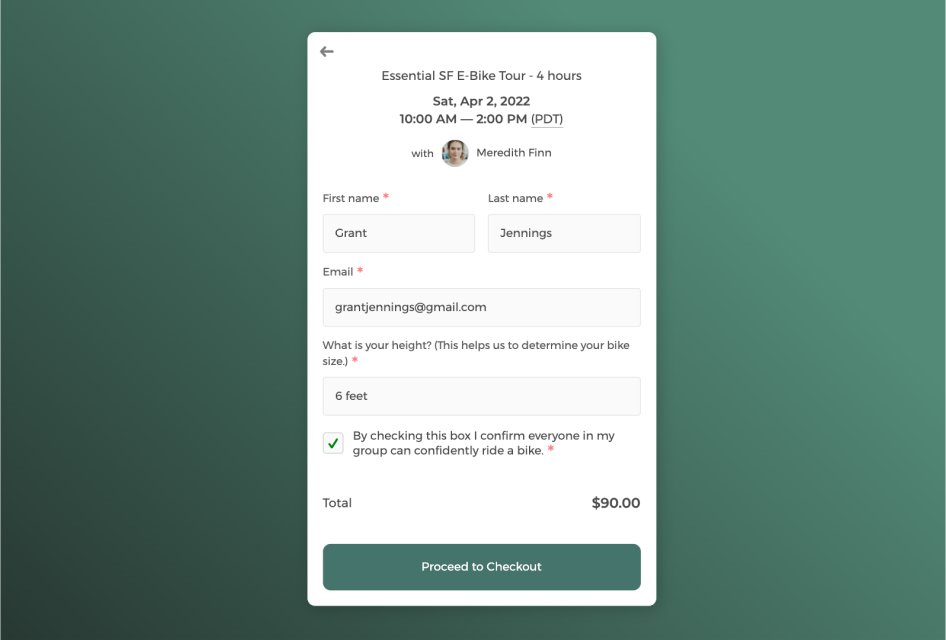
Customize intake form to collect information
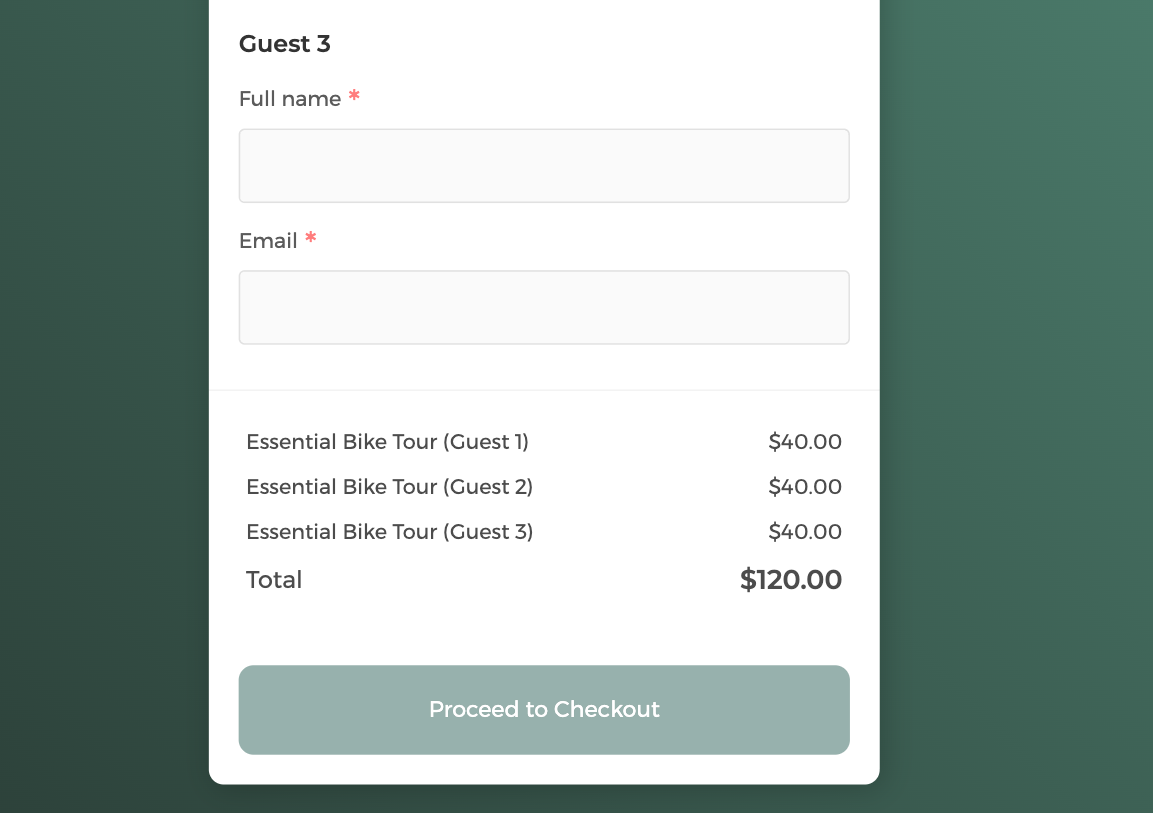
Book more with multi-guest scheduling
Control how your tours get booked with flexibility
Easily track all tour bookings on the admin dashboard, manage tour availability flexibly, and allocate staff resources more efficiently.
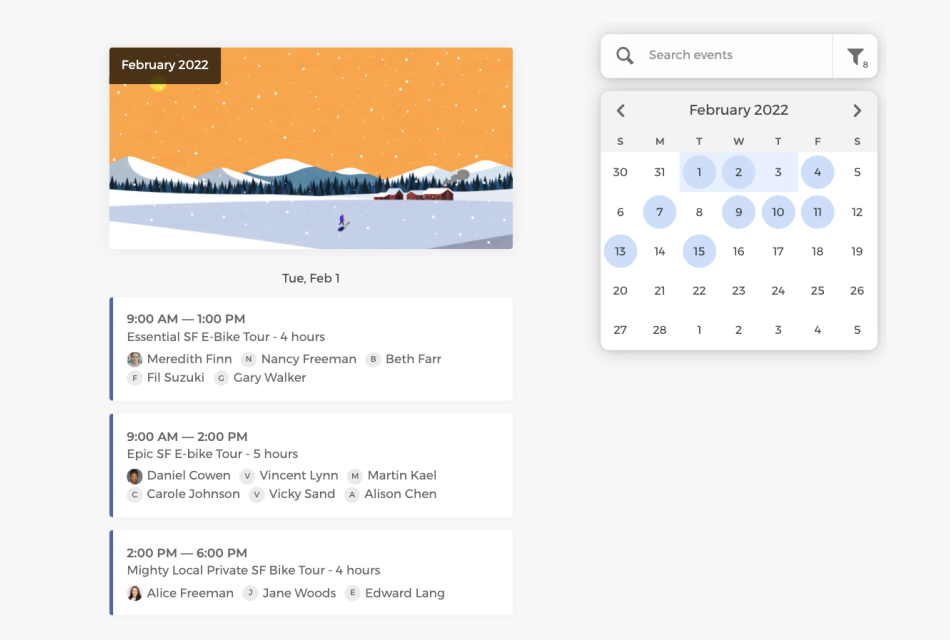
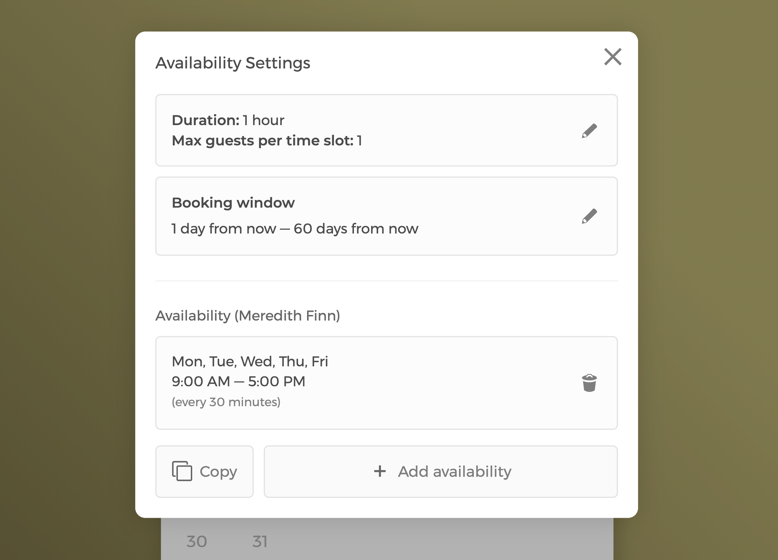
Manage availability settings with flexibility
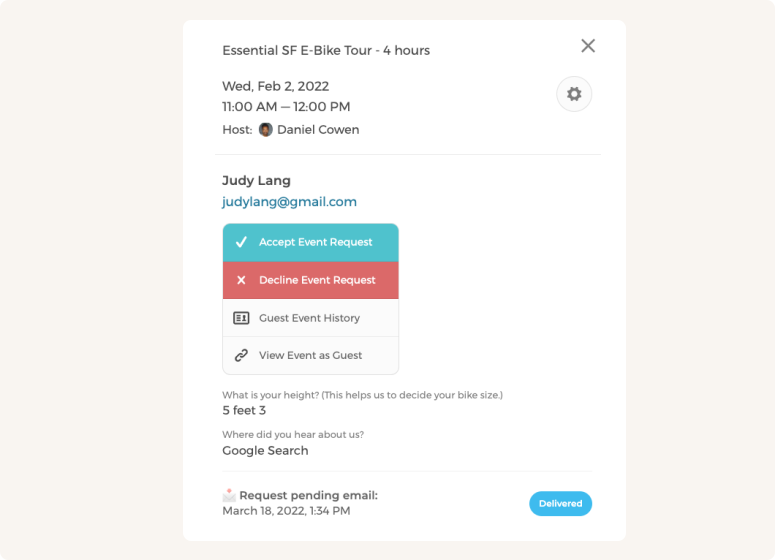
Manually approve or decline tour requests
Customize CozyCal to fit your tour agency's scheduling needs
With a team of tour guides, booked trips can be auto-assigned to staff in a round-robin manner or let clients select a specific tour guide of their own preference.
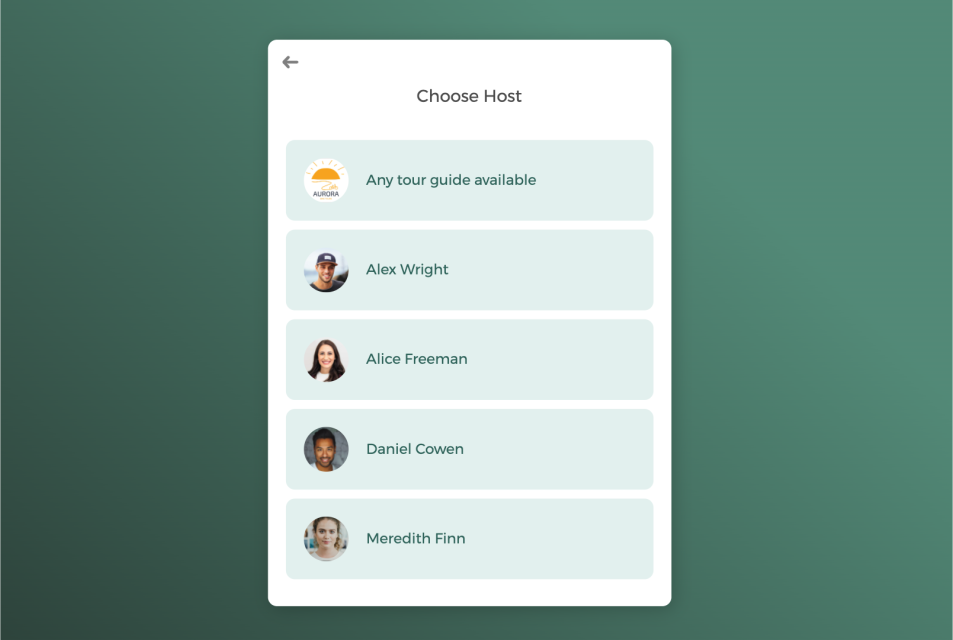
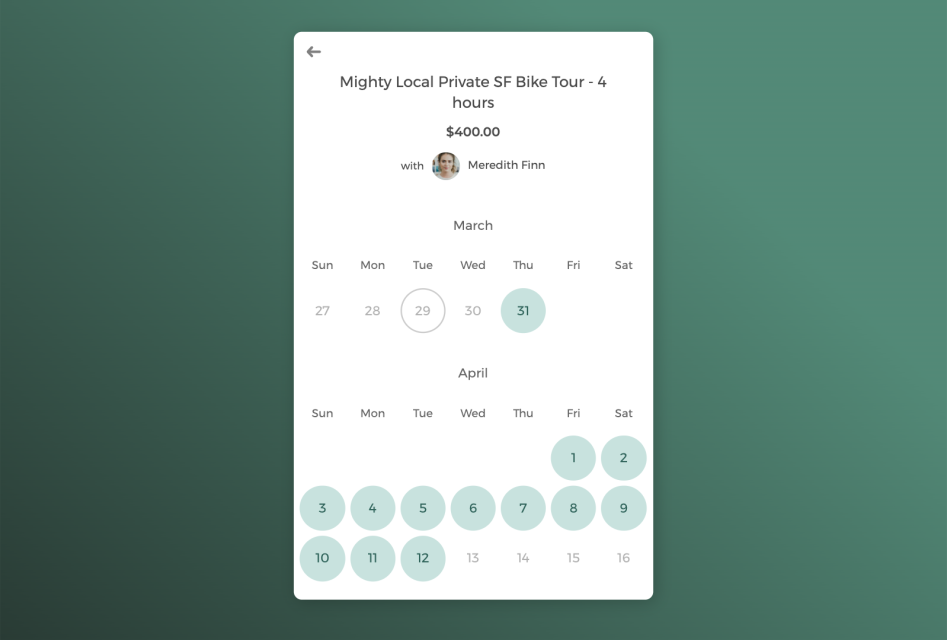
Host private one-on-one tour guide or group tours
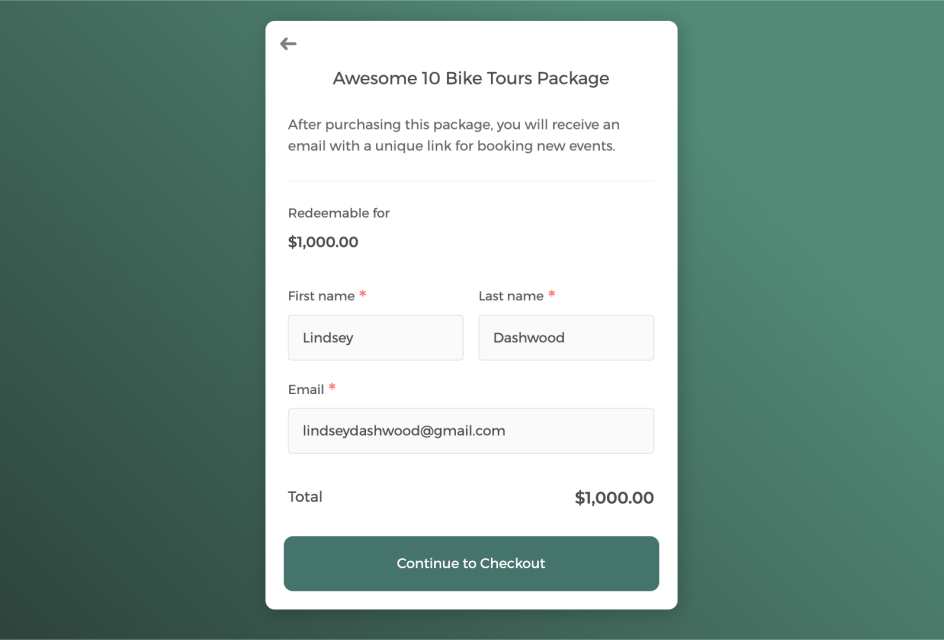
Sell tours in package to boost revenue and keep clients engaged
Power up your tour scheduling software with integrations
Connect CozyCal with apps your are already using to create automated workflows that increase efficiency, reduce overhead burden and plan the best excursions for your clients.
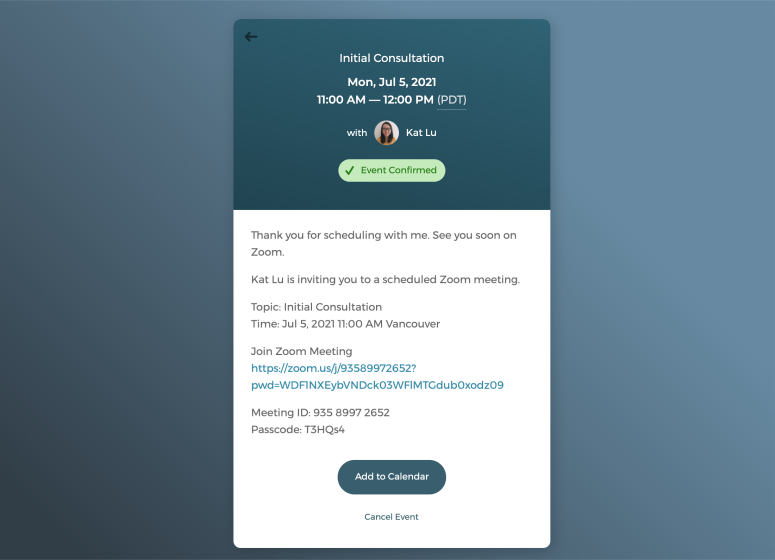
Host virtual events with just one click
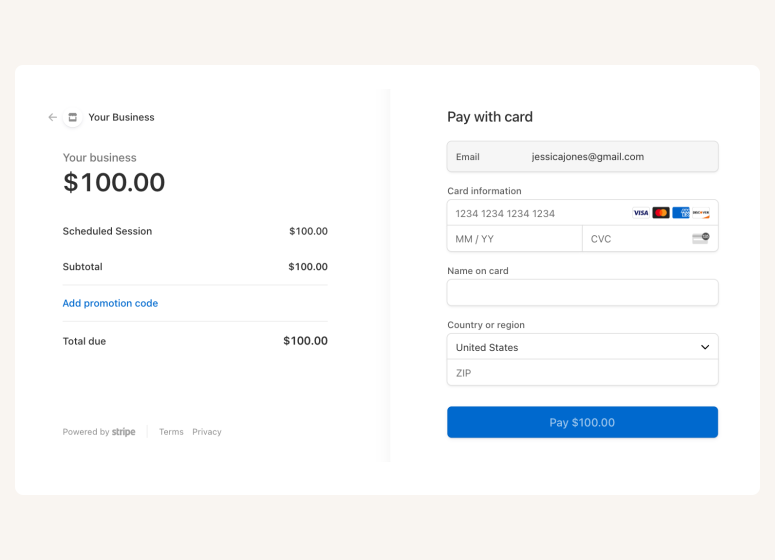
Accept online payments securely through Stripe







Questions & Answers
Have more questions? Contact us at support@cozycal.com
What types of tour businesses can use CozyCal?
CozyCal works for a wide range of tour operations, from city walking tours and bike rentals to food tours, boat excursions, and luxury travel experiences. Whether you're a solo tour guide or run a team of guides offering multiple tour options, CozyCal provides the scheduling tools to showcase your tours, accept bookings, and manage your calendar, all from one platform.
Can customers book and pay for multiple guests in one transaction?
Yes. CozyCal's multi-guest booking feature allows one person to book and pay for multiple attendees through Stripe in a single transaction. This is ideal for families, corporate groups, or friends traveling together. You can set limits on how many guests one person can book at once while maintaining your overall tour capacity.
How many guests can book a single tour time slot?
CozyCal supports up to 500 guests per time slot, making it suitable for everything from small private tours to large group excursions. You control the maximum capacity for each tour, and once that limit is reached, the time slot automatically becomes unavailable for further bookings.
Does CozyCal support multi-day tours?
Yes, but with a specific setup. CozyCal supports multi-day tours where the host defines the fixed start and end dates in advance. Guests cannot select their own date range when booking—they choose from the pre-set multi-day tour options you've created. This works well for scheduled group treks, guided travel packages, or multi-day excursions that run on specific dates.
Can I accept payments for tour bookings?
Yes. CozyCal integrates with Stripe to accept secure online payments directly on your booking page. You can set pricing for each tour type, offer coupons and discounts, add optional extras during checkout, and sell tour packages at discounted rates for customers who book multiple trips at once.
Can I offer tour packages or bundle deals?
Yes. CozyCal's package booking feature lets you create bundles of one or multiple tour trips at a discounted rate. Customers pay once for the package and can redeem their sessions over time. You can customize package receipts to thank customers and reward loyal clients with different tour combinations.
How do I prevent double-bookings and manage my schedule?
CozyCal syncs in real-time with Google Calendar and Outlook Calendar, automatically updating your availability across all connected calendars. This eliminates double-bookings and makes it easy to manage tour sessions alongside your personal schedule.
Can I assign tours to specific guides on my team?
Yes. If you have multiple tour guides, CozyCal can automatically assign bookings using round-robin scheduling to distribute work evenly. Alternatively, you can let customers select their preferred guide when booking. Admins can view all bookings across the team and manage everyone's availability from a central dashboard.
Can I host virtual tours?
Absolutely. CozyCal integrates with Zoom and Google Meet to automatically generate unique video conference links for virtual tour experiences. The meeting link is included in confirmation and reminder emails, so guests can join with one click, no manual link sharing required.
How do customers find and book my tours?
You can embed a booking widget or "Book Now" button directly on your website, keeping customers on your site throughout the booking process. You can also share direct URLs to your booking page or specific tour types via email, text messages, and social media. Customers can view tour options, check availability, fill out forms, and pay, all in one flow.
Can I collect guest information before the tour?
Yes. CozyCal's customizable intake forms let you collect essential details during booking, such as contact information, group size, dietary restrictions, mobility requirements, or any tour-specific questions. This information syncs to your calendar event and is stored in your client database for easy reference.
How does CozyCal help reduce no-shows?
CozyCal sends automated email reminders before each tour to keep bookings top-of-mind for guests. SMS text message reminders are also available for customers in the US and Canada at no extra cost. Requiring full payment at the time of booking also helps increase commitment.
Can I use my own branding?
Yes. CozyCal offers white-label options including custom booking page URLs, branded email notifications sent from your own domain, and the ability to remove CozyCal branding. This helps maintain a consistent, professional look across all customer touchpoints.
What integrations does CozyCal support for tour operators?
CozyCal integrates with Google Calendar, Outlook Calendar, Stripe, Zoom, Google Meet, Google Analytics, and Zapier. Through Zapier , you can connect CozyCal with over 1,000 other apps to automate workflows like sending booking data to a CRM or adding new customers to your email list.
Can I track bookings and manage my client database?
Yes. CozyCal provides an admin dashboard where you can view all tour bookings, filter by guide or tour type, and manage availability. You also have access to a centralized client database where you can search guests, track booking history, and export contact lists for newsletters or analytics.