
Best school scheduling software
Empower students, parents and teaching staff to schedule events and meetings anytime, anywhere with a delightful, all-in-one scheduling software.
Build a simple to use scheduling flow to run school events
Whether your school is running parent-teacher conferences, planning educational workshops or running campus tours, create a customized booking page that showcases events, let guests self-schedule meetings, and reduces administrative burden.
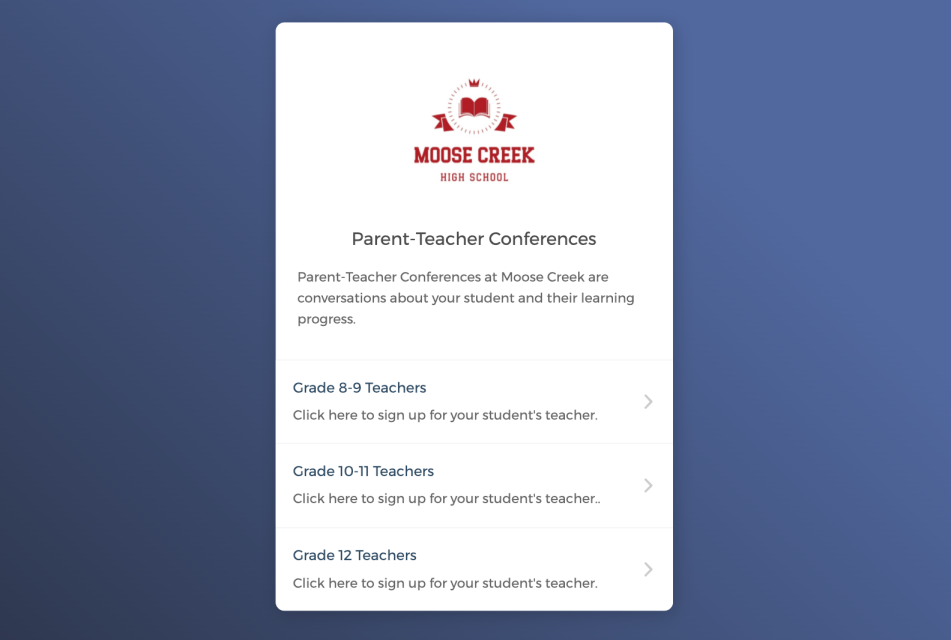

Let students and parents self-schedule meetings around the clock
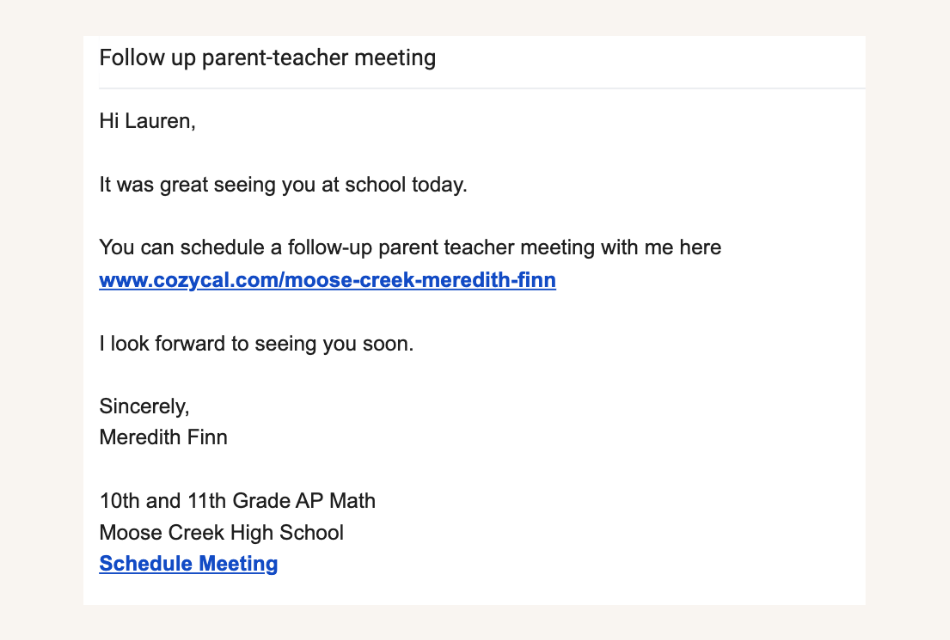
Share booking page links to accept bookings from multiple channels
Stay organized by keeping your schedule updated across multiple calendars
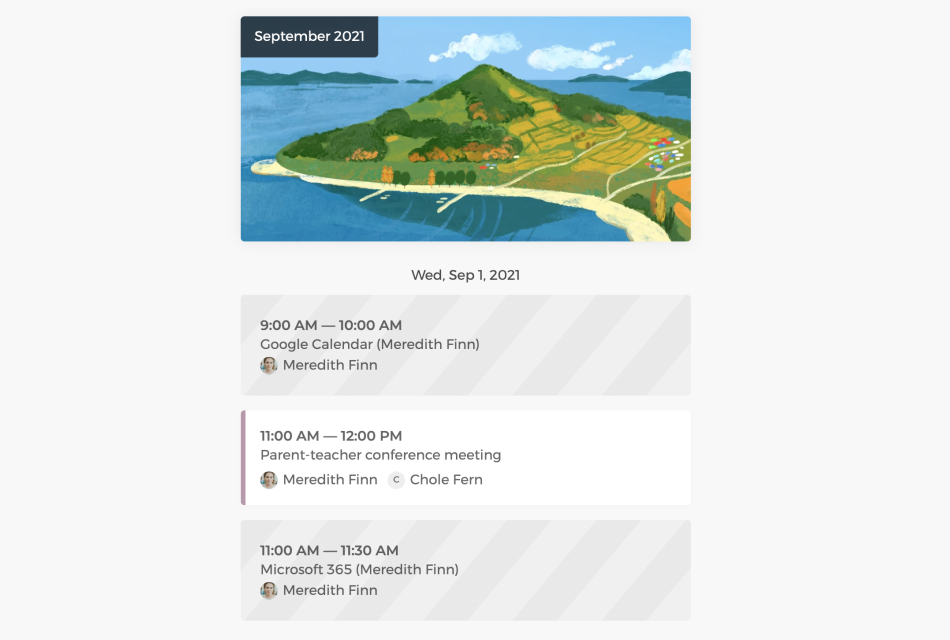
Connect with Google calendar or Outlook calendar to sync your personal schedule and working hours across all calendars, eliminate double-bookings and manage appointments easily.
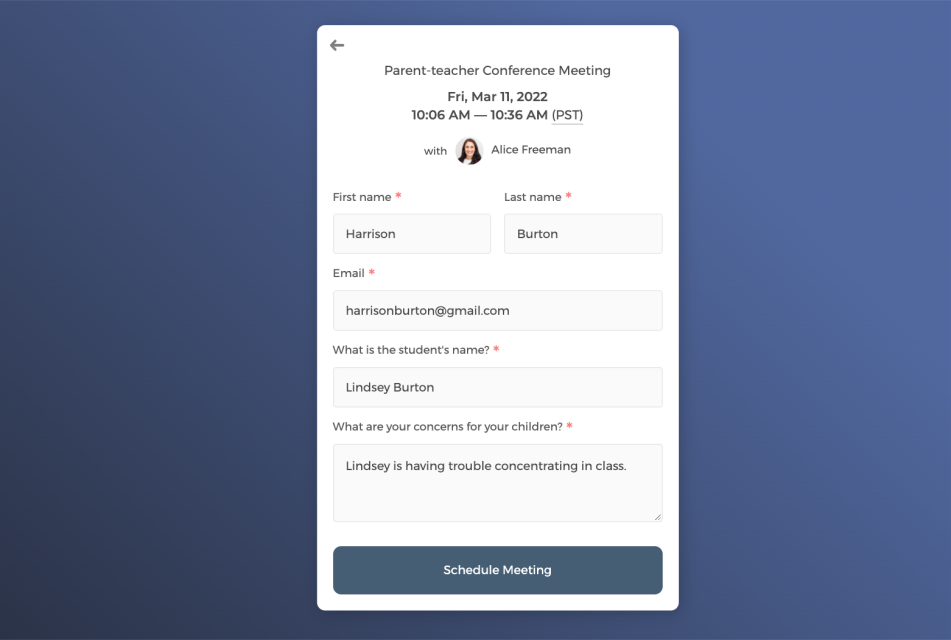
Collect guest information through intake form
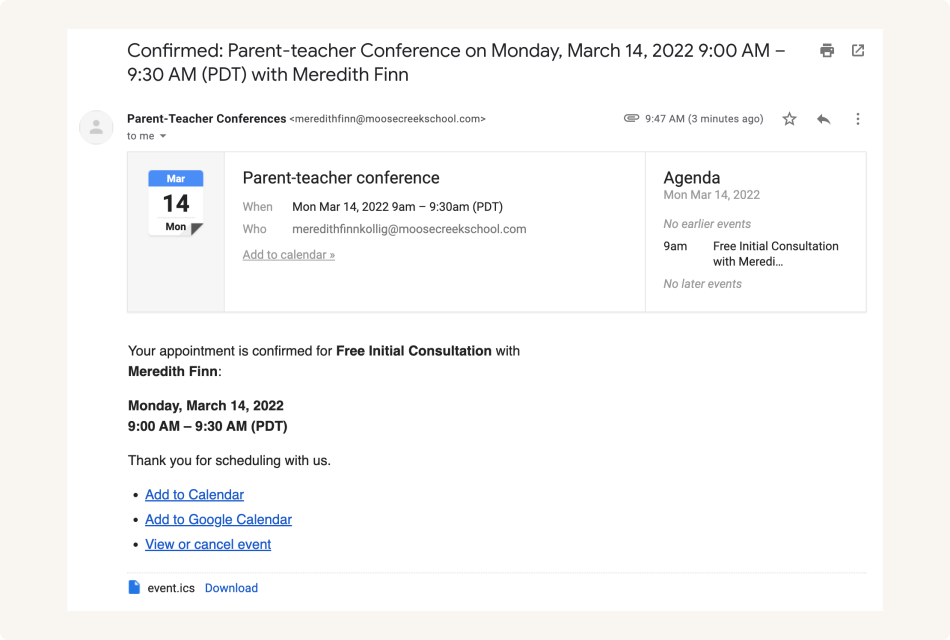
Send white label automatic email notifications to keep guests informed
Control how your school and teachers are booked
As the admin, you can get a bird's eye-view of all scheduled events, cancel or reschedule meetings, and allocate teaching resources more efficiently.
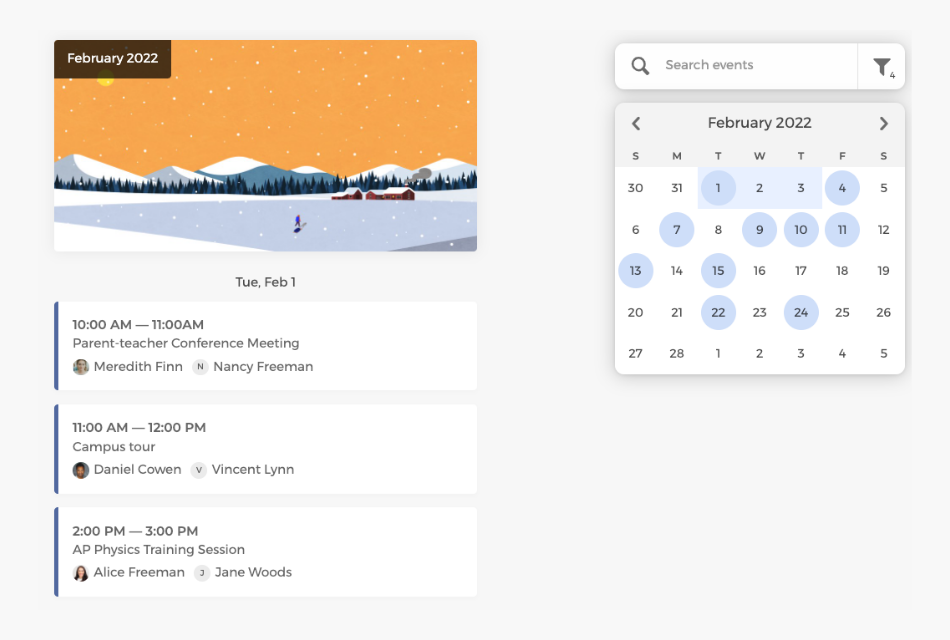
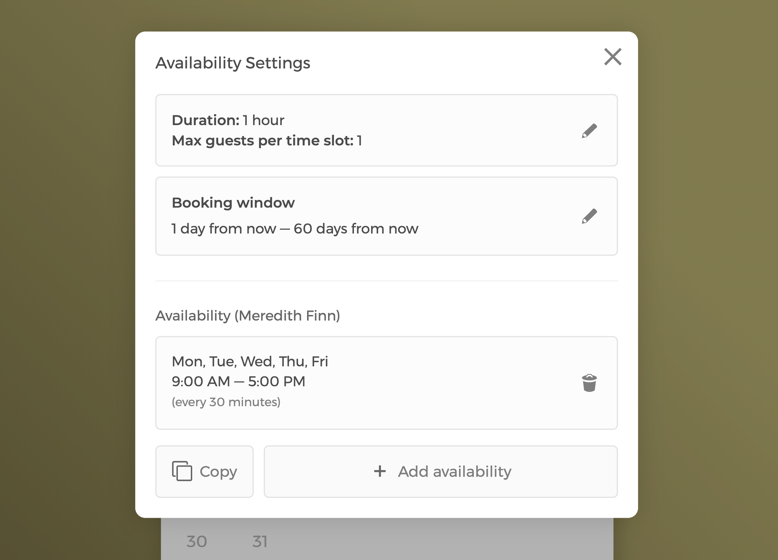
Manage event settings and team availability
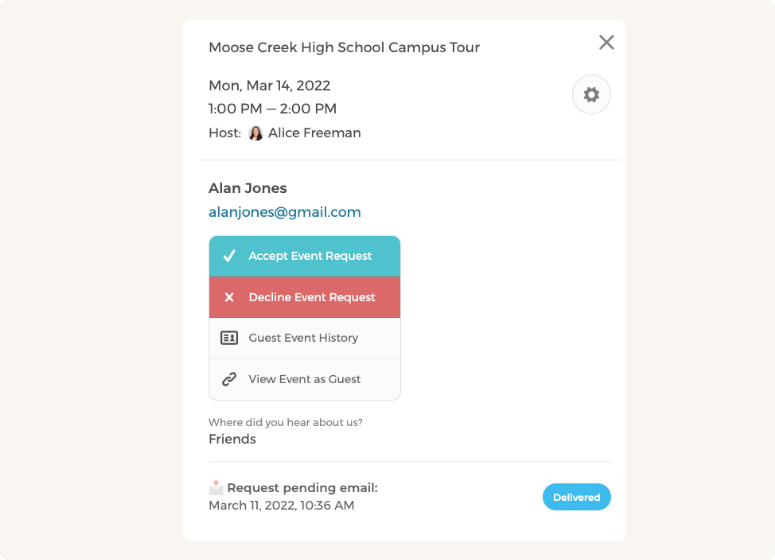
Manually approve or decline appointment requests
Customize CozyCal to fit your school's scheduling needs
With a team of teachers, booked sessions can be auto-assigned to staff in a round-robin manner or let students and parents select a specific teacher.
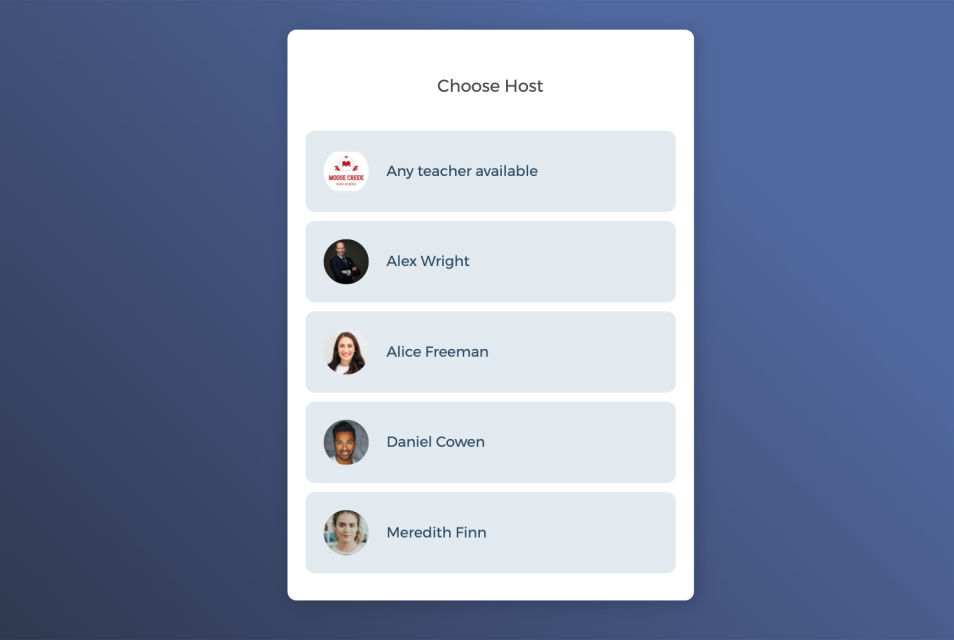
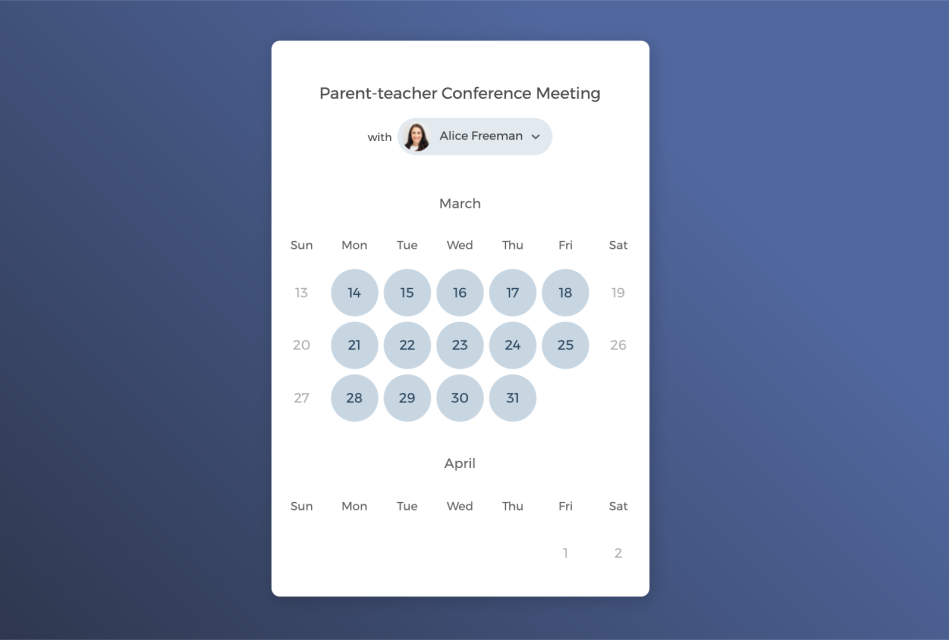
One-on-one appointments with select teachers

Host group events by accepting multiple bookings
Power up your school scheduling software with integrations
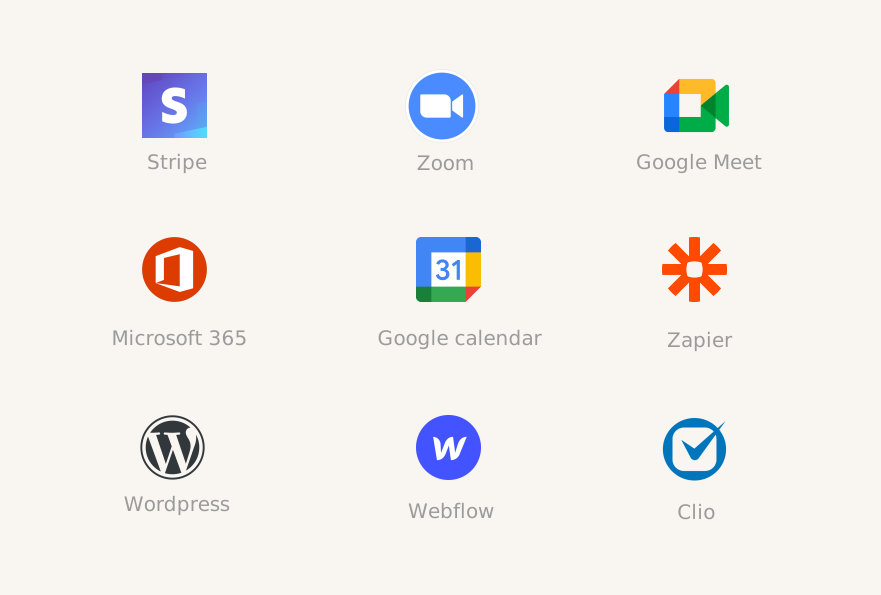
Connect CozyCal with apps your school is already using to create automated workflows that increase efficiency and reduce overhead task switching.
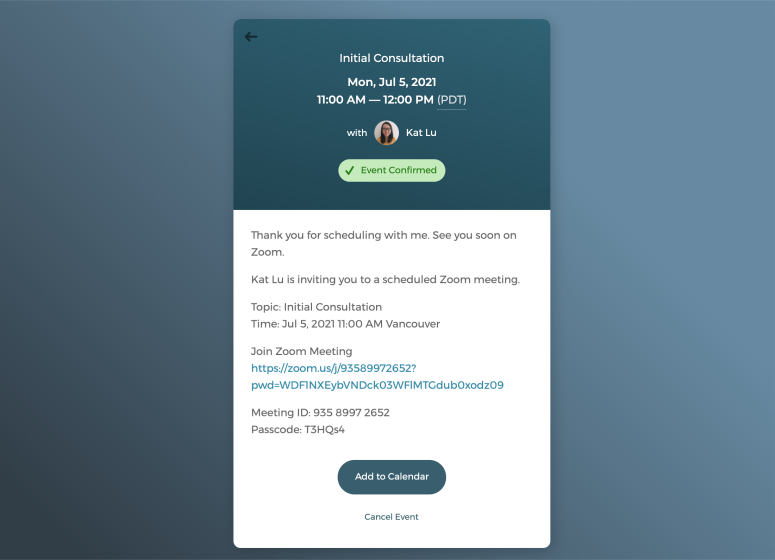
Offer virtual sessions with just one click
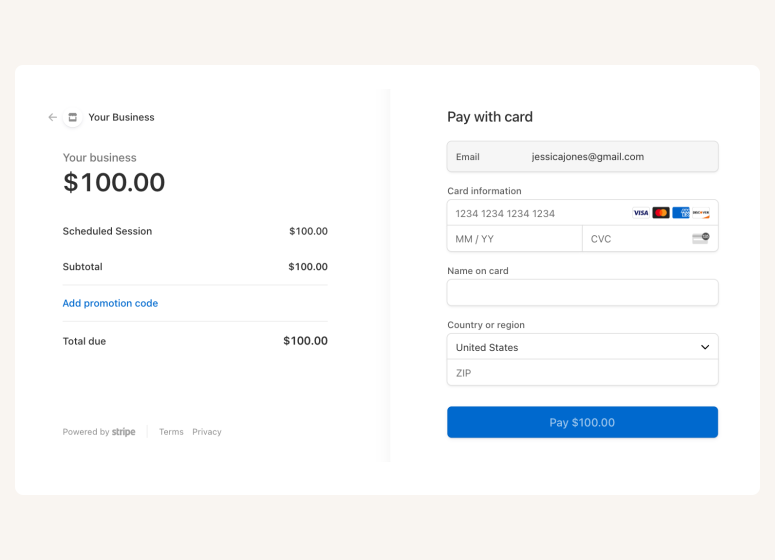
Accept online payments securely through Stripe







Questions & Answers
Have more questions? Contact us at support@cozycal.com
What can schools use CozyCal for?
CozyCal helps schools streamline scheduling for parent-teacher conferences, campus tours, educational workshops, staff meetings, student coaching sessions, and school events. It's designed to reduce administrative burden by letting guests self-schedule and automating confirmations and reminders.
How does CozyCal help with parent-teacher conferences?
Parents can view each teacher's availability and book their own conference slots through your booking page with no more paper sign-up sheets or back-and-forth emails. Teachers set their available times, and CozyCal handles the rest: confirmations, reminders, and calendar updates. A single time slot can also accommodate group conferences with multiple attendees if needed.
Can CozyCal handle large-scale school events or conferences?
Yes. CozyCal supports up to 500 attendees per time slot, making it suitable for workshops, orientations, and large group sessions. For events requiring multiple staff members, you can pool availability across hosts using multi-host collective scheduling. Guests see combined availability and book a time that works for everyone involved. Real-time calendar syncing prevents double-bookings, and automated confirmations and reminders keep both staff and attendees informed. See how Georgetown University has used CozyCal to run their conference.
Can parents and students select a specific teacher?
Yes. Teachers can create personal booking pages or add their availability to a school-wide booking page. Parents and students can then check each teacher's schedule and pick a time that works for both parties.
Can booking guests add other recipients to meeting notifications?
Yes. When booking, guests can add additional email recipients to the scheduled meeting. This is useful when both parents want to receive confirmation and reminder emails, or when multiple family members or staff need to stay informed about the booking.
Can we collect information from parents or attendees before meetings?
Yes. Customizable intake forms let you gather details during booking—such as student name, topics to discuss, or special requests. This information syncs to the calendar event and is stored in your client database, helping teachers prepare for each meeting.
Can school administrators manage all bookings in one place?
Yes. Admins get a bird's-eye view of all scheduled events, can filter by teacher, cancel or reschedule meetings, and allocate teaching resources more efficiently. Individual teachers also have the freedom to edit their own availability and event settings.
Does CozyCal integrate with other tools our school uses?
CozyCal integrates with Google Calendar, Outlook Calendar, Zoom, Google Meet, Stripe (for paid events or workshops), Google Analytics, and Zapier. Through Zapier, you can connect CozyCal with other apps your school already uses to automate workflows and reduce manual tasks.