
Best personal training scheduling software
Give your clients the freedom to schedule training sessions with you anytime, anywhere with a delightful, all-in-one scheduling software.
Build a reliable online scheduling flow that takes bookings 24/7
Whether you are a performance personal trainer or a boot camp instructor, create a customized scheduling flow that showcases your training programs and enables clients to self-schedule classes and reduce administrative burden.
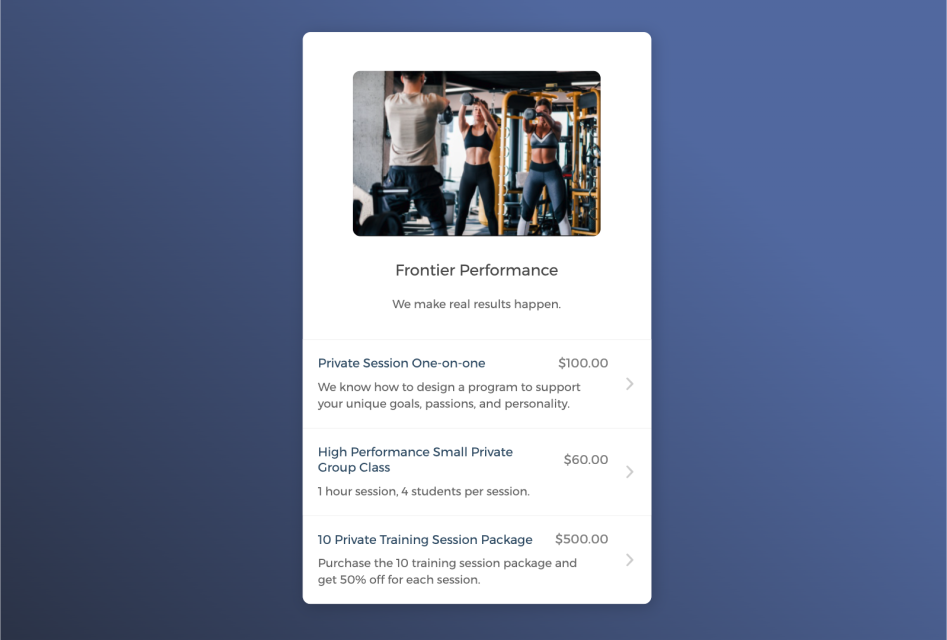

Empower clients to self-register classes 24/7
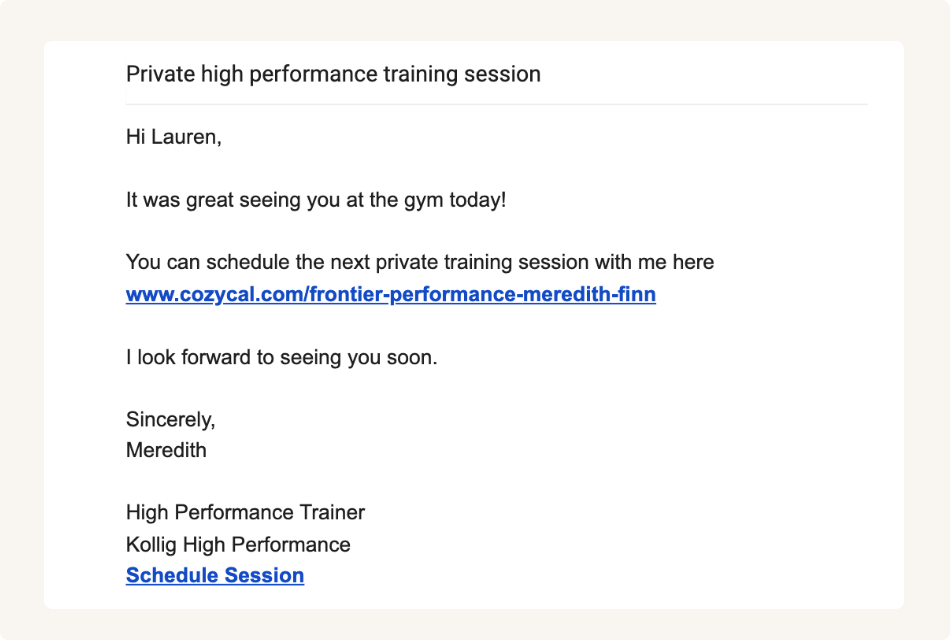
Share booking page links to accept bookings from multiple channels
Keep your personal trainer's schedule updated across multiple calendars
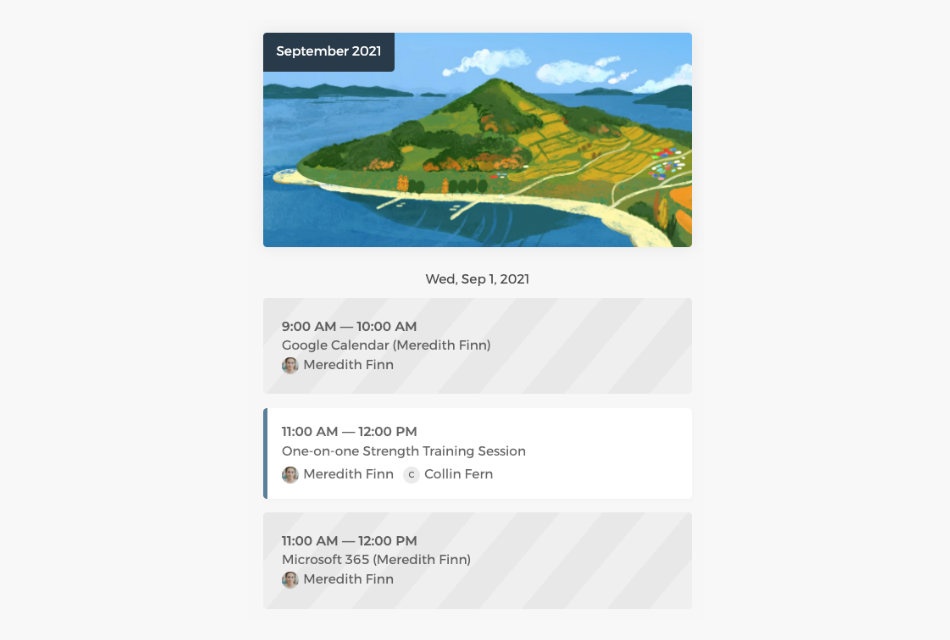
Connect with Google calendar or Outlook calendar to sync your training availability across all calendars in real-time, eliminate double-bookings and manage class scheduling easily.
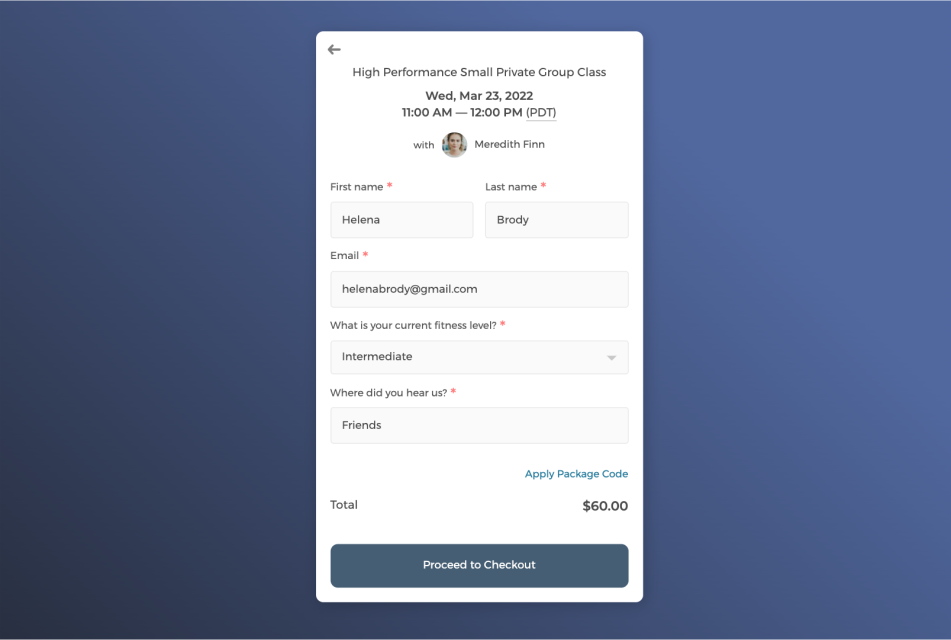
Customize intake form to collect client information
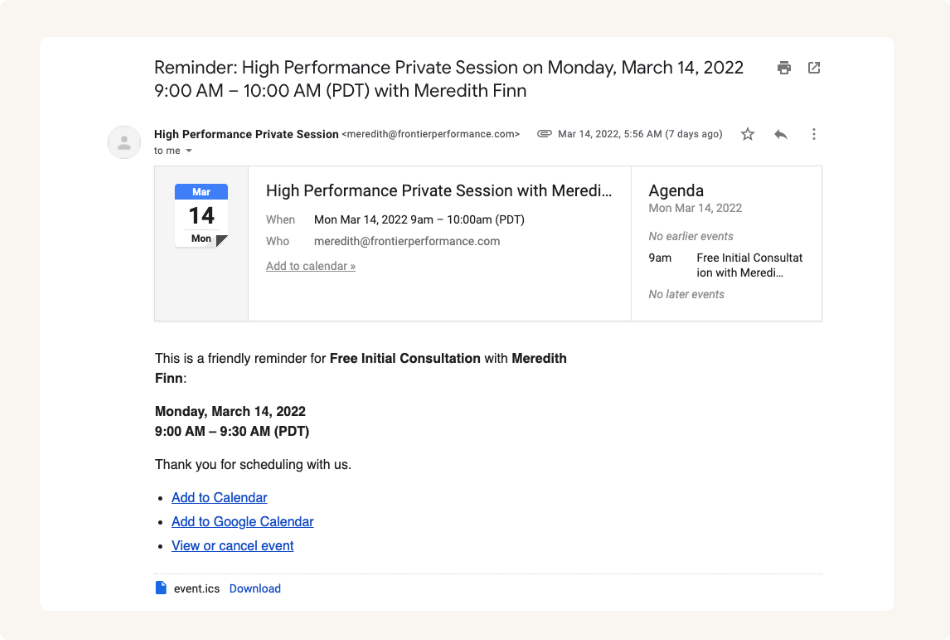
Send white label automatic email notifications to keep clients informed
Control how your personal trainers gets booked with flexibility
Track scheduled sessions across the entire team on the admin dashboard, manage trainer availability flexibly, and allocate staff resources more efficiently.
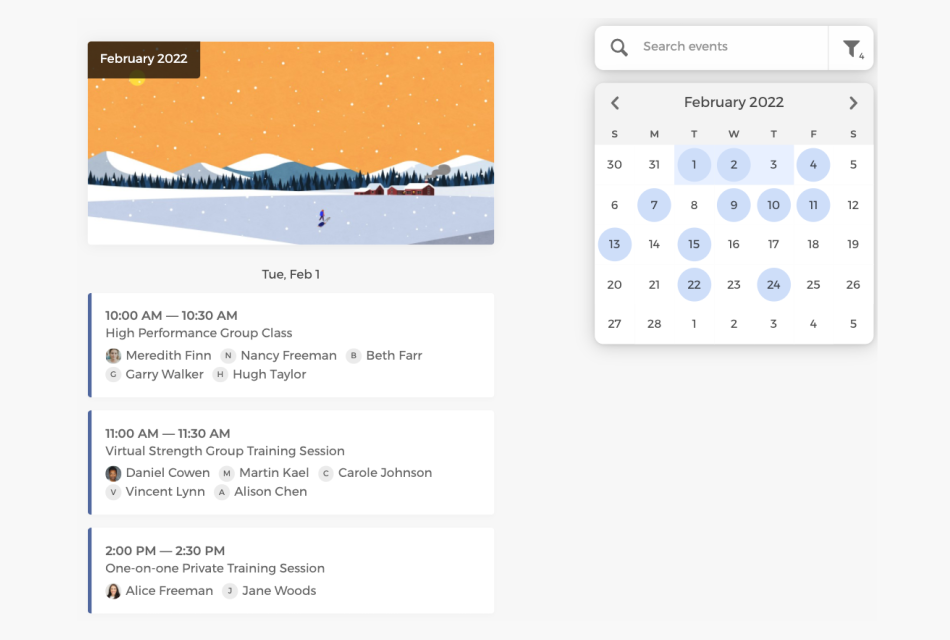
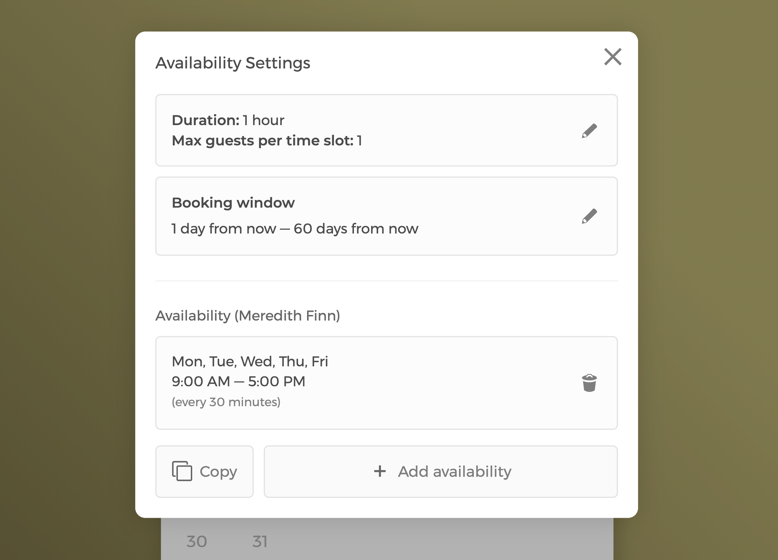
Manage class settings and team availability
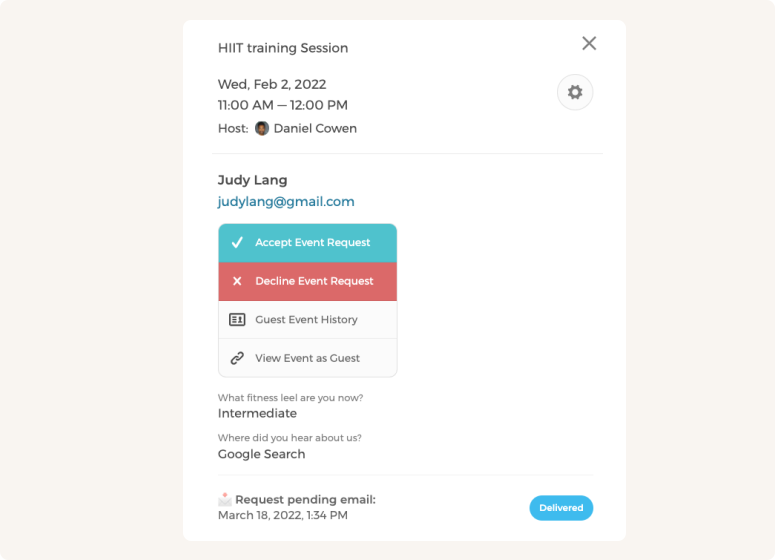
Manually approve or decline class requests
Customize CozyCal to fit your team's scheduling needs
With multiple personal trainers, booked sessions can be auto-assigned to staff in a round-robin manner or let clients select a specific trainer.
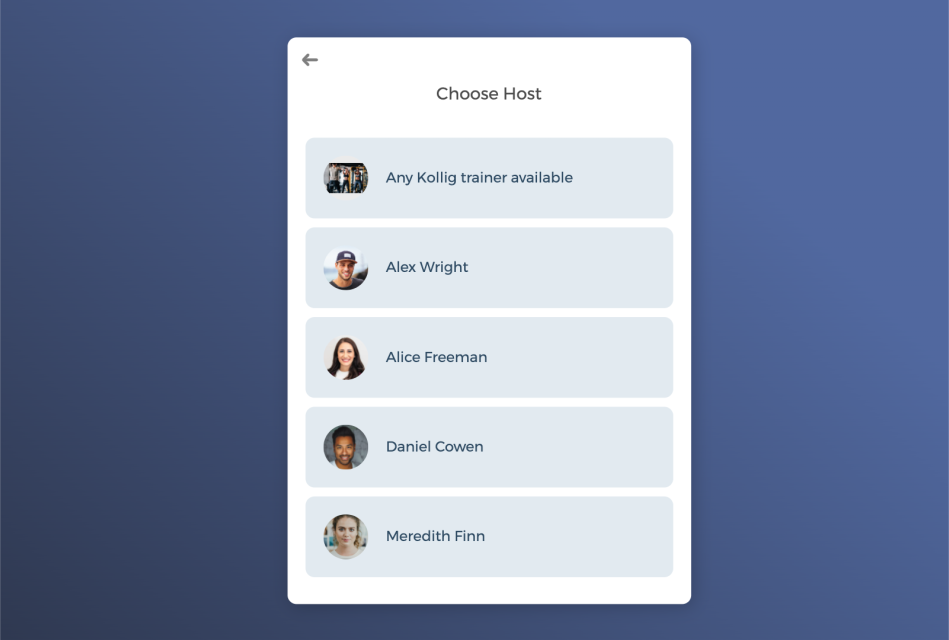
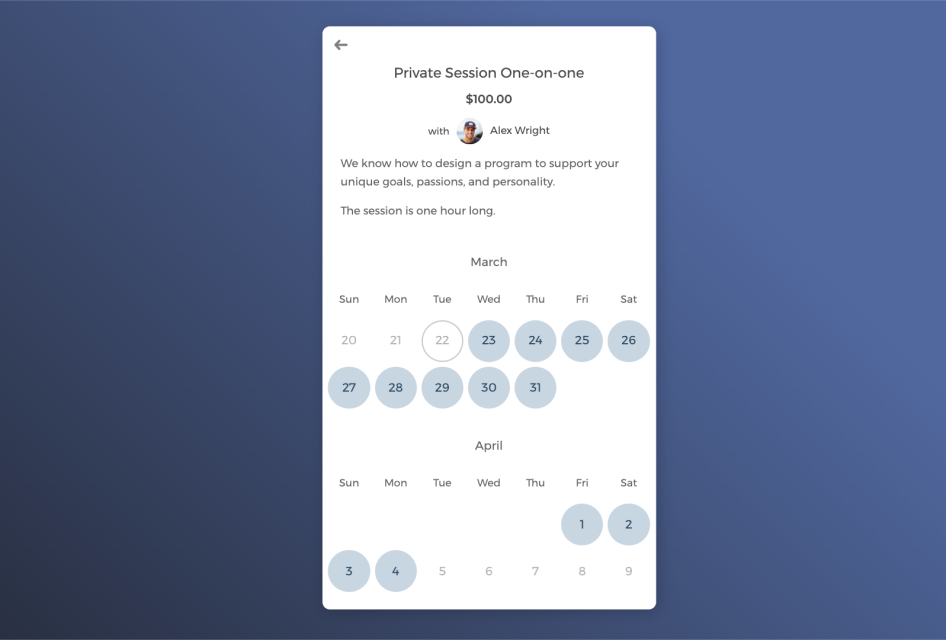
Host one-on-one training sessions or group classes
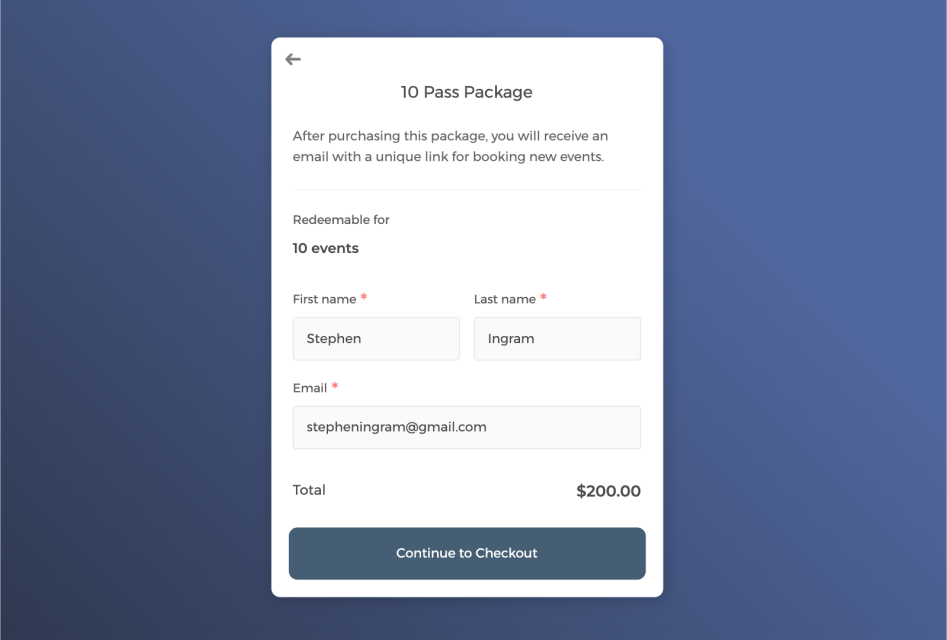
Boost revenue by selling packaged training sessions
Power up your personal training scheduling software with integrations
Connect CozyCal with apps your are already using to create automated workflows that increase efficiency, reduce overhead and foster a tight training community.
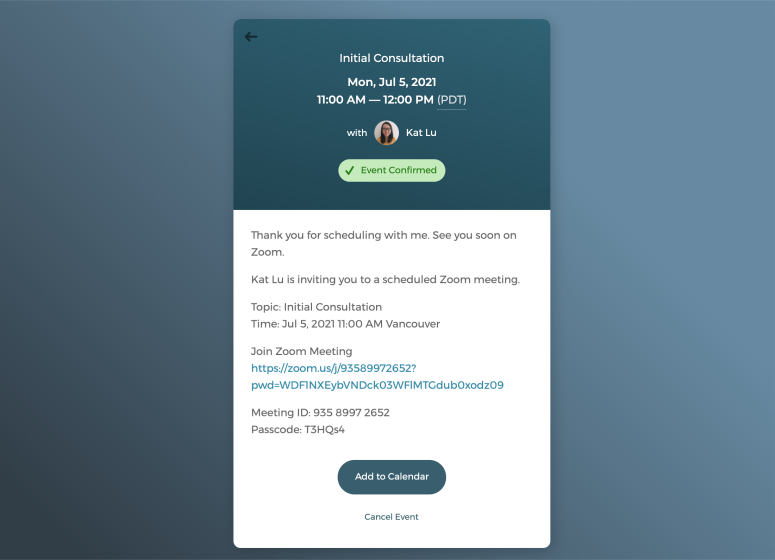
Offer virtual personal training sessions with just one click
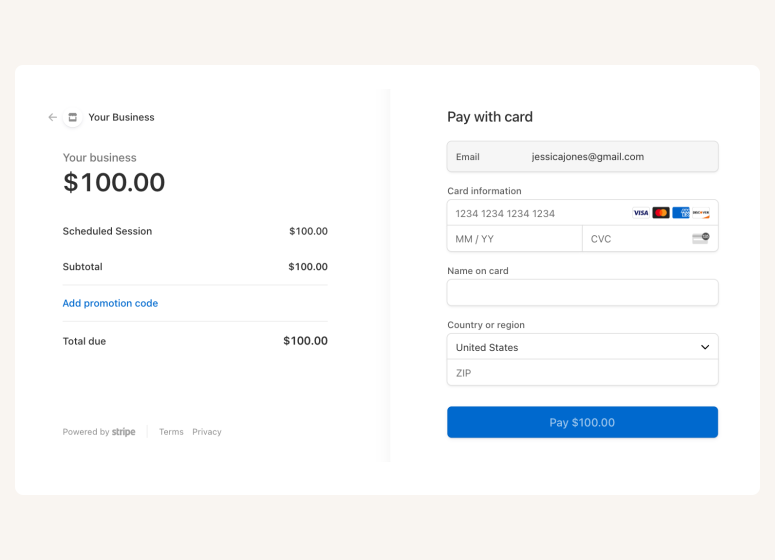
Accept online payments securely through Stripe
A scheduling app that takes care of scheduling for your personal training business

Auto-timezone detection
Redirect page

SMS reminder

Client database







Questions & Answers
Have more questions? Contact us at support@cozycal.com
How does scheduling software help personal trainers grow their business?
As a personal trainer, your time is your product. Every hour spent on scheduling admin is an hour not spent training clients or marketing your services. CozyCal automates the booking process. Clients see your real-time availability, book sessions that fit their schedule, pay upfront, and receive automatic reminders. This lets you fill more slots, reduce gaps in your calendar, and focus on delivering results for your clients.
Can clients book sessions directly from my website or social media?
Yes. You can embed a booking widget on your personal training website, add a "Book Now" button, or share direct links to your services via Instagram, Facebook, or email. Clients book in seconds without needing to call or text you for availability. Bookings happen around the clock—even when you're in a session or at the gym.
What's the easiest way to sell training packages upfront?
CozyCal's package booking feature lets you bundle sessions like a 10-session starter pack or 20-session transformation program at a discounted rate with payment collected upfront. Clients receive a redemption code and book sessions as they progress through their program. This improves your cash flow and keeps clients committed to their fitness journey.
How do I gather fitness information before a client's first session?
Customizable intake forms let you collect essential details when clients book—such as fitness level, injury history, training goals, preferred workout style, or dietary restrictions. This information syncs to your calendar and is stored in your client database, so you can design personalized programs before you even meet.
Can I offer both one-on-one training and small group sessions?
Absolutely. CozyCal supports private sessions as well as group training with up to 500 participants per time slot. You can set different pricing, durations, and capacity limits for each. This flexibility works well if you offer a mix of individual coaching, partner training, or bootcamp-style classes.
How do I train clients remotely or offer hybrid options?
CozyCal integrates with Zoom and Google Meet to auto-generate unique video links for virtual sessions. When a client books an online training slot, the link is included in their confirmation and reminder emails—they join with one click from anywhere. This makes it easy to train clients who travel, live remotely, or prefer home workouts.
How do I minimize no-shows that waste my time?
Automated email reminders are sent before each session, and SMS reminders are available for clients in the US and Canada at no extra cost. Requiring payment at booking significantly increases commitment. You can also set your own cancellation window to discourage last-minute dropouts.
Can I manage multiple trainers under one account?
Yes. If you run a personal training team or studio, CozyCal provides a central admin dashboard where you can view all bookings, filter by trainer, and manage availability across your team. You can auto-assign clients using round-robin scheduling or let clients choose their preferred trainer. Each trainer can also manage their own schedule independently.
How do I accept payment for training sessions?
CozyCal integrates with Stripe for secure payment processing. You can set pricing for each session type, require payment at booking, offer promotional discounts with coupon codes, and add optional extras like nutrition guides or workout plans during checkout. Payments go directly to your account with no manual invoicing.
Can I track my client base and session history?
Yes. CozyCal includes a centralized client database where you can search clients, view their booking history, and export contact lists for email marketing or tracking progress. Intake form responses are stored alongside each booking, making it easy to reference client details and monitor their training journey over time.
What tools does CozyCal integrate with?
CozyCal connects with Google Calendar, Outlook Calendar, Zoom, Google Meet, Stripe, Google Analytics, and Zapier. Through Zapier , you can link to over 1,000 apps, like adding new clients to a fitness CRM, syncing bookings to a spreadsheet, or triggering automated welcome emails when someone books their first session.