
Best online course providers scheduling software
Empower students to schedule online courses anytime, anywhere with a delightful, all-in-one scheduling software.
Build an automated online scheduling flow for your students
Whether you teach digital marketing courses or virtual cooking series, build a customized booking page that showcases your online course offerings, enable students self-schedule classes, and reduces time spent on administrative tasks.
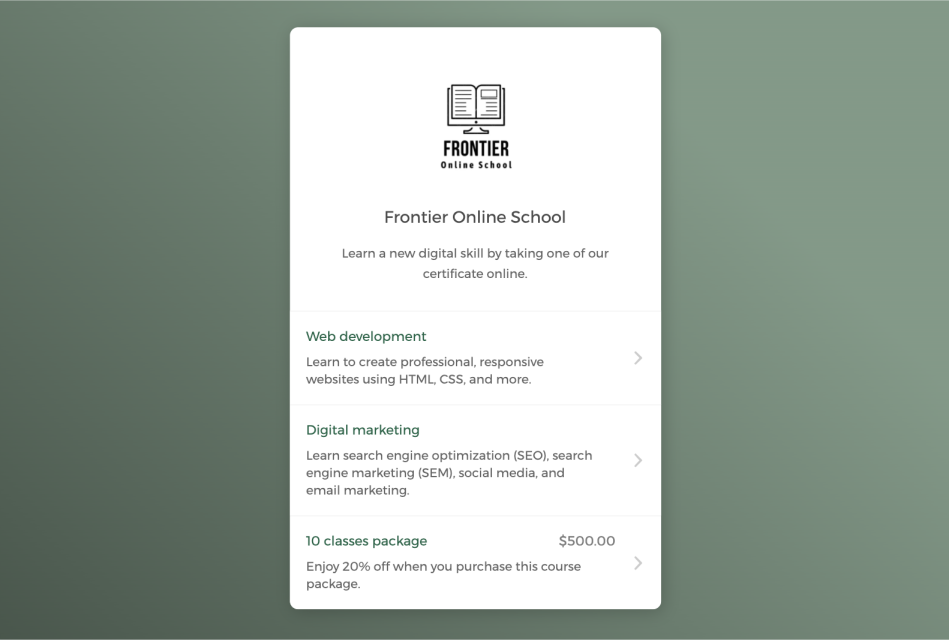

Empower students to self-register classes around the clock
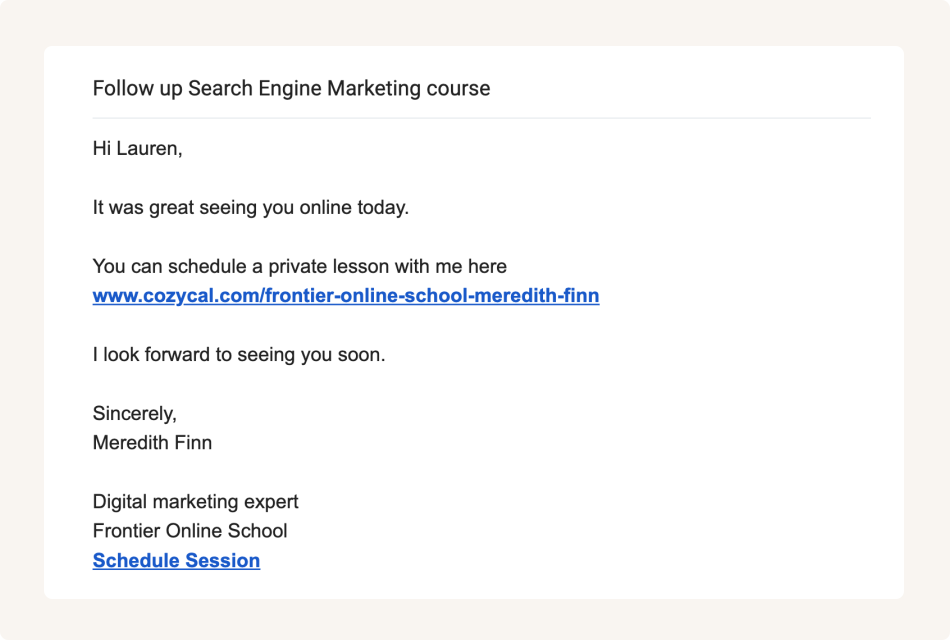
Share booking page link to accept class bookings from multiple channels
Keep your online course schedule updated across multiple calendars
Connect with Google calendar or Outlook calendar to sync your personal schedule and course availability across all calendars in real-time, eliminate double-bookings and manage booked classes easily.
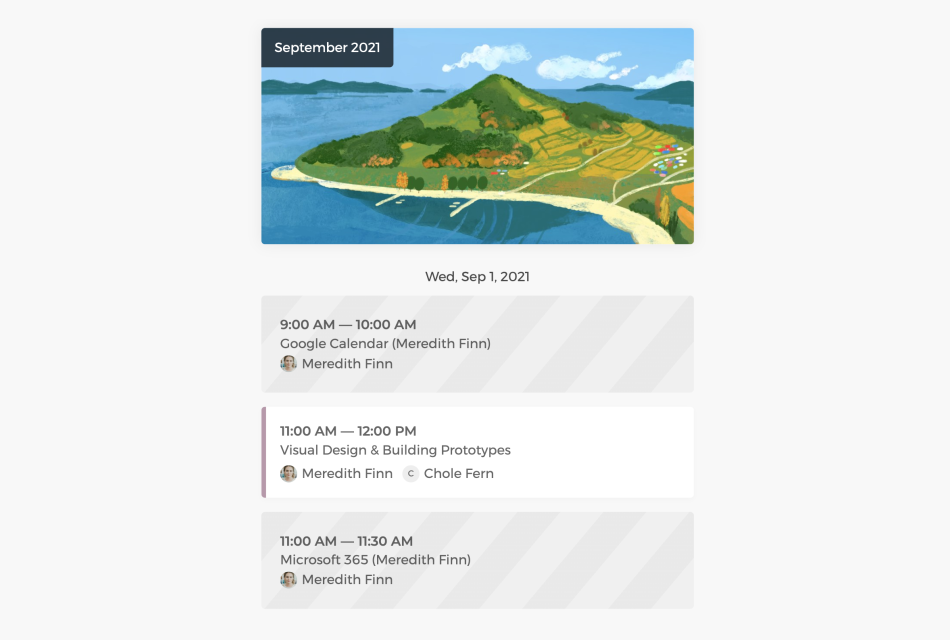
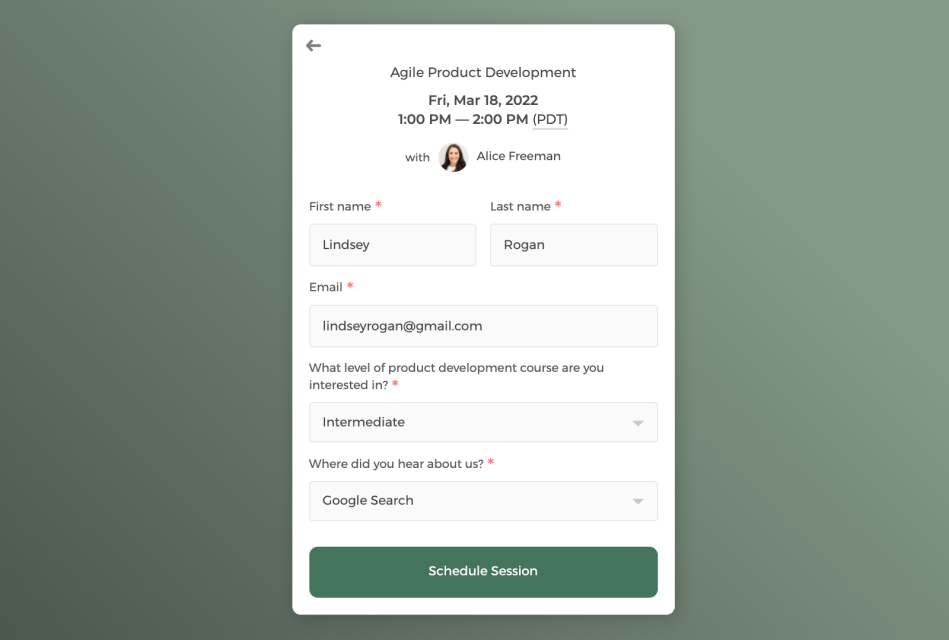
Collect student information through intake form
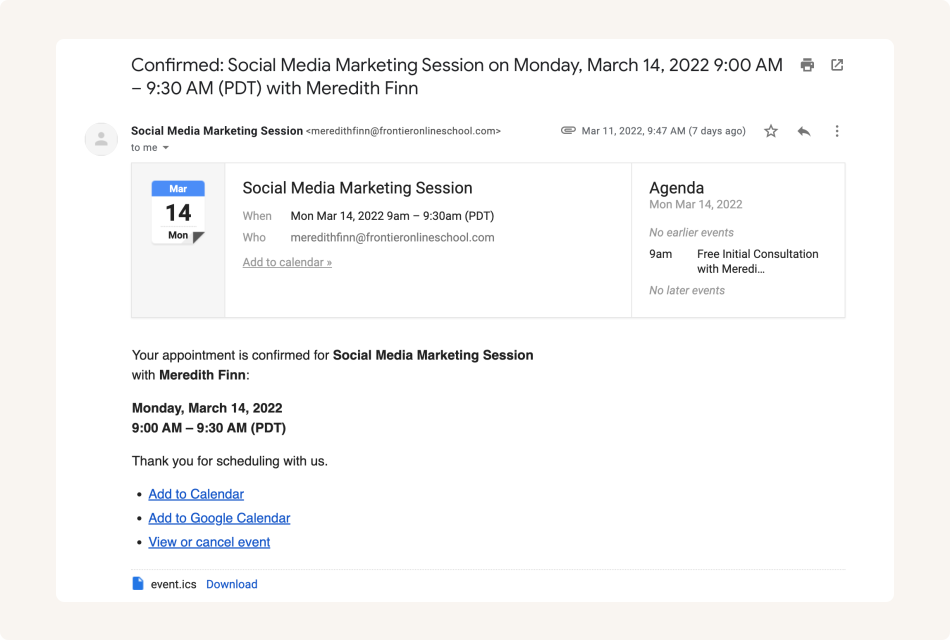
Send white label automatic email notifications to keep students informed
Control how your online courses get booked
You can get a bird's eye-view of all scheduled classes on the admin dashboard, cancel or reschedule classes, and allocate resources more efficiently.
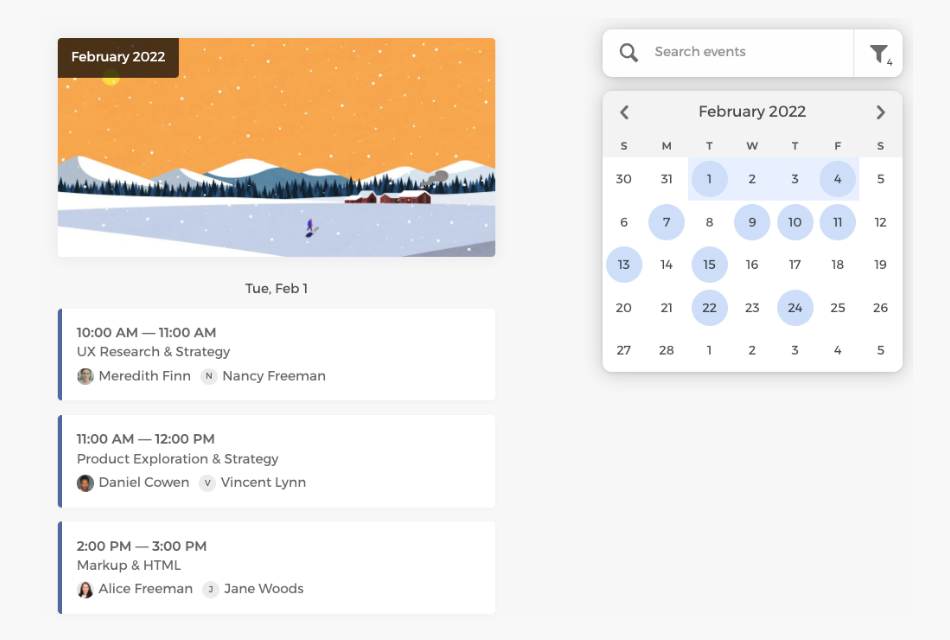
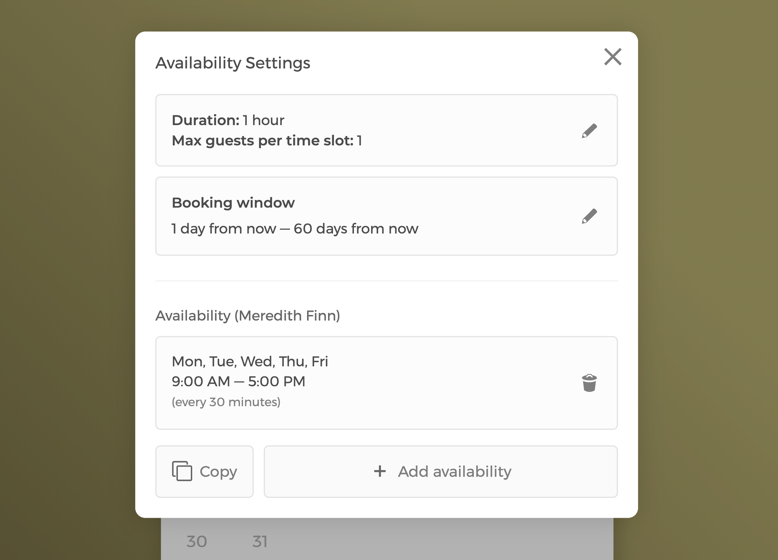
Manage class settings and team availability
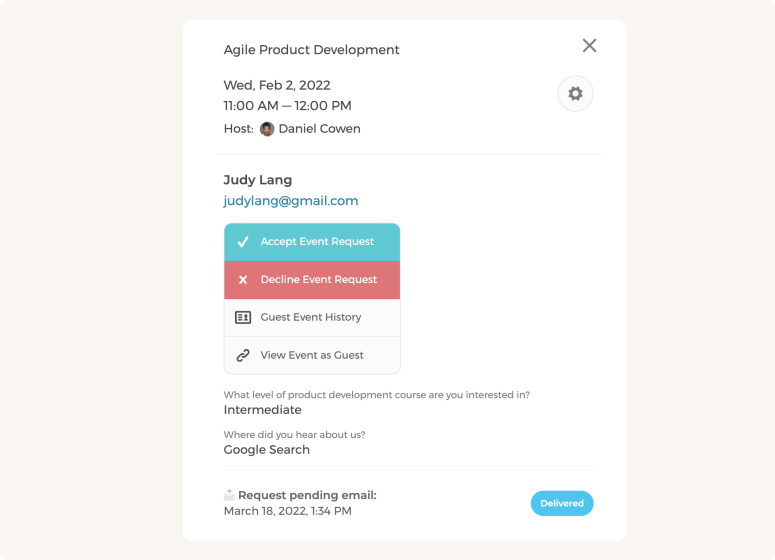
Manually approve or decline class requests
Customize your team's scheduling flow to maximize class bookings
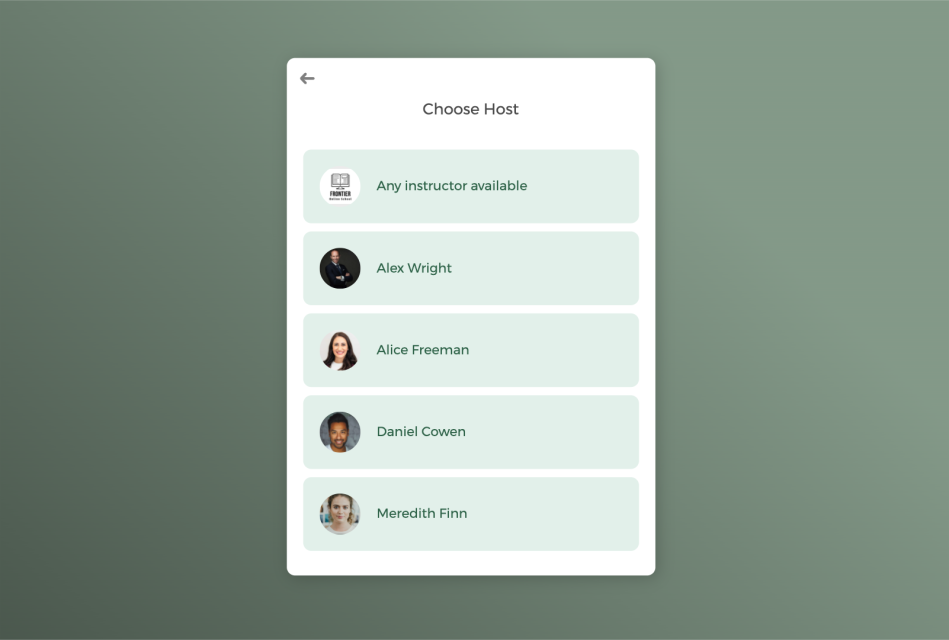
With a team of instructors, booked classes can be auto-assigned to staff in a round-robin manner or let students select a specific instructor.
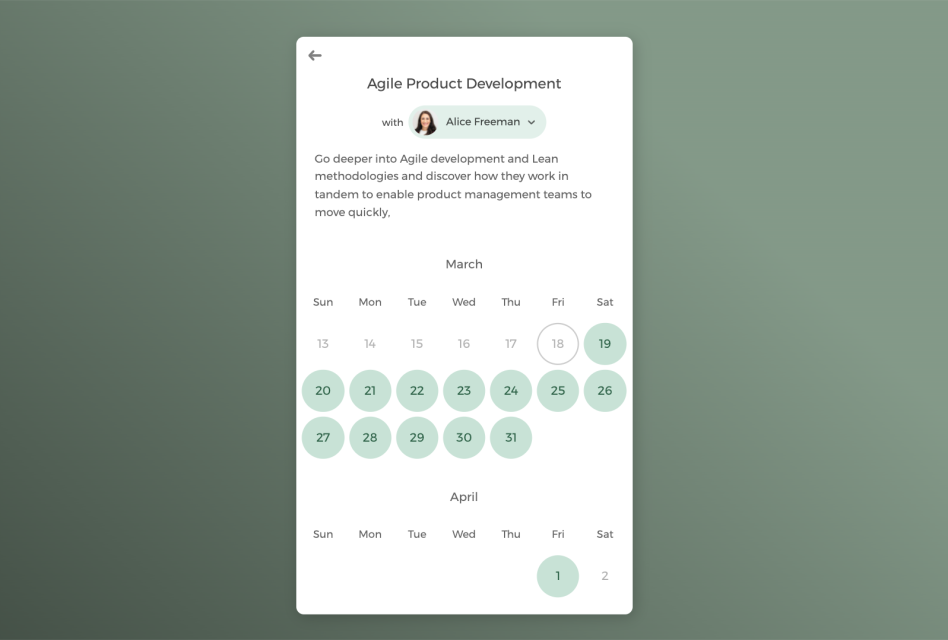
Host one-on-one private session or group classes
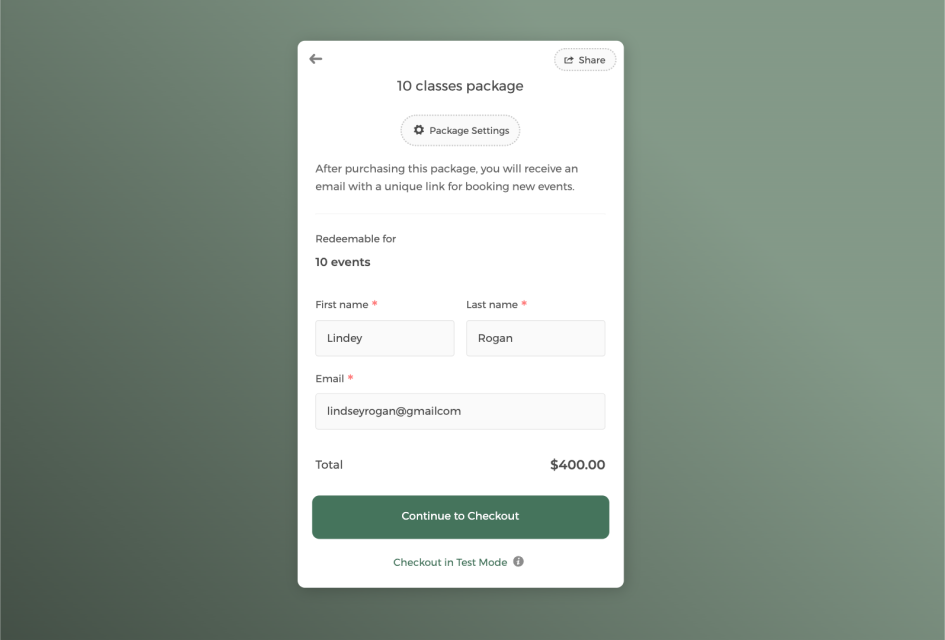
Sell classes in package to boost revenue and keep students engaged
Power up your online course scheduling software with integrations
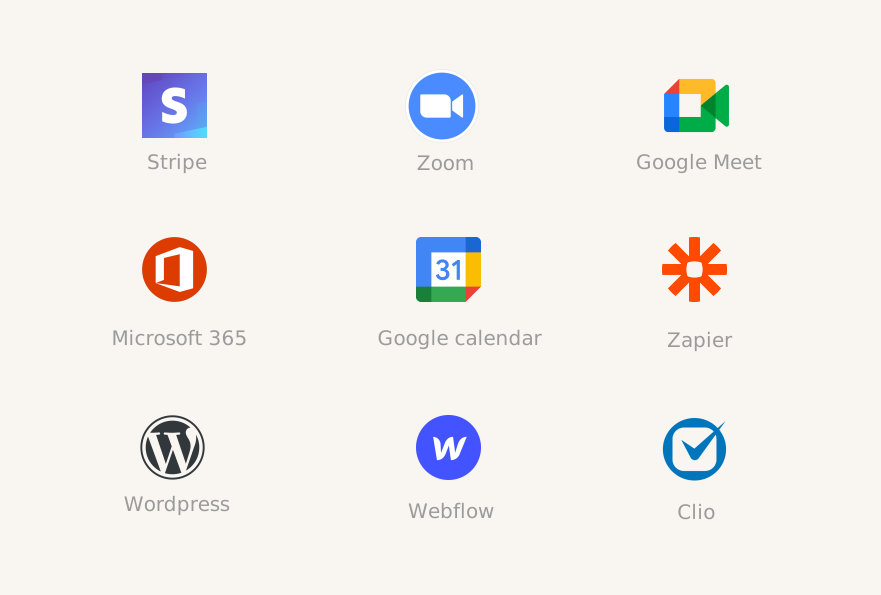
Connect CozyCal with apps your are already using to create automated workflows that increase efficiency, reduce overhead task switching, and foster a strong learning community.
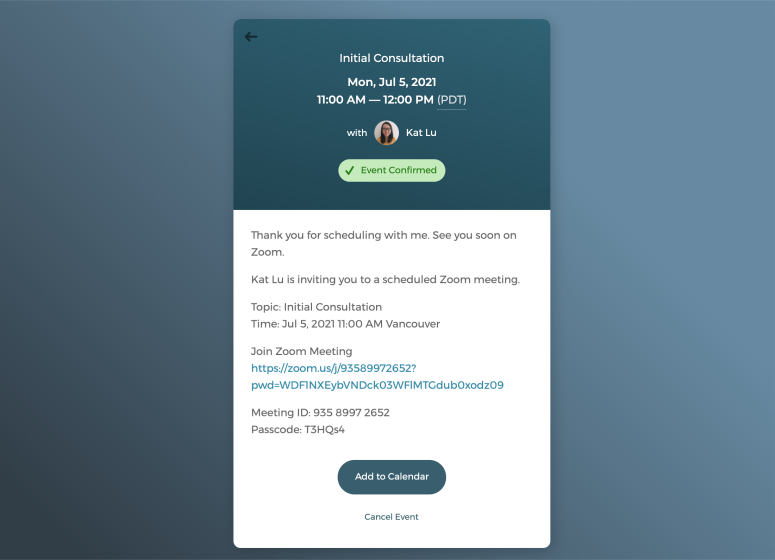
Offer virtual tutoring sessions with just one click
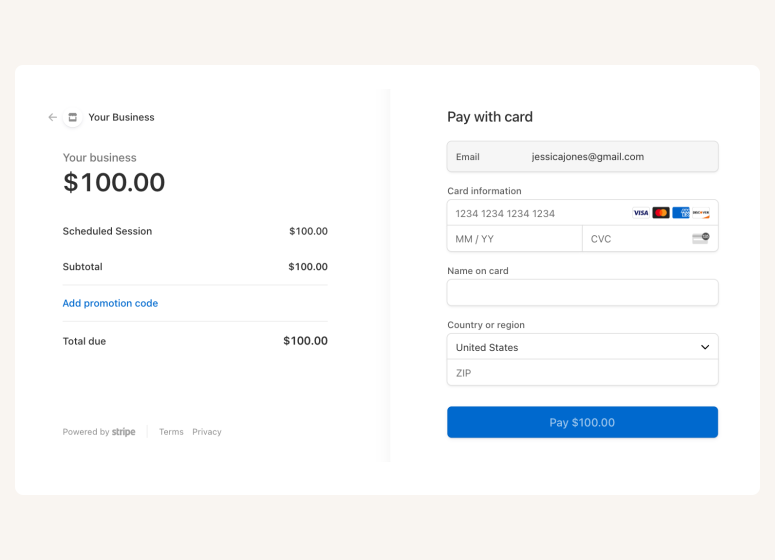
Accept online payments securely through Stripe
A scheduling app that takes care of scheduling for your online courses

Auto-timezone detection
Redirect page

SMS reminder
Student database







Questions & Answers
Have more questions? Contact us at support@cozycal.com
How do students register for my live courses?
Students can browse your course offerings and book directly from your booking page. No back-and-forth emails required. You can embed a booking widget on your course website, share direct links to specific classes via email or social media, or add a "Book Now" button that keeps students on your site throughout the registration process. Bookings happen 24/7, even while you're teaching or creating content.
Can I offer both one-on-one sessions and group classes?
Yes. CozyCal supports both private sessions and group classes with up to 500 students per time slot. This flexibility works well if you offer a mix of personalized coaching, small cohort workshops, and large webinars. You control the capacity for each class type and can set different pricing, durations, and booking windows accordingly.
What's the best way to sell course bundles or class packages?
CozyCal's package booking feature lets you bundle multiple sessions at a discounted rate and collect payment upfront. Students receive a redemption code and can book sessions as they go—no login required. This works well for multi-week courses, masterclass series, or offering loyal students special promotions. You can customize package receipts to thank students and encourage continued learning.
How do I deliver virtual classes to students?
CozyCal integrates with Zoom and Google Meet to auto-generate unique meeting links for each class. When a student registers, the link is automatically included in their confirmation and reminder emails, so they can join with one click from anywhere. This makes it easy to teach students across different locations without manually managing meeting links.
What if my students are in different time zones?
CozyCal automatically detects each student's time zone and displays your class schedule in their local time. This is essential for course providers with a global audience, eliminating confusion and ensuring students show up at the right time regardless of where they're located.
Can I collect student information before classes begin?
Yes. If you have multiple instructors, CozyCal provides a central admin dashboard where you can view all bookings, filter by instructor, and manage team availability. You can auto-assign classes using round-robin scheduling to distribute workload evenly, or let students choose their preferred instructor. Each instructor can also manage their own schedule and class offerings.
Can students cancel or reschedule their registrations?
Yes. Students can manage their bookings based on the policies you define such as allowing rescheduling up to 24 hours before class. This reduces administrative back-and-forth while keeping you in control. You can also manually adjust registrations from your dashboard when needed.
How do I accept payments for courses and classes?
CozyCal integrates with Stripe to accept secure online payments. You can set pricing for individual classes or course packages, offer discount codes for promotions, and add optional extras like workbooks or bonus materials during checkout. Payments are processed directly on your booking page for a seamless student experience.
Can I screen students before accepting registrations?
Yes. CozyCal's event request feature lets you review registrations before confirming. Students complete your intake form, and you decide whether to approve or decline, useful for advanced courses with prerequisites, limited cohorts, or ensuring students are the right fit for your program.