
Best massage therapist scheduling software
Grow your massage clinic by empowering clients to schedule appointments anytime, anywhere with a delightful, all-in-one scheduling software.
Build a stress-free online scheduling flow for your clients
Create a customized, professional booking page that showcases your massage therapy and treatment services, automates client scheduling and increases client intake.
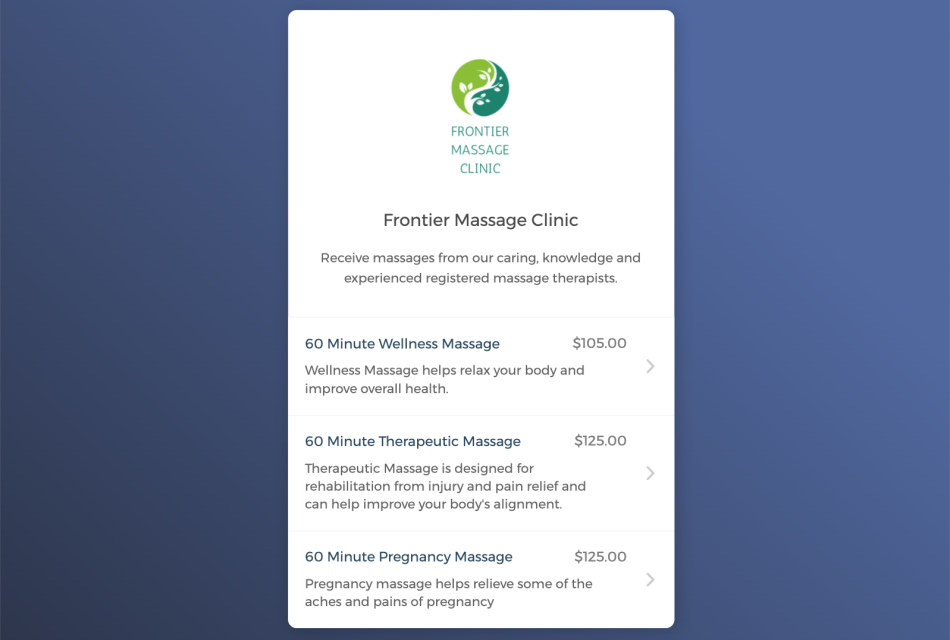
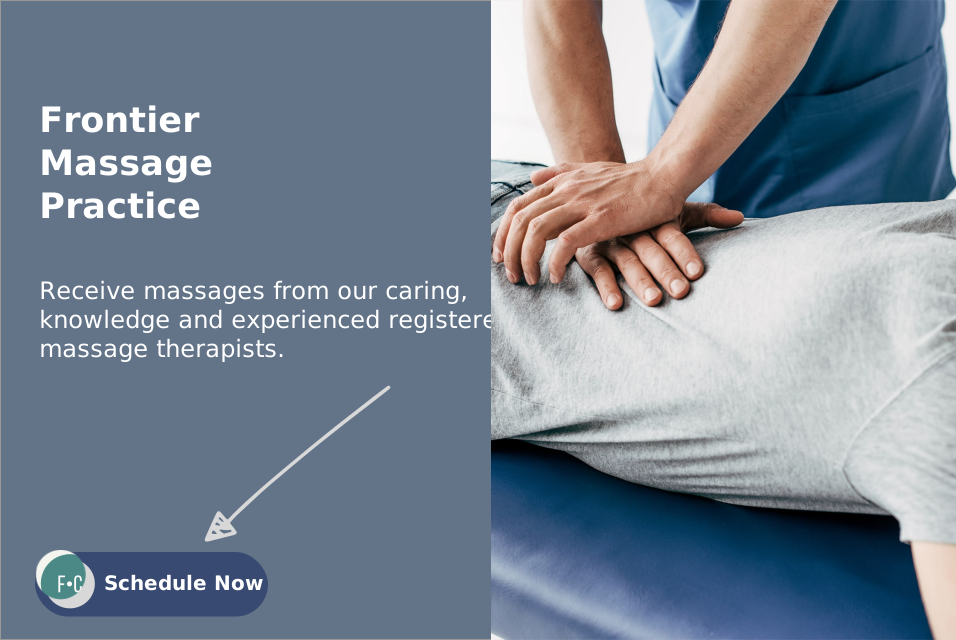
Accept appointments on your website 24/7
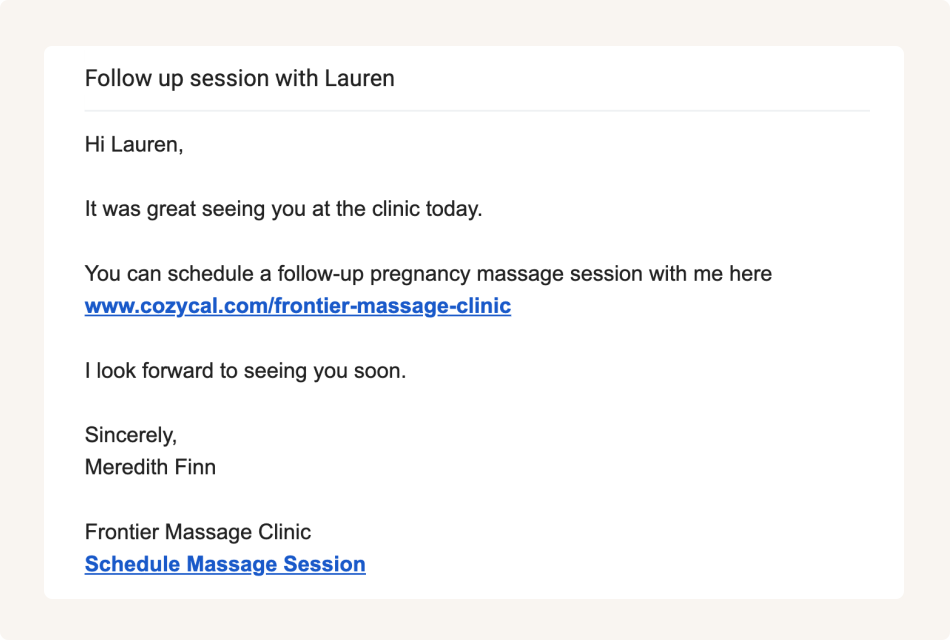
Share booking page links to maximize bookings
Keep your schedule updated across multiple calendars
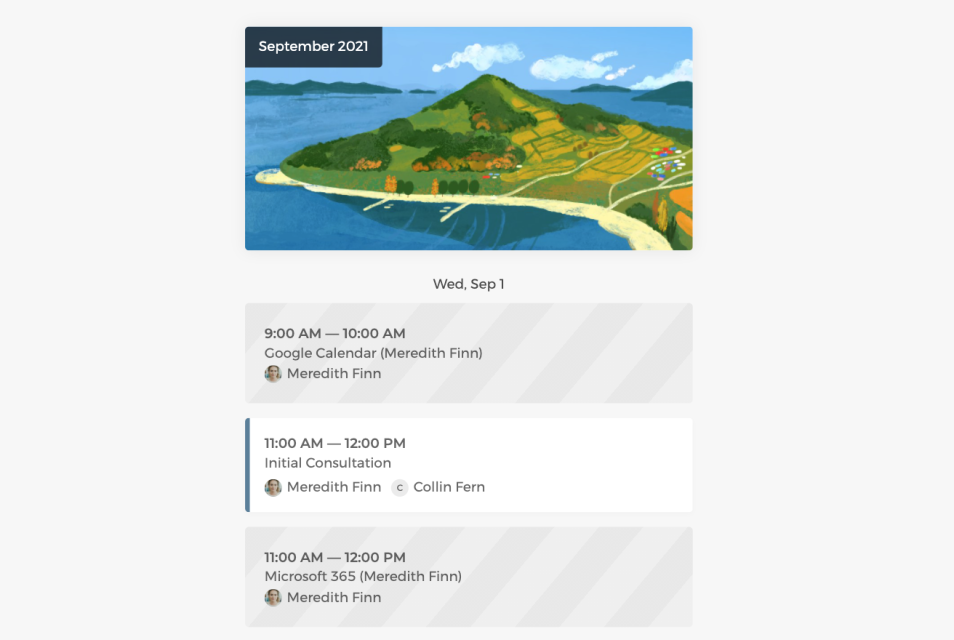
Connect with Google calendar or Outlook calendar to sync your real-time availability across all calendars, eliminate double-bookings and manage appointments easily.
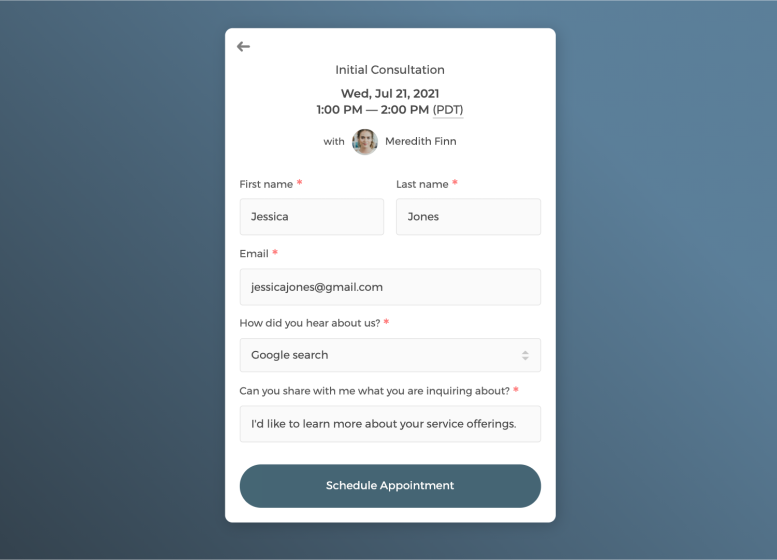
Customize intake form to collect information
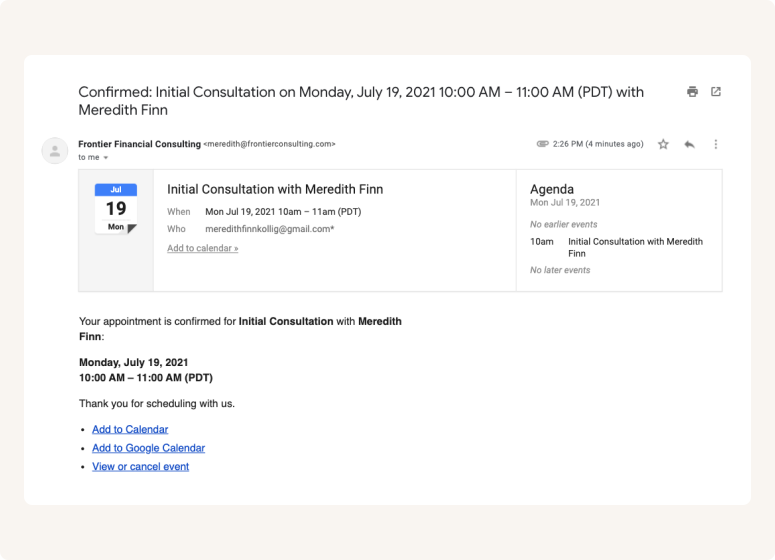
Send white label automatic email notifications to keep clients in the loop
Set up an efficient scheduling flow for your message clinic
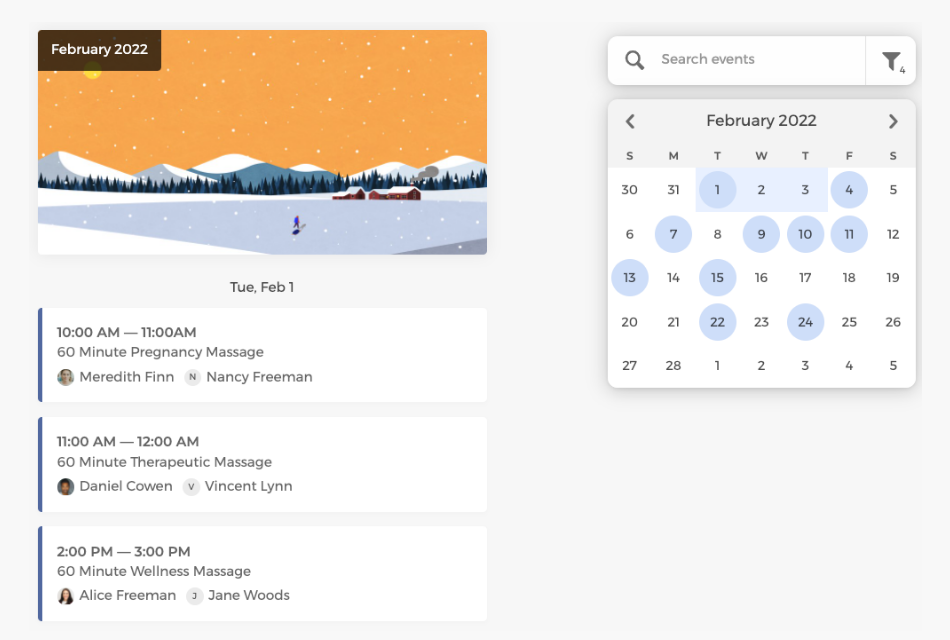
View all scheduled therapy sessions at a glance across the team on the admin dashboard, cancel or reschedule appointments as needed, and manage staff availabilities flexibly.
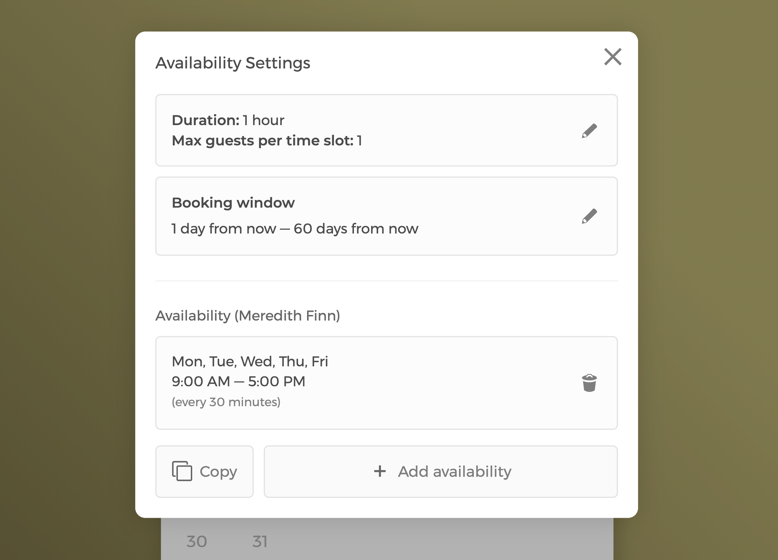
Control how therapy sessions are booked
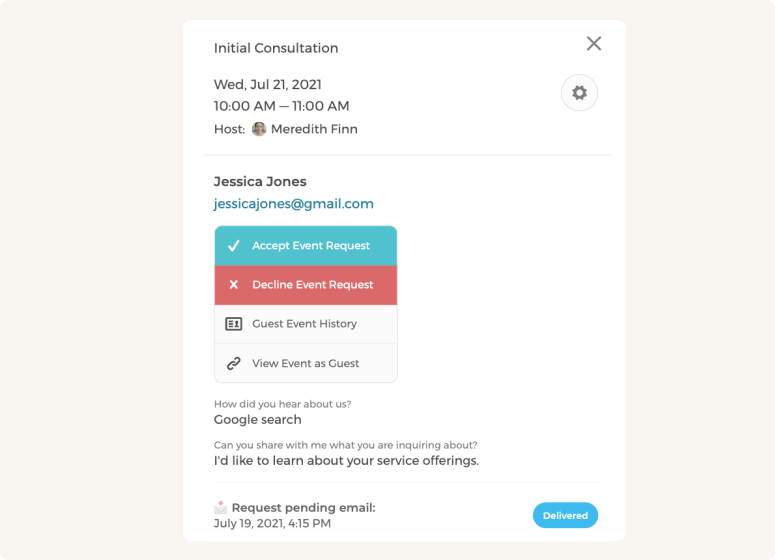
Enable booking requests to approve or decline appointment requests
Customize CozyCal to fit your team's scheduling needs
With a team of massage therapists, booked appointments can be auto-assigned to staff in a round-robin manner or let clients select their preferred therapist.
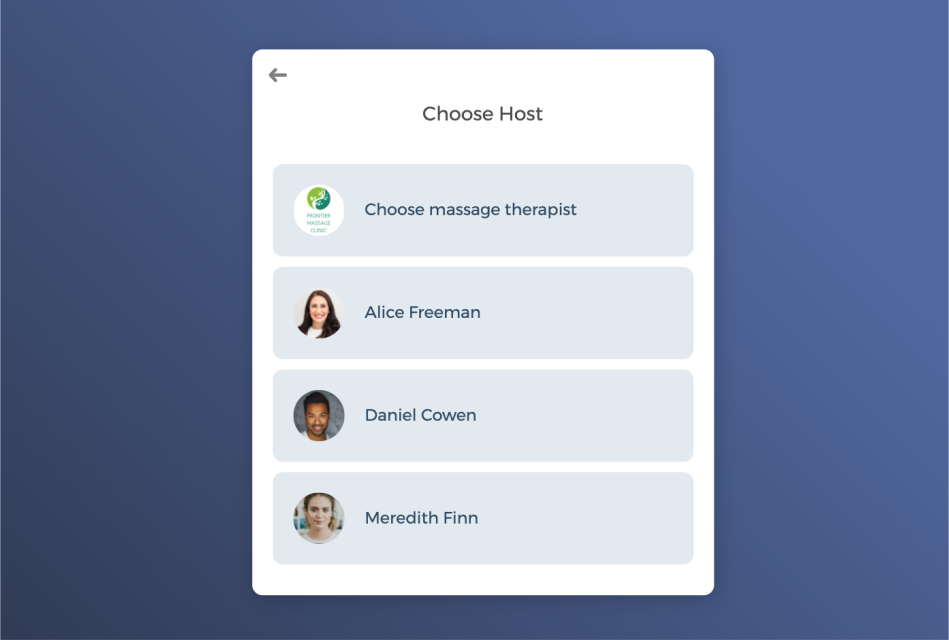
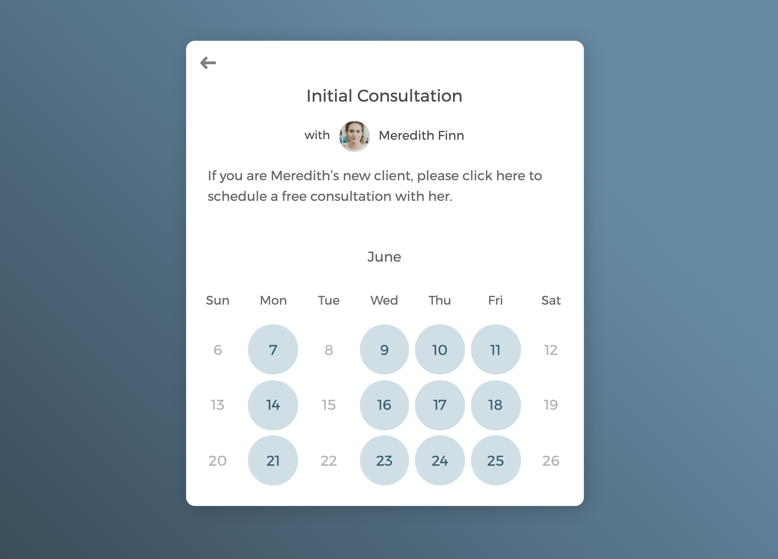
One-on-one appointments with select massage therapist
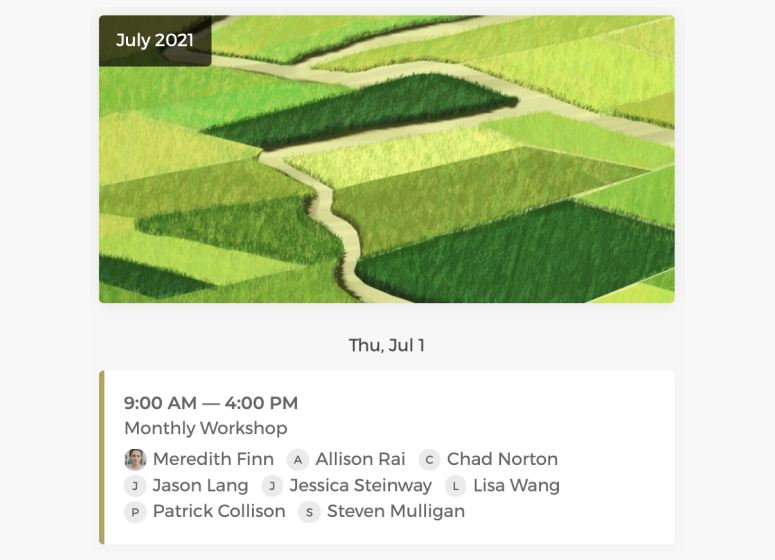
Host group sessions to train therapists and grow client base
Power up your massage scheduling software with integrations
Integrate with third-party apps you are already using to create automated workflows that increase efficiency and save time for your entire massage clinic.
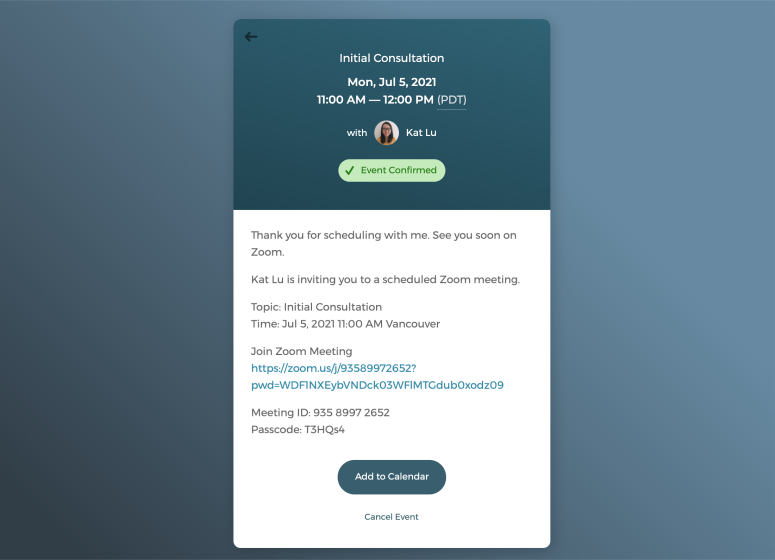
Offer virtual consultations to accommodate client needs
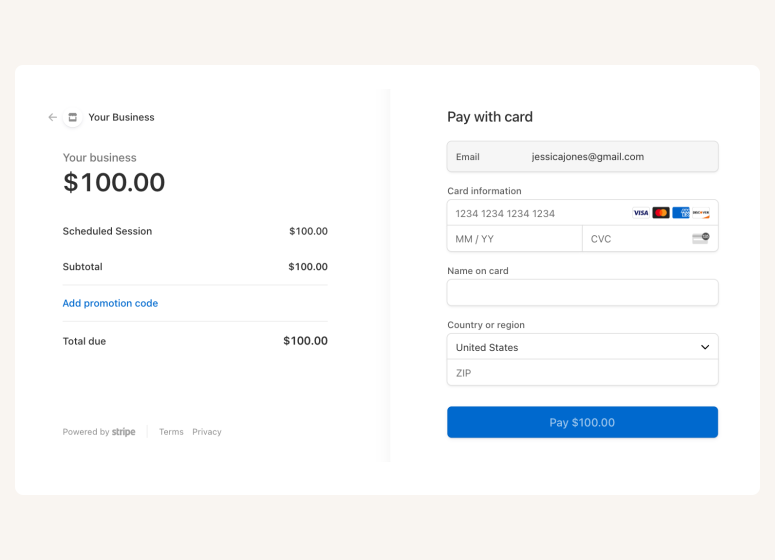
Accept online payments securely through Stripe
A scheduling app that drives growth for your massage clinic

Auto-timezone detection

Package booking

SMS reminder
Client database







Questions & Answers
Have more questions? Contact us at support@cozycal.com
What client details should massage therapists collect before the first session?
CozyCal's customizable intake forms let you gather essential information before clients arrive: health history, current medications, areas of pain or tension, pressure preferences, allergies to oils or lotions, and any contraindications like recent injuries or pregnancy. You can include body map diagrams, multiple choice questions for massage type preferences, and open text fields for special requests. All responses are available before the appointment so you can prepare appropriately and provide safer, more personalized care.
How do I offer multiple massage service lengths on one booking page?
Create separate event types for each service duration, such as 30-minute targeted massage, 60-minute full body, or 90-minute deep tissue sessions. Each event type can have its own description, pricing, and availability settings. Clients see all options on your booking page and select the service that fits their needs and schedule. You can also create specialized offerings like prenatal massage, sports massage, or couples sessions as distinct bookable services.
Why is buffer time essential between massage appointments, and how do I configure it?
Buffer time (called "padding time" in CozyCal) gives you space between sessions to sanitize equipment, change linens, reset the room, review the next client's intake form, and take a brief break to prevent therapist fatigue. In your event settings, add padding before appointments (for preparation) or after appointments (for cleanup and notes). For example, setting 15 minutes of post-appointment padding ensures clients can't book back-to-back, protecting both service quality and your wellbeing.
What's the most effective way to reduce no-shows at a massage practice?
CozyCal combines multiple no-show prevention strategies: automated email reminders sent at intervals you choose (such as 24 hours and 2 hours before), SMS text reminders for US and Canada clients, and easy self-service rescheduling so clients can adjust rather than simply not show up. Requiring prepayment through Stripe at booking time also significantly reduces no-shows, as clients have financial commitment to their appointment.
How can massage clients reschedule or cancel without calling the clinic?
Every booking confirmation email includes links for clients to reschedule or cancel on their own. They can view your real-time availability and select a new time that works, or cancel within whatever timeframe you allow. This self-service approach saves you phone time, reduces back-and-forth, and gives clients the flexibility they expect while you maintain control over cancellation policies and booking windows.
Should I let clients select their preferred massage therapist, or auto-assign bookings?
CozyCal supports both approaches. If client relationships matter to your practice, enable therapist selection so returning clients can book with someone they've seen before and trust. Alternatively, use round-robin assignment to distribute appointments evenly across your team, useful for new client intake or when availability matters more than therapist preference. You can also combine methods: let clients choose if they want, with round-robin as the default.
What's the best strategy for selling massage packages to regular clients?
Create massage packages that bundle multiple sessions at a discounted rate such as a "5-Session Relaxation Package" or "Monthly Wellness Plan." Clients purchase the package and receive a unique redemption code to book individual appointments. This approach improves cash flow by collecting payment upfront, encourages client retention through committed sessions, and rewards loyalty with savings. Customize package receipts with thank-you messages to enhance the client experience.
Does CozyCal support both independent massage therapists and larger wellness clinics?
Yes. Solo practitioners can create a simple booking page showcasing their services, while multi-therapist clinics can add team members, each with their own availability and specializations. The admin dashboard provides a unified view of all scheduled appointments across staff. Individual therapists can manage their own schedules while clinic owners maintain oversight. As your practice grows from one therapist to many, CozyCal scales with you.
Can clients add special requests or health updates when booking a massage?
Absolutely. Your intake form can include open text fields where clients note specific concerns: "focusing on lower back pain this visit," "lighter pressure than usual," or "avoiding the left shoulder area due to recent injury." This information appears with the booking, letting you review requests before the session. For returning clients, having this context helps you track progress and adjust treatment plans over time.
What's the simplest way to accept prepayment for massage sessions?
Connect your Stripe account to CozyCal and set pricing for each massage service. Clients enter payment information during booking and are charged securely at the time of scheduling. You can also offer promotional discounts with coupon codes. Prepayment reduces no-shows, eliminates awkward payment conversations after relaxing sessions, and ensures revenue is secured before you block time on your calendar.
How does availability sync work when therapists use personal calendars?
Each therapist connects their Google Calendar or Outlook calendar to CozyCal. The system reads existing appointments and blocks those times from availability, preventing double-bookings automatically. When someone books a massage, it instantly appears on the therapist's synced calendar. This two-way sync means therapists can manage personal appointments alongside client bookings without manual coordination or scheduling conflicts.