
Best Marketing Agency Scheduling Software
CozyCal helps marketing agencies capture potential leads, onboard new clients and deliver an unforgettable customer experience through a seamless online scheduling process.
Automate online scheduling to spend more time with clients
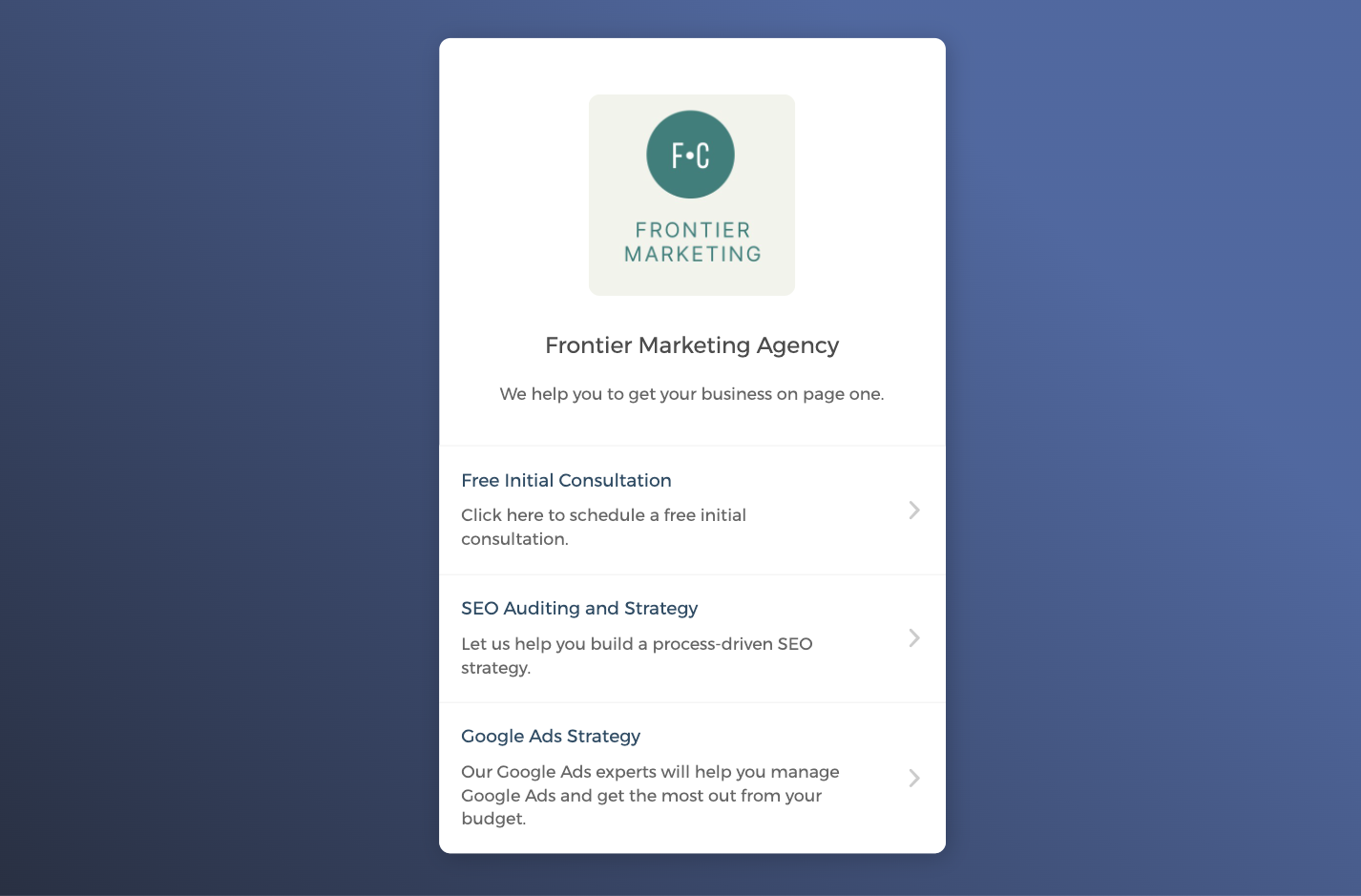
Whether you are offering SEO auditing sessions or Google Ads Strategy workshops, you can create a customized, professional booking page that displays your marketing agency's service offerings, takes client bookings around the clock, and reduces administrative burden.
Capture quality leads and boost client conversion
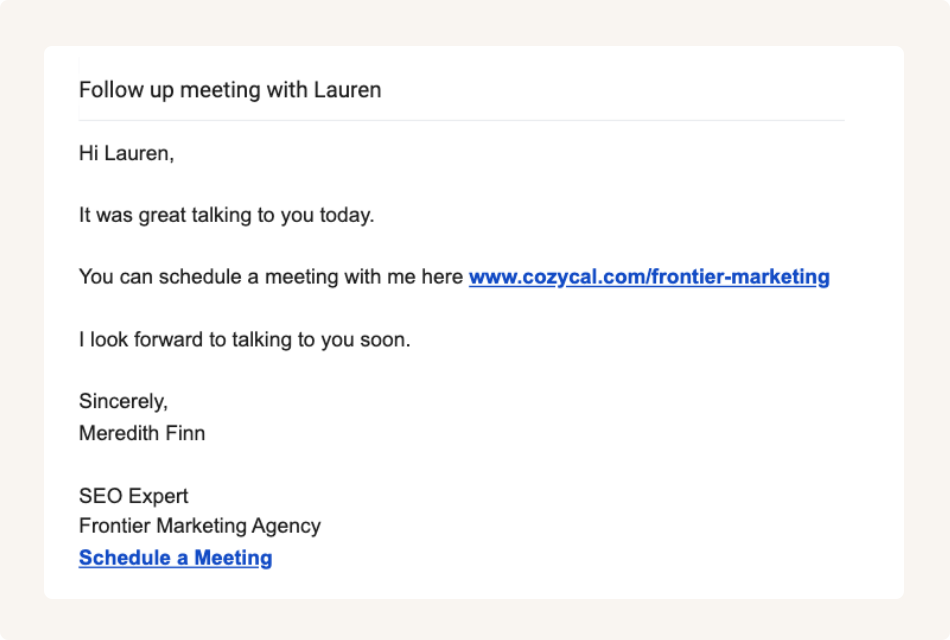
Share booking page link to maximize bookings
Sync with external calendars to keep your schedule updated
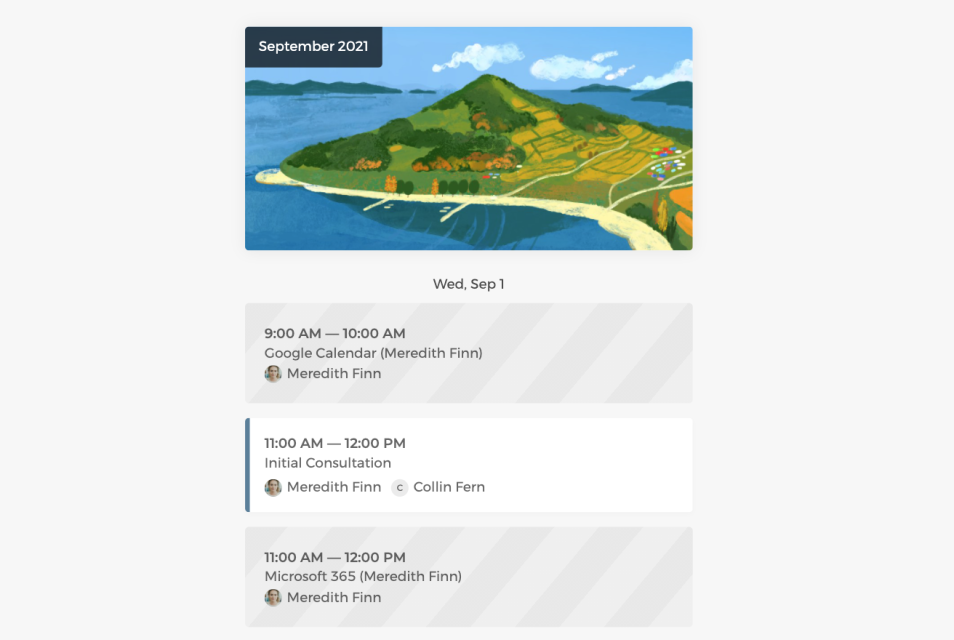
Connect with Google calendar or Outlook calendar keep your availabilities up to date, block off vacations and have flexible control over your schedule.
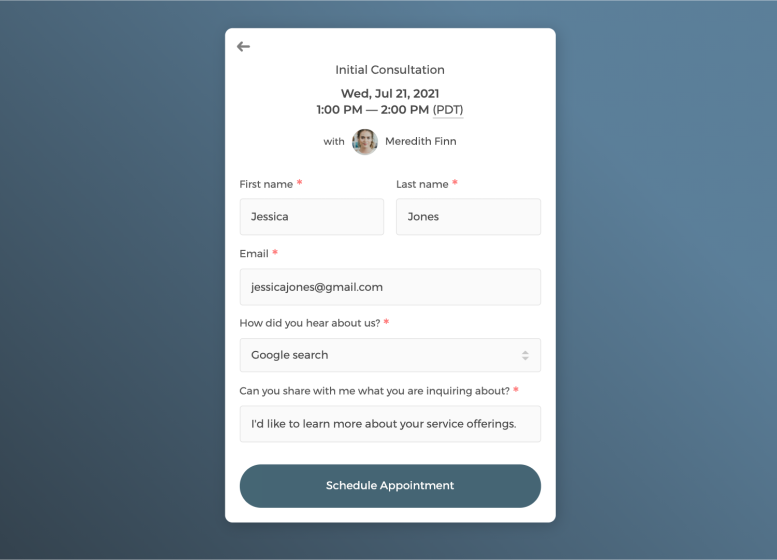
Customize intake form to collect information
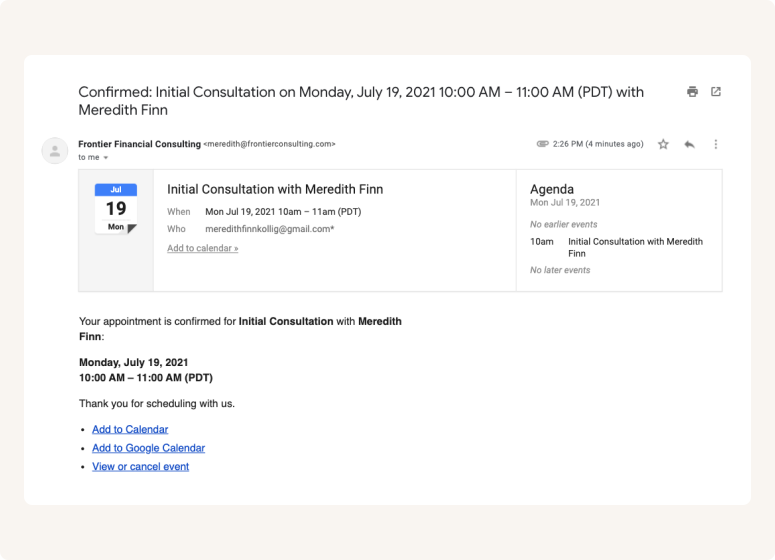
Send white label automatic email notifications
Control how your marketing services get booked
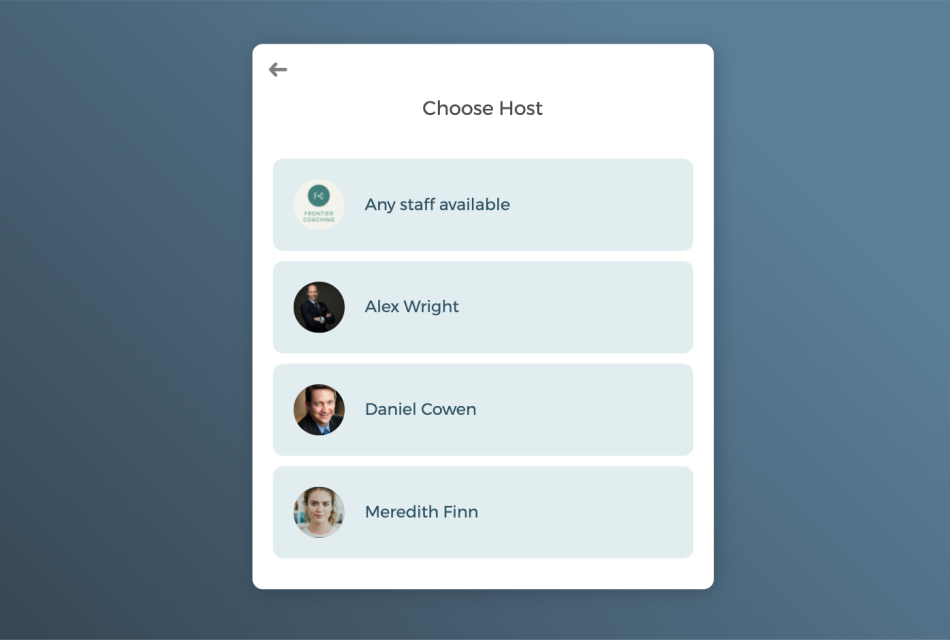
Auto-assign scheduled sessions to your team's marketing strategists in a round-robin manner or give clients the freedom to pick the strategist they prefer to meet.
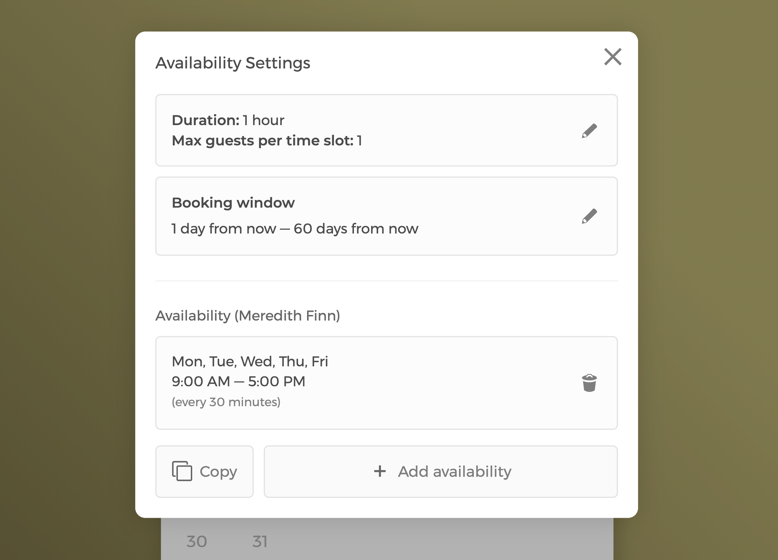
Manage event settings and team availability
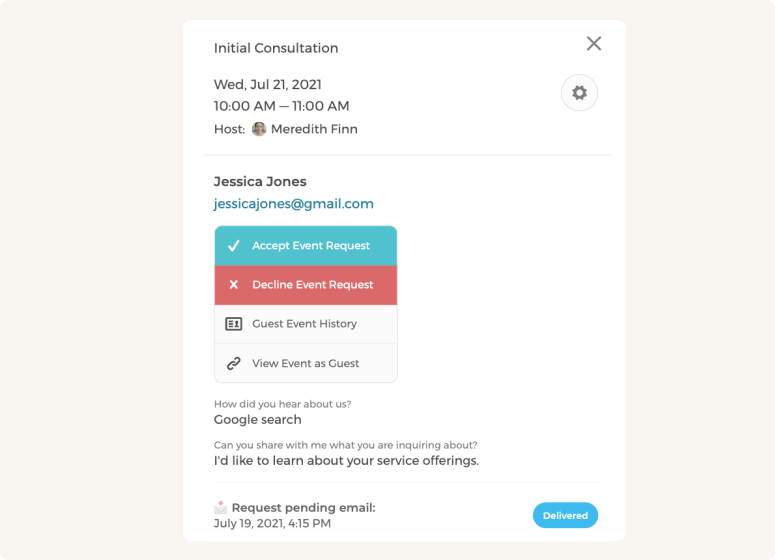
Approve or decline meeting requests
Customize CozyCal to fit your team's scheduling needs
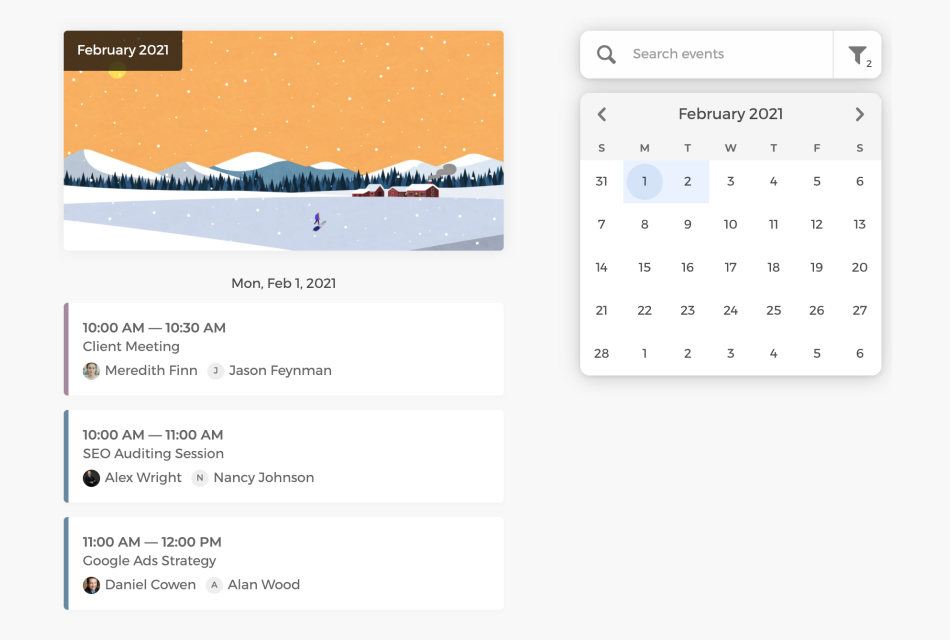
As the admin, you can get a bird's eye-view of all scheduled bookings by filtering team members and allocate client bookings more efficiently.
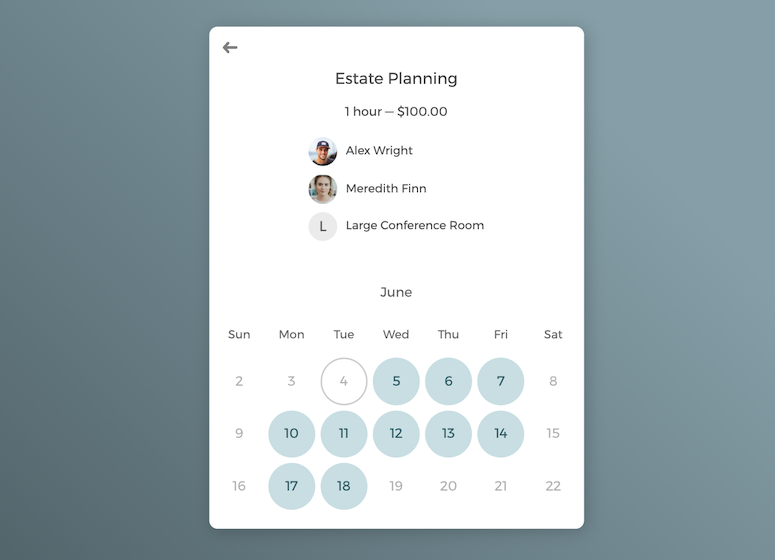
Multi-host scheduling and round-robin booking

Schedule group meetings to grow your client base
Connect CozyCal with products you already use
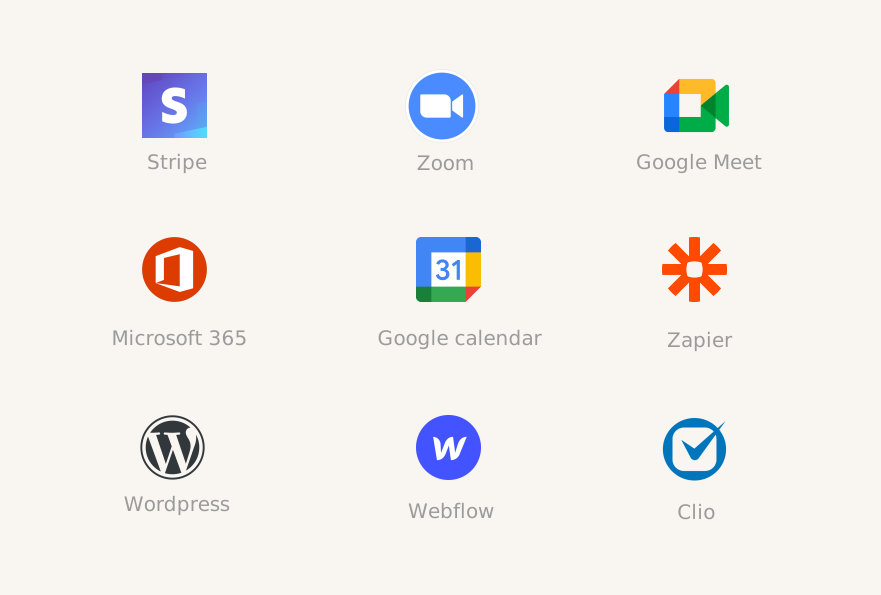
Integrate with your favorite apps to build custom workflows and create a smooth scheduling experience for new and existing clients.
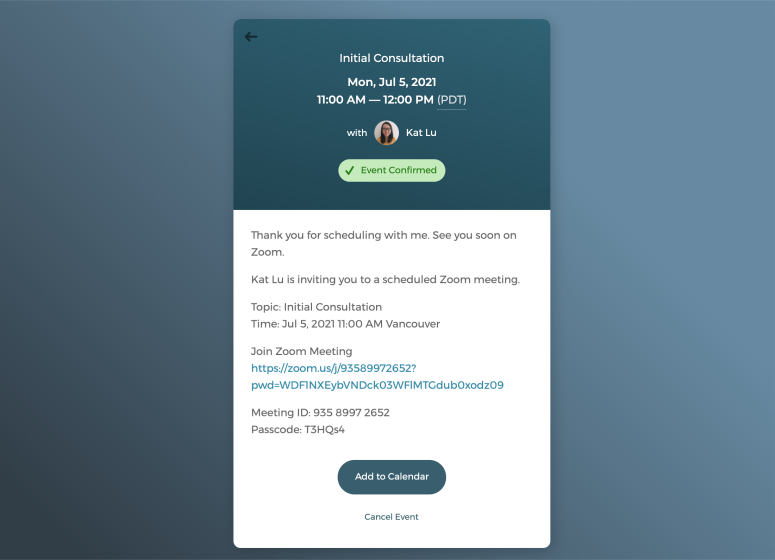
Schedule virtual meetings with just one click
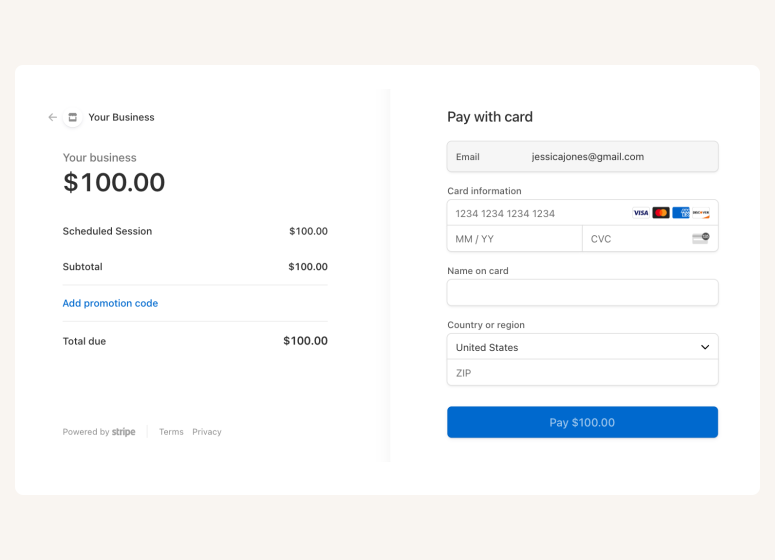
Connect with Stripe to accept payments
A scheduling app that drives growth for marketing agency

Auto-timezone detection

Package booking

SMS reminder
Client database







Questions & Answers
Have more questions? Contact us at support@cozycal.com
Why do marketing agencies need dedicated scheduling software?
Marketing agencies juggle client calls, strategy sessions, pitch meetings, and internal coordination across multiple team members. Manual scheduling through emails creates bottlenecks and wastes billable hours. A dedicated scheduling tool like CozyCal lets clients self-book based on real-time availability, automates confirmations and reminders, and keeps your team's calendars synced—freeing up time to focus on client work instead of administrative tasks.
How can CozyCal help convert website visitors into booked meetings?
Embedding a booking widget directly on your agency's website lets prospects schedule discovery calls or consultations the moment they're interested, without waiting for a response. You can customize intake forms to collect details like marketing goals, budget, and how they found you, so you're prepared before the first conversation. This streamlined experience captures leads around the clock and reduces drop-off.
What's the best way to distribute client bookings across my team?
CozyCal offers flexible options. You can use round-robin scheduling to automatically distribute new bookings evenly among available strategists, or let clients choose a specific team member from your booking page. Each strategist can also create their own booking page for existing clients while sharing a team-wide page for new inquiries.
Can CozyCal coordinate team members and meeting rooms together?
Yes. CozyCal's multi-host collective scheduling lets you pool availability across multiple team members and resources like conference rooms or presentation spaces. When a client books, CozyCal finds times when both the strategist and a suitable room are available—eliminating manual coordination and double-booking conflicts. You can also set priority rankings to determine which team members or rooms are assigned first.
Can I screen prospects before committing to a meeting?
Yes. CozyCal's event request feature lets you review booking requests before confirming. Prospects complete your intake form, and you decide whether to approve or decline based on fit, budget, or scope. This prevents unqualified leads from filling up your calendar and gives you control over who your team meets with.
How do I maintain brand consistency in the booking experience?
CozyCal's white-label features let you fully customize the client-facing experience. You can create a custom booking domain (e.g., book.youragency.com), send confirmation and reminder emails from your own domain, and remove all CozyCal branding. Your booking page looks and feels like part of your agency's website, reinforcing professionalism and trust.
Can I charge for strategy sessions or consultations?
Yes. CozyCal integrates with Stripe for secure payment processing. You can set pricing for different service types—such as paid strategy audits or consultation calls that require payment at booking, offer discount codes, and add optional extras during checkout. For retainer clients, you can sell session packages at a bundled rate and collect payment upfront.
Does CozyCal support virtual meetings with clients?
Absolutely. CozyCal integrates with Zoom and Google Meet to auto-generate unique meeting links for each booking. The link is included in confirmation and reminder emails, so clients join with one click from anywhere in the world. Time zone detection ensures clients always see your availability in their local time.
How do I manage availability for different types of services?
You can create multiple event types such as discovery calls, SEO audits, Google Ads workshops, or monthly check-ins—each with its own duration, padding time, booking window, and assigned team members. This lets you control how far in advance clients can book, add buffer time between meetings, and block off focus time when needed.
Can I host webinars or group workshops for clients?
Yes. CozyCal supports group events with up to 500 attendees per time slot. This works well for marketing strategy workshops, client training sessions, or promotional webinars. You control the capacity, collect registrations through intake forms, and send automated reminders to all attendees.
How does CozyCal help reduce no-shows?
Automated email reminders are sent before each meeting, and SMS reminders are available for clients in the US and Canada at no extra cost. You control the timing and set 24 hours, 48 hours, or custom intervals. Requiring payment at booking also increases commitment and reduces last-minute cancellations.
Can I track client bookings and export data for reporting?
Yes. CozyCal provides a centralized client database where you can search booked clients, view booking history, and export contact lists for email marketing or analytics. Intake form responses are stored alongside each booking, making it easy to reference client details and track engagement over time.
Which tools does CozyCal integrate with?
CozyCal connects with Google Calendar, Outlook Calendar, Zoom, Google Meet, Stripe, Google Analytics, and Zapier. Through Zapier, you can link CozyCal to over 1,000 apps to automatically adding new leads to your CRM, notifying your team in Slack, or logging bookings in a project management tool like Basecamp.