
Best Legal Appointment and Room Scheduling Software
CozyCal helps legal firms capture potential leads, onboard new clients and deliver an unforgettable customer experience through a seamless online scheduling process.
Accept client bookings for your legal services 24/7
Whether you are offering free legal consultation sessions or mediation meetings, you can create a customized, professional booking page that showcases your legal services, lets client self-schedule meetings, and reduces administrative burden.
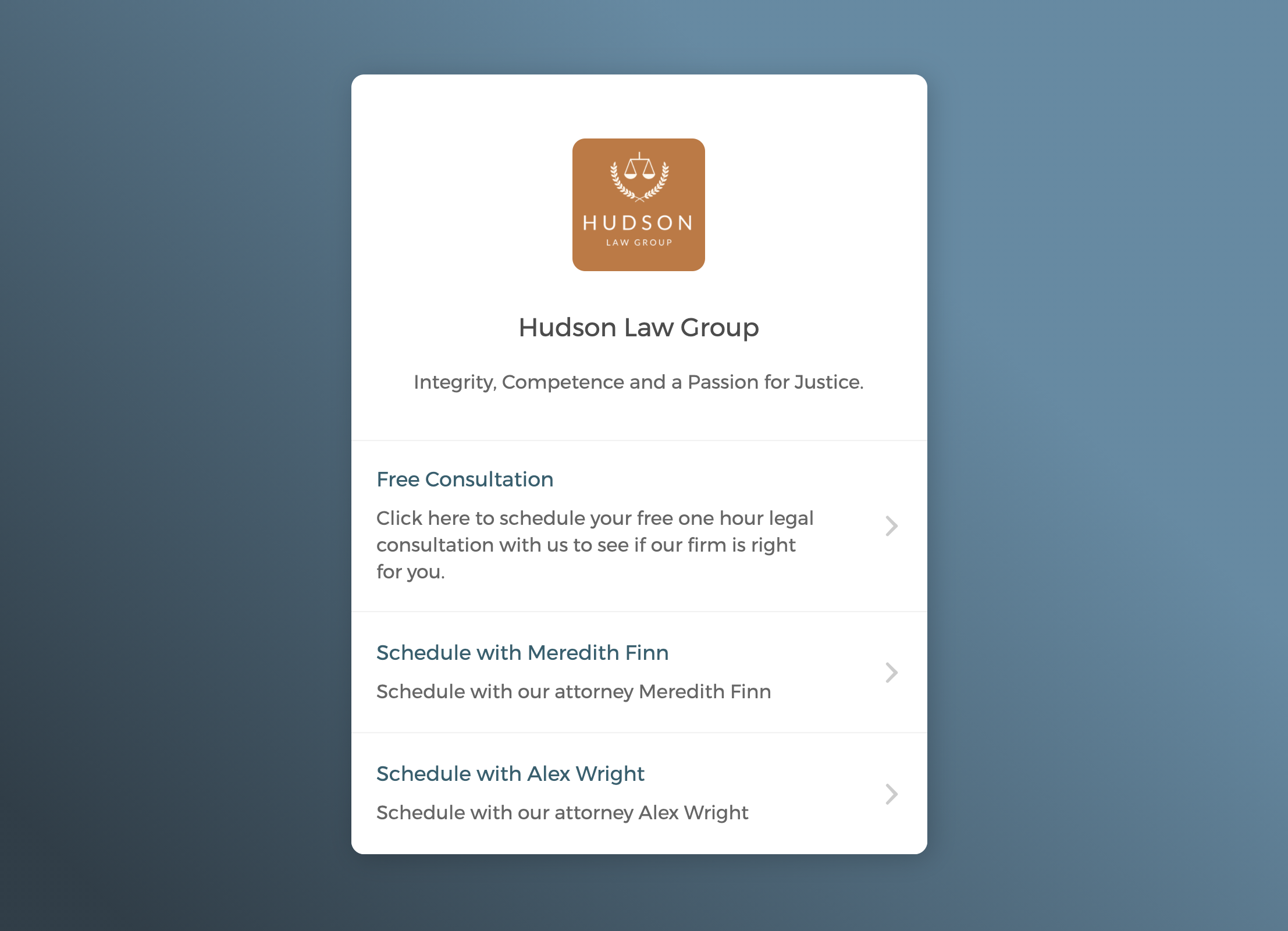

Capture leads right on your firm's website
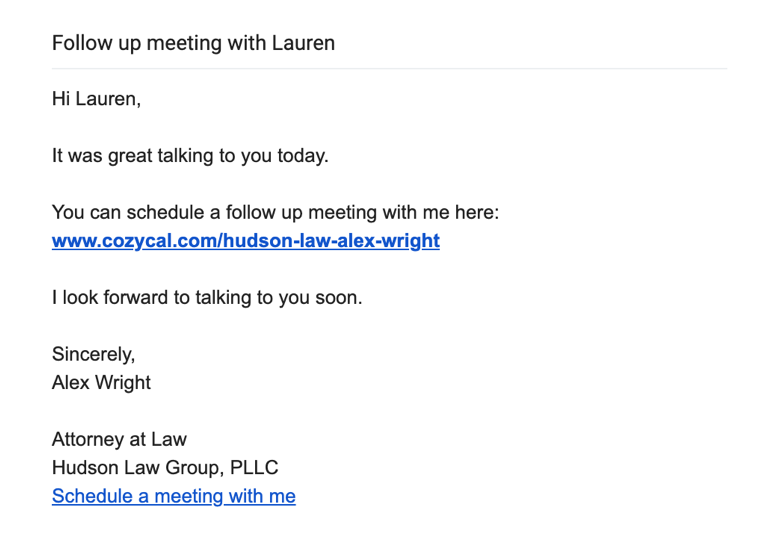
Share the booking page link to make booking easy
Sync with external calendars to keep your schedule updated
Connect with Google calendar, Outlook calendar or Clio Manage to keep your real-time availabilities up to date, avoid double-bookings, and manage appointments easily.
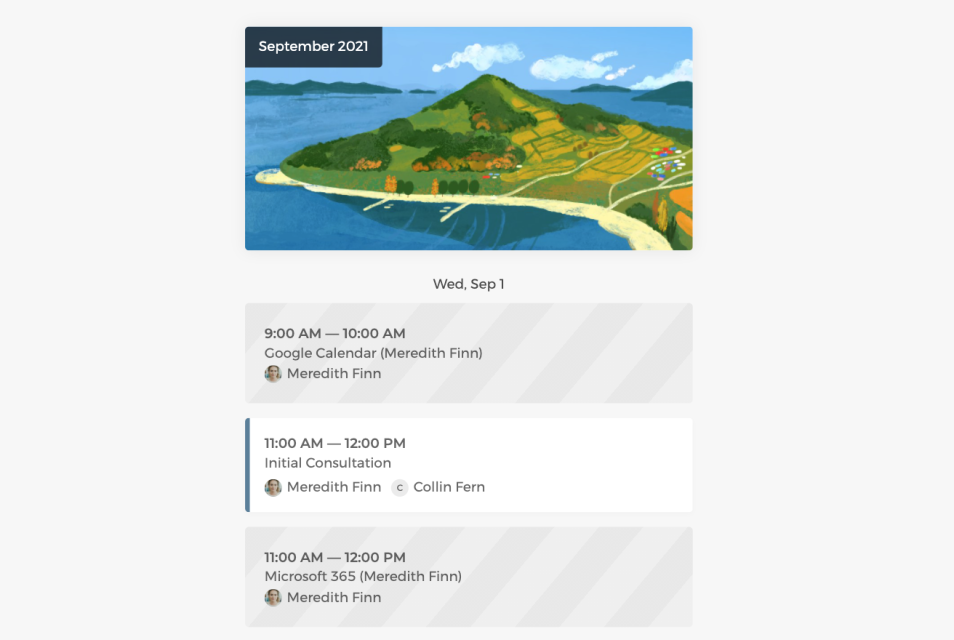
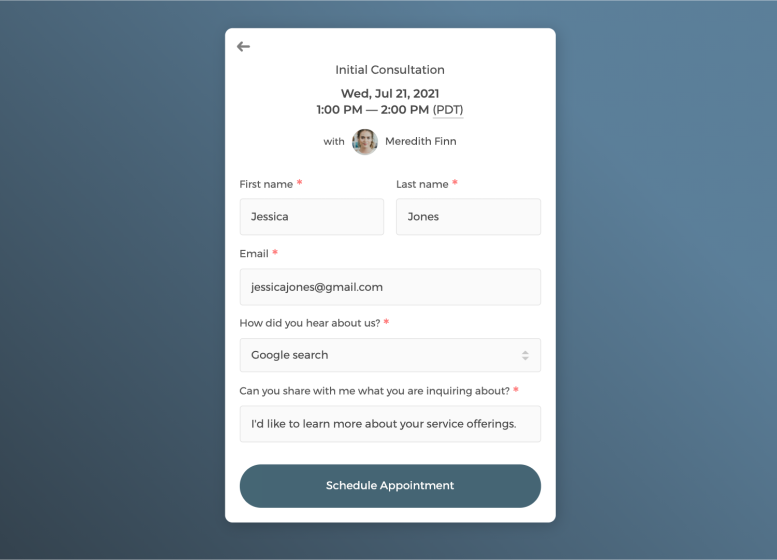
Customize intake form to collect key client information
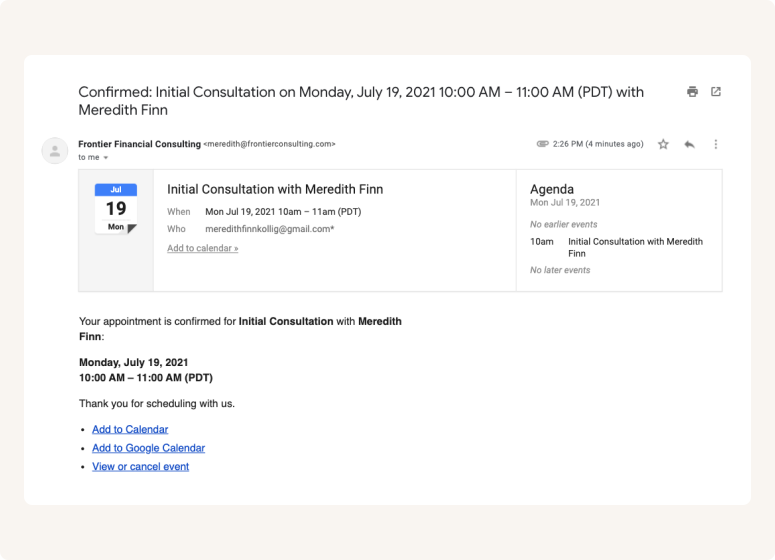
Send white label automatic email notifications to keep booked clients in the loop
Control how your legal firms get booked
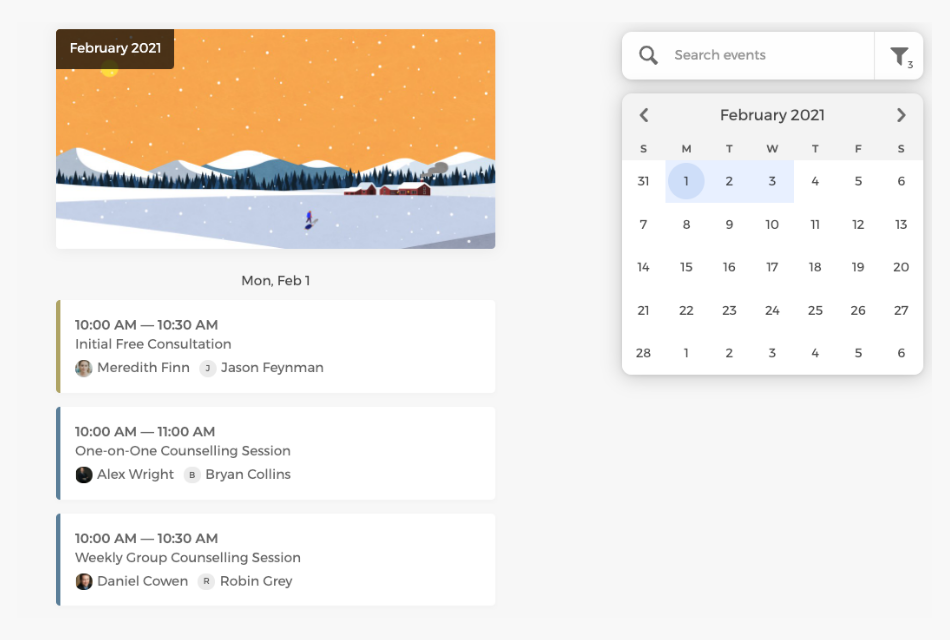
As the admin, you can get a bird's eye-view of all scheduled appointments by filtering team members, keep track of court dates and block off time for away hours.
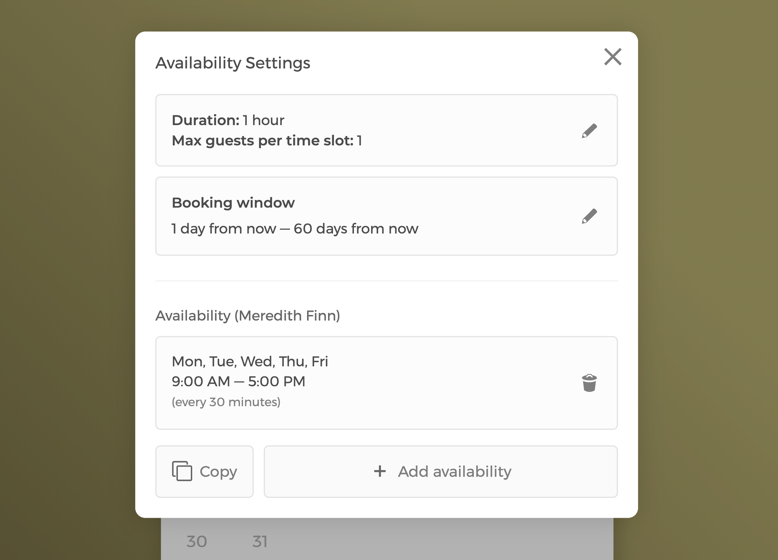
Manage event settings and your firm's team availability
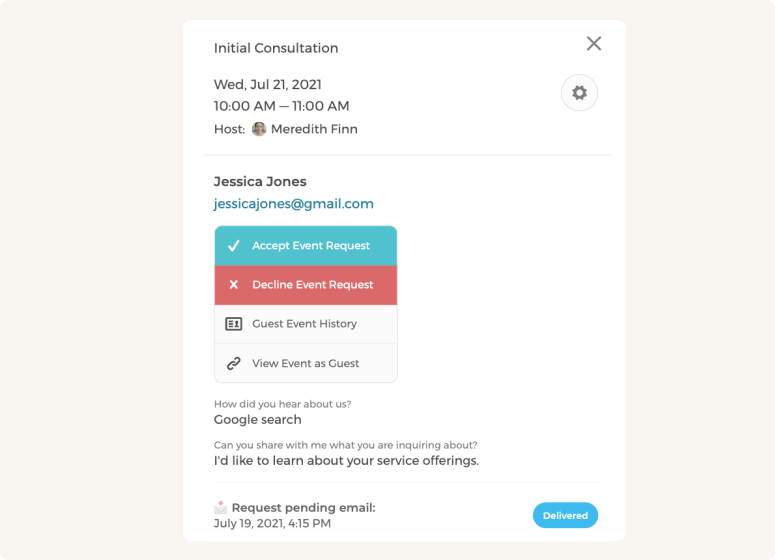
Approve or decline appointment booking requests
Set flexible team scheduling types to maximize bookings
Pool availability from multiple hosts, use round-robin scheduling for even appointment distribution, and set priority ranking to determine which team members or rooms are assigned meetings first.
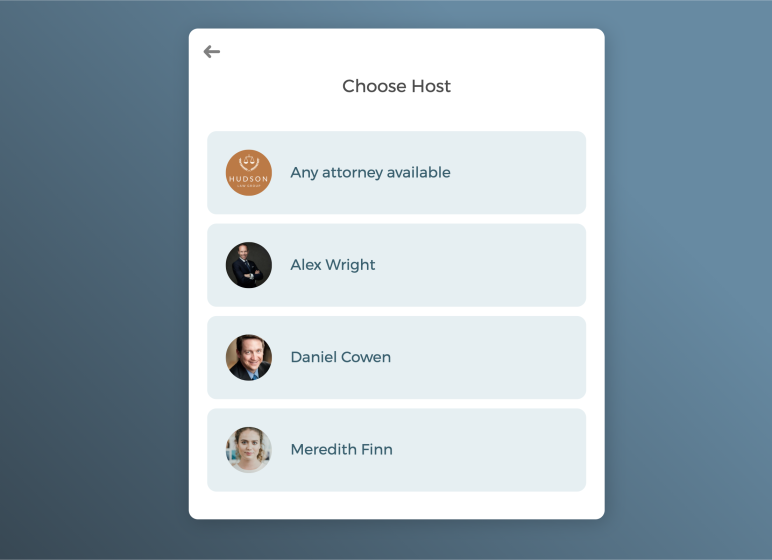
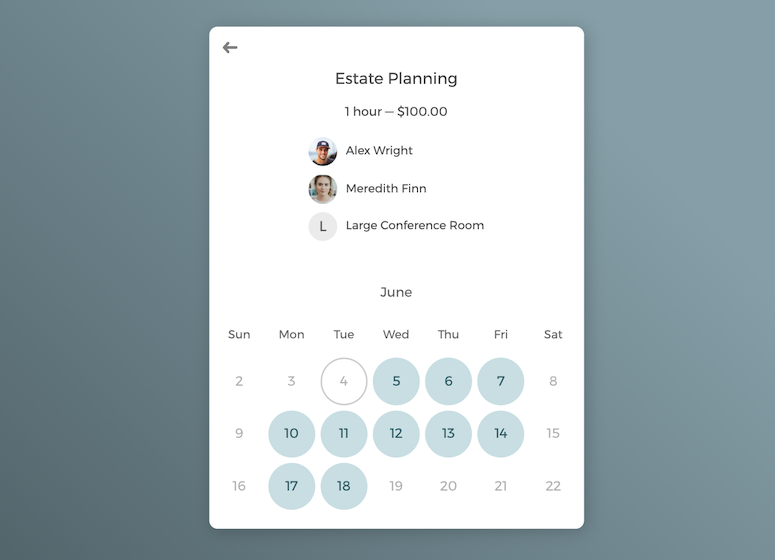
Hybrid room and appointment scheduling

Accept multiple bookings per time slot for group meetings
Power up your law firm's scheduling software with integrations
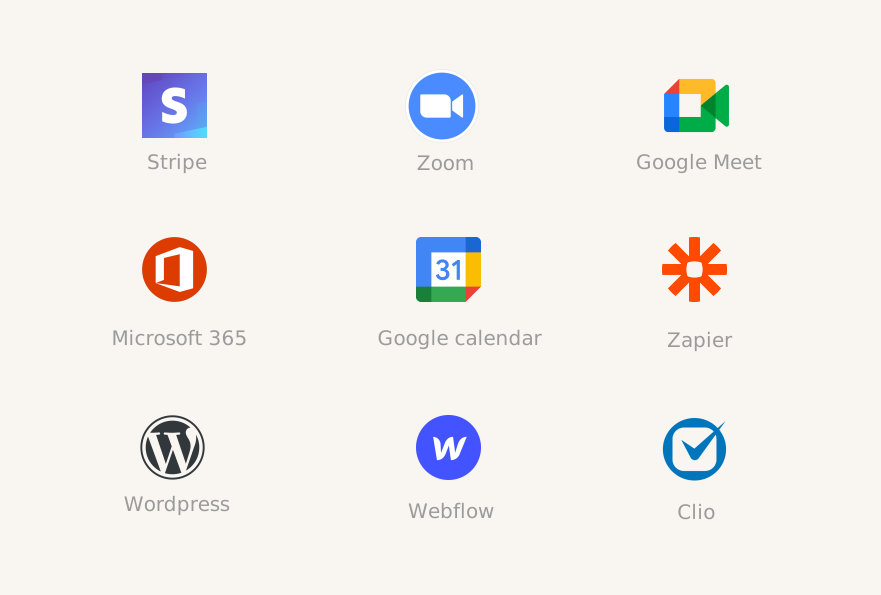
Integrate with your favorite apps to automate onboarding process and create a smooth scheduling experience for new and existing clients.
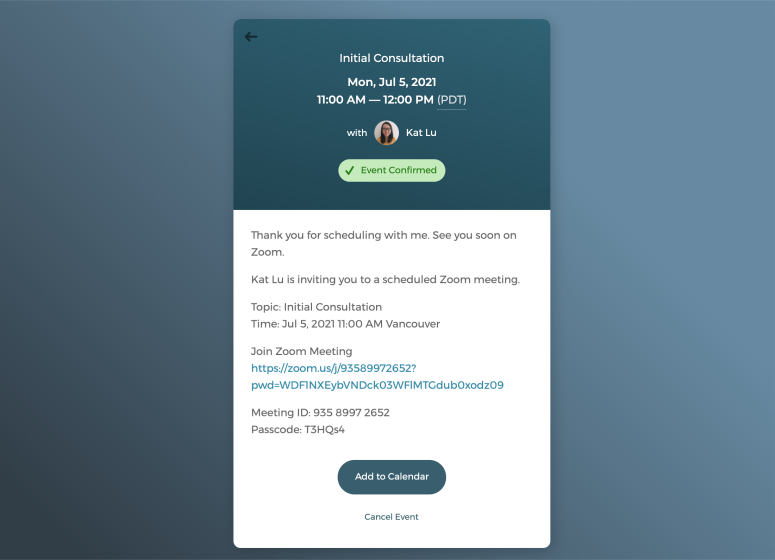
Schedule virtual meetings with just one click
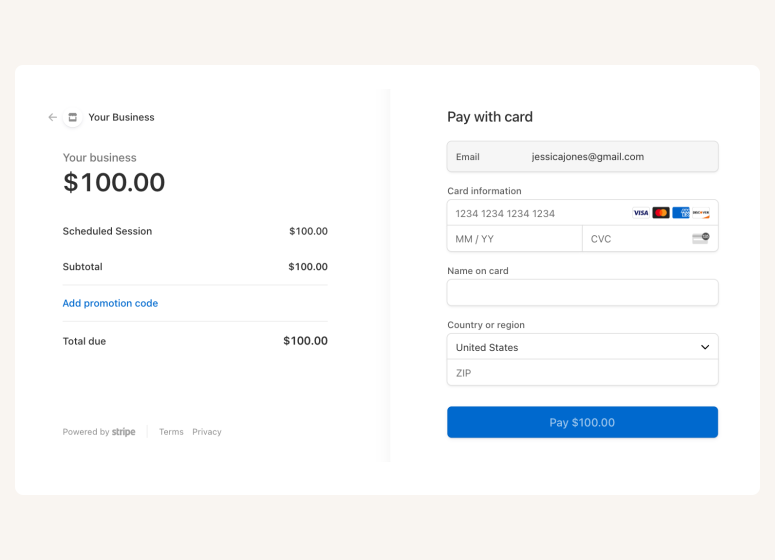
Connect with Stripe to charge payments
A scheduling app that drives growth for your legal business

Auto-timezone detection

Package booking

SMS reminder

Client database







Questions & Answers
Have more questions? Contact us at support@cozycal.com
What is scheduling software for lawyers?
Whether you're in court, in client meetings all day or are burdened with casework - don't let your lead generation suffer. Clients want quick responses and appointment times that suit them.
Traditional scheduling solutions are incredibly resource-intensive and are limited by your working hours. Receptionists can only handle appointment bookings during working hours. Booking consultations by phone and email limits your client capacity to what your admin staff can handle.
CozyCal allows lawyers to create customized booking pages for clients to book appointments themselves. On these pages, your clients can self-schedule meetings themselves 24/7.
Scheduling software booking pages give instant feedback on your availability and get clients booked for consultation sessions without burdening your admin staff. By automating appointment booking, you increase your firm's conversion rate from lead to client.
CozyCal also allows you to create professional booking pages to showcase your legal services. Many law firms struggle with online discoverability, with the ABA finding that nearly half of firms don't publish information about their services and past successes. Showcasing this information helps further increase your conversion rate and gets your name out in the community.
Why do lawyers use scheduling software?
This problem is exacerbated for solos and small firms without dedicated receptionists. Organizing and scheduling appointments is time-consuming and detracts lawyers from providing quality work for their clients.
A scheduling software automates this process and reduces the workload of admin staff and fee earners. Platforms like CozyCal help you capture leads through your firm's website and allow clients to book appointments themselves.
A self-service booking system can transform your free consultations, making it easier and cheaper to capture new leads whilst also improving your customer experience through 24/7 availability.
Can CozyCal integrate with Clio?
With 2-way integration with Clio Manage, CozyCal automatically sends confirmed appointments, new client information and intake form details to your Clio Manage's Calendar and Contacts.
CozyCal allows you to build a smart scheduling flow that offers self-service appointment booking that slots right into the platform they already use.
For more information, check out our Clio integration.
How do you connect Clio to CozyCal's scheduling software?
First, log in to your CozyCal account and head over to Settings. Scroll down to find Clio. Then, go ahead and click Connect to Clio and sign in through the Clio app. That's it, you're done.
What can you do with this integration? With CozyCal, you can build a professional scheduling flow that automates the client intake process. Our system will automatically send confirmed appointments, new clients and intake forms to your Clio account.
What are the benefits of using CozyCal software for appointments?
CozyCal for Teams optimizes appointment management by pooling multiple team members' availabilities to find the optimal time slot. You can set reserved hosts or use round-robin scheduling with ranked priorities for efficient coordination. This ensures no missed opportunities, even when primary contacts are unavailable.
Clients value convenience, and CozyCal meets this demand by enabling quick, barrier-free access to their lawyers. With 71% of law clients comfortable with video calls (IRN Market Research), CozyCal integrates seamlessly with Zoom and Google Meet for effortless video appointments.
Late payments are minimized with our Stripe integration, facilitating easy fee collection for consultations and meetings. CozyCal optimizes your appointment scheduling, enhancing client satisfaction and operational efficiency.
Can I decline an appointment request?
Yes. You can review intake forms and manually approve or decline appointment requests as you please. Once you've either approved or turned down an appointment, your client will receive an email with the status of the booking.
Can I book a demo session?
We're happy to walk you through the app and chat about how CozyCal can help your law firm streamline scheduling and save time.
How much does CozyCal's scheduling software cost?
For our monthly plan, you'll only be paying $20 per user per month. Switch to an annual plan and that drops to $15 per user per month.
Got a team of 10 or more? Email us at support@cozycal.com to explore our team plan discount.