
Delightfully simple home service scheduling software
Empower clients to book service appointments anytime, anywhere with a delightful, all-in-one scheduling software.
Streamline your home service's online scheduling flow to maximize bookings
Whether you are offering roof leak repair or glass restoration services, create a professional scheduling flow that showcases your home services, enables customers to self-schedule appointments, and reduces administrative burden.
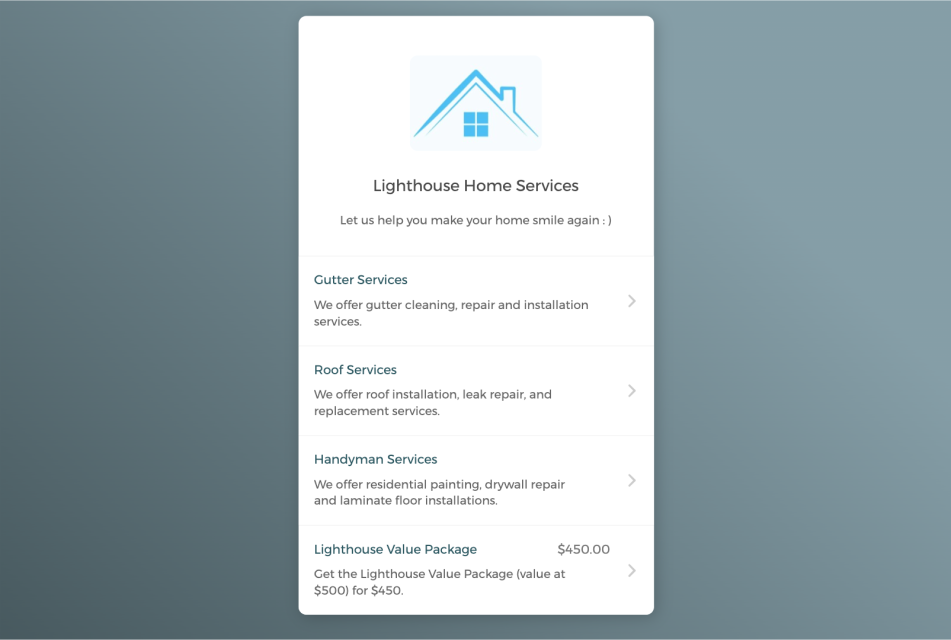

Empower customers to book service appointments on their own
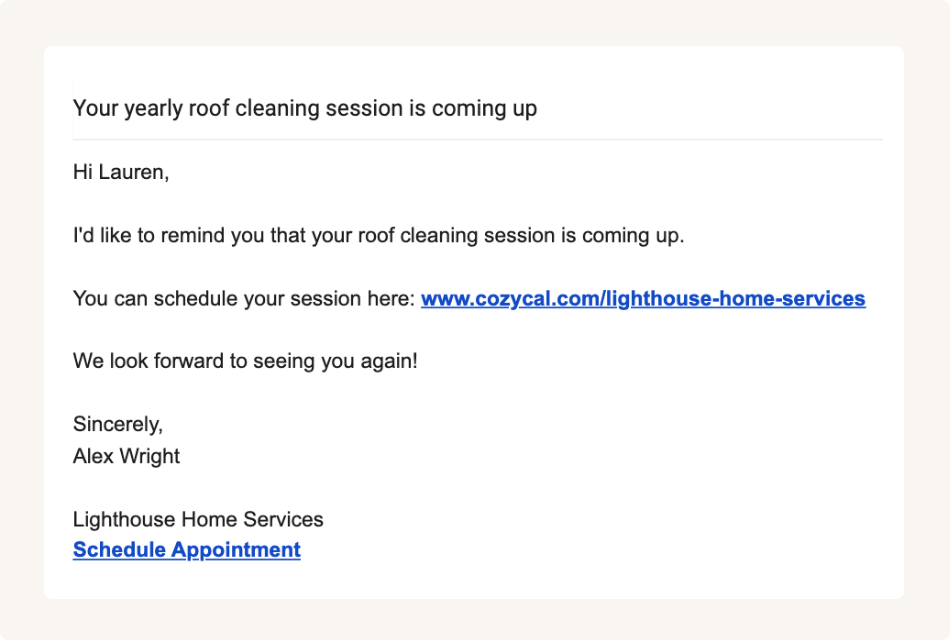
Share booking page links to accept appointments from multiple channels
Keep your home service schedule updated across multiple calendars
Connect with Google calendar or Outlook calendar to sync your home service's schedule and availability across all calendars in real-time, eliminate double-bookings and manage service appointments easily.
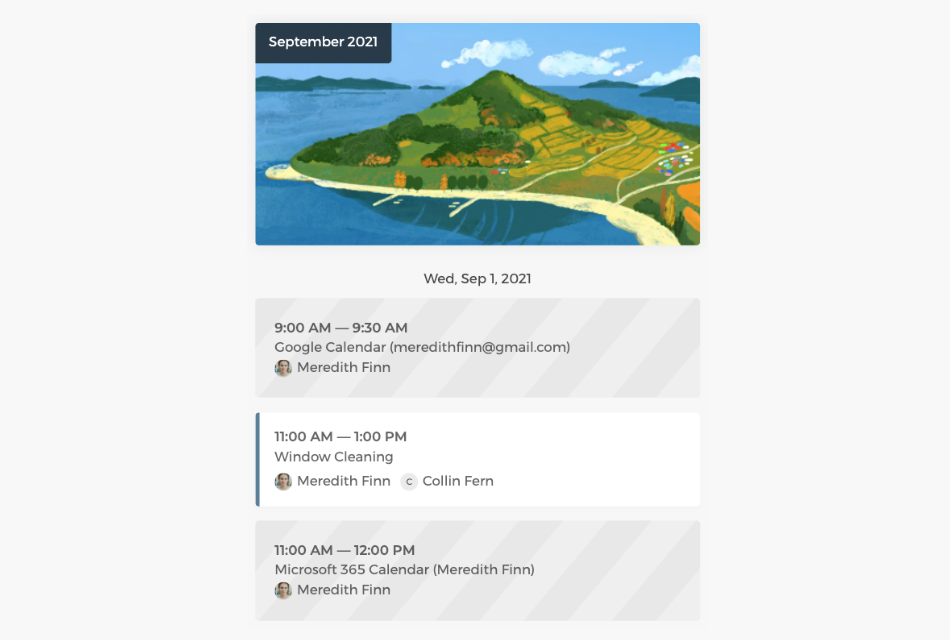
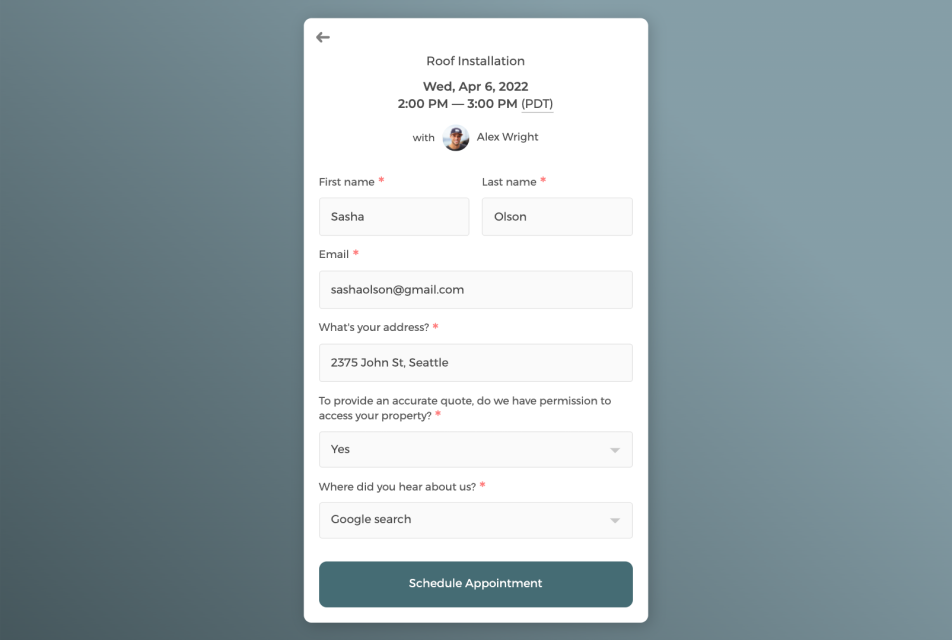
Customize intake form to collect customer information
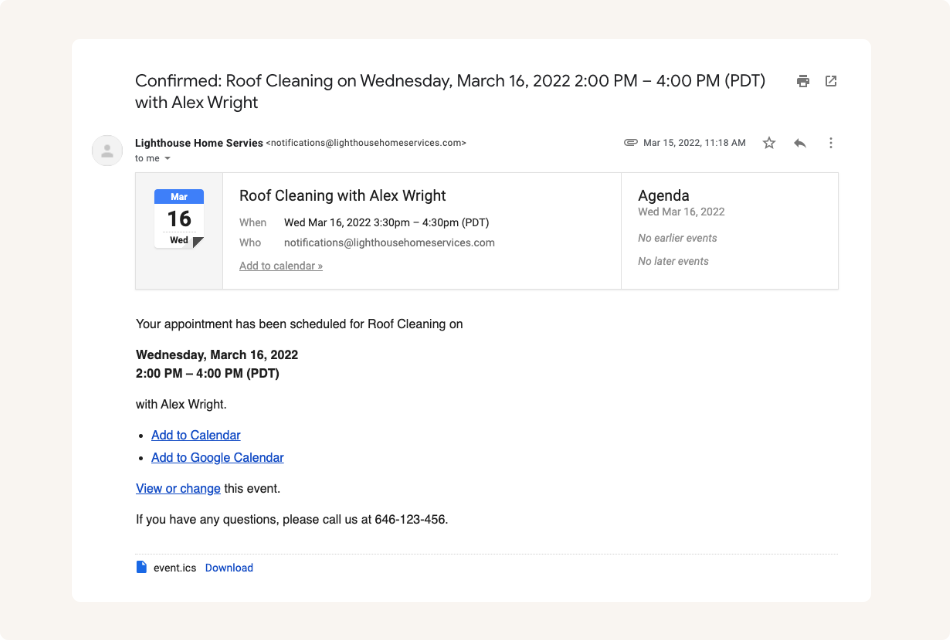
Send white label automatic email notifications to keep customers informed
Control how your home services get booked with flexibility
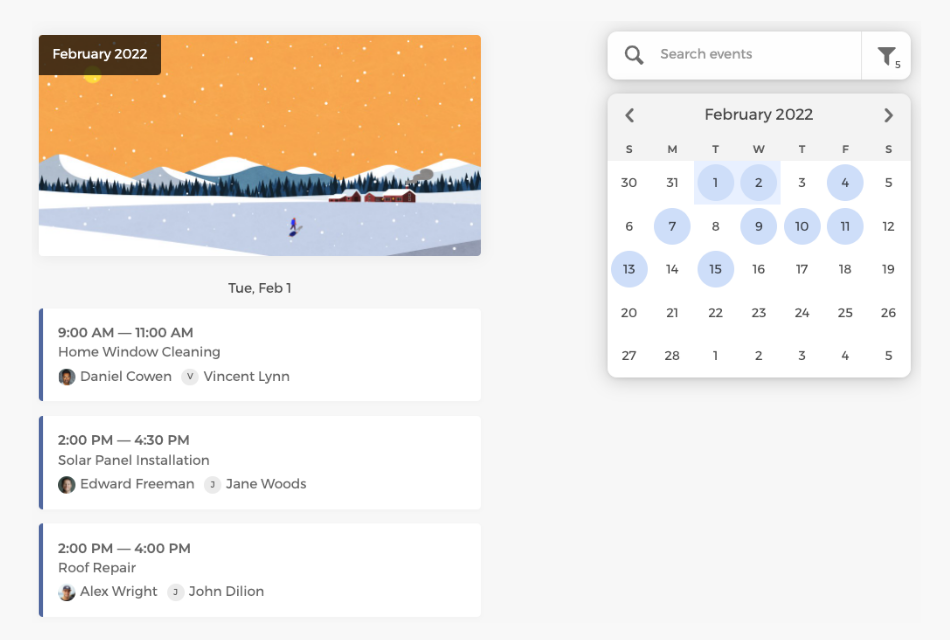
Easily track all booked service appointments on the admin dashboard, manage service availability flexibly, and allocate staff resources more efficiently.
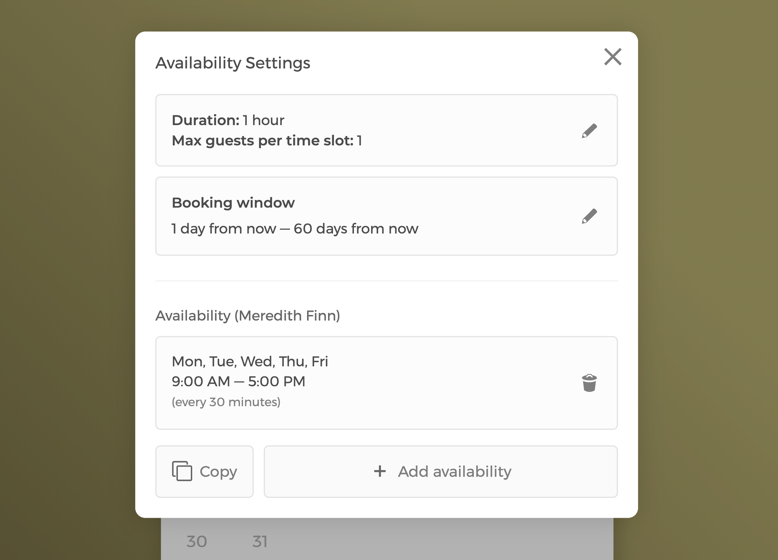
Manage service availability settings with flexibility
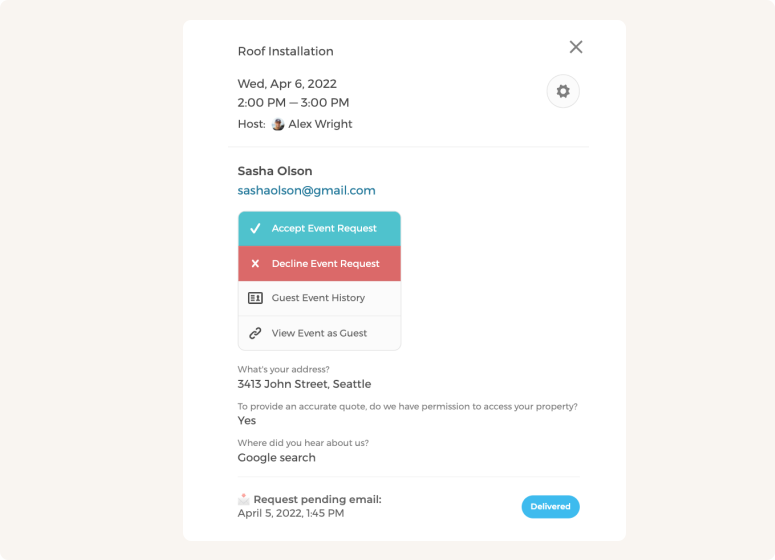
Manually approve or decline service booking requests
Customize CozyCal to fit your home service team's scheduling needs
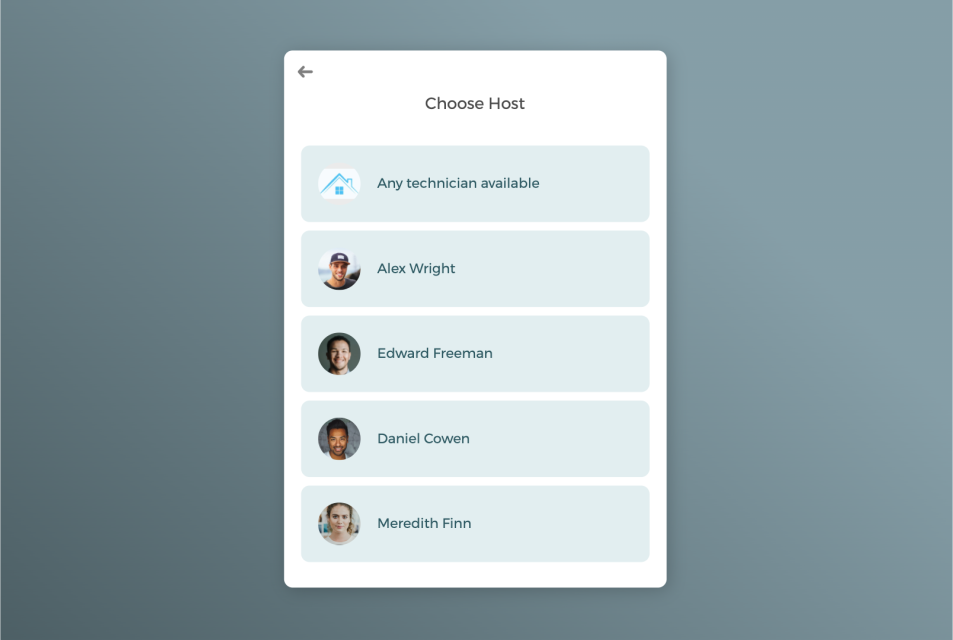
With a team of technicians, booked service appointments can be auto-assigned to staff in a round-robin manner or let clients select a specific technician of their own preference.
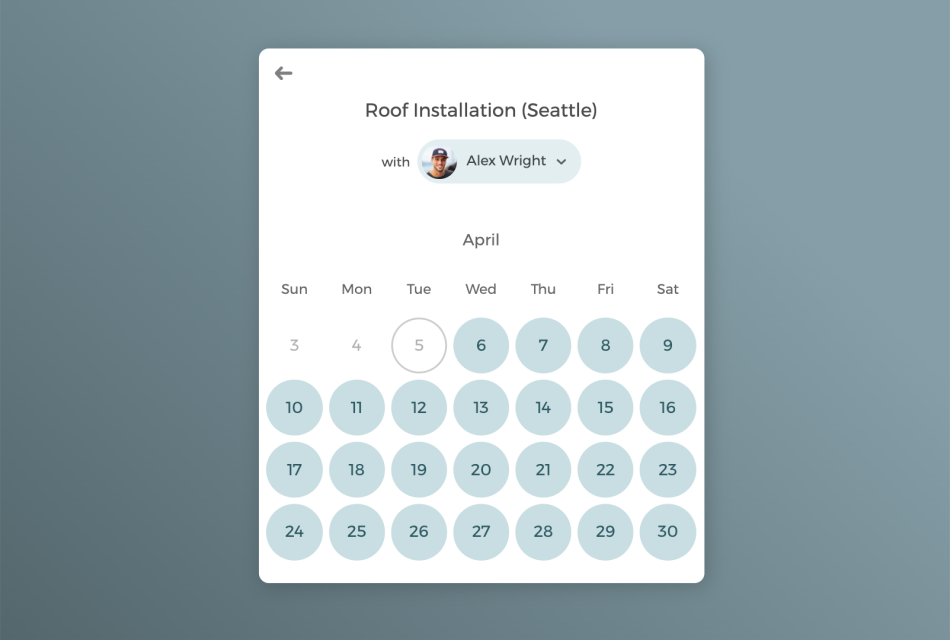
Manage multi-locations under a single account
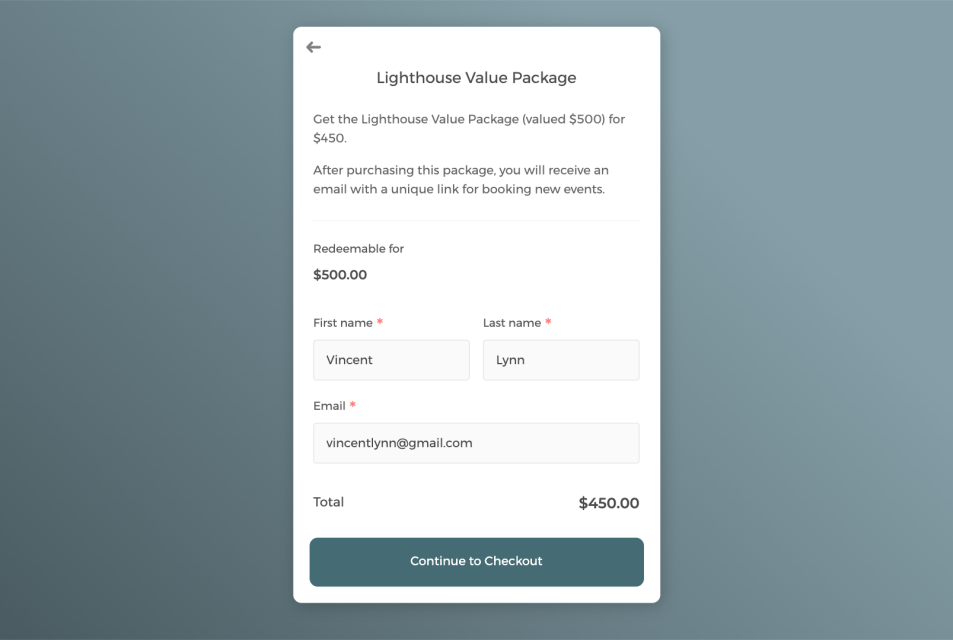
Sell service sessions in package to boost revenue and keep clients engaged
Power up your home service scheduling software with integrations
Connect CozyCal with apps your are already using to create automated workflows that increase efficiency, reduce overhead burden and deliver high-quality home services for your clients.
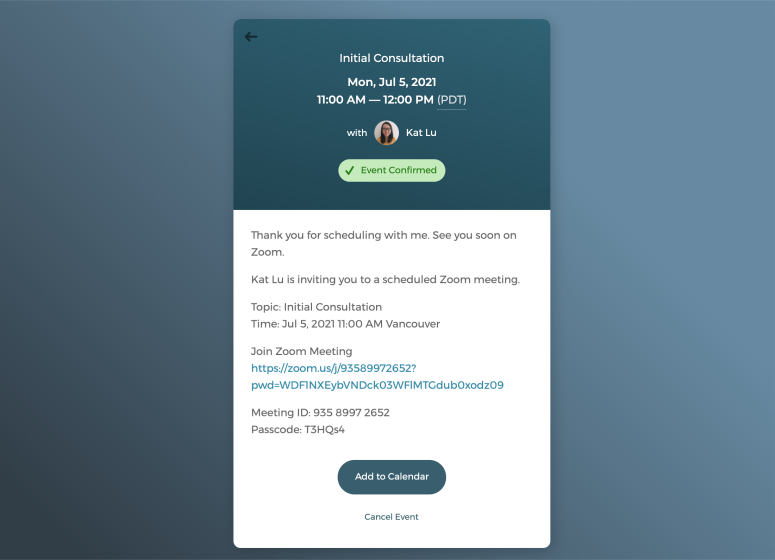
Host virtual consultations with just one click
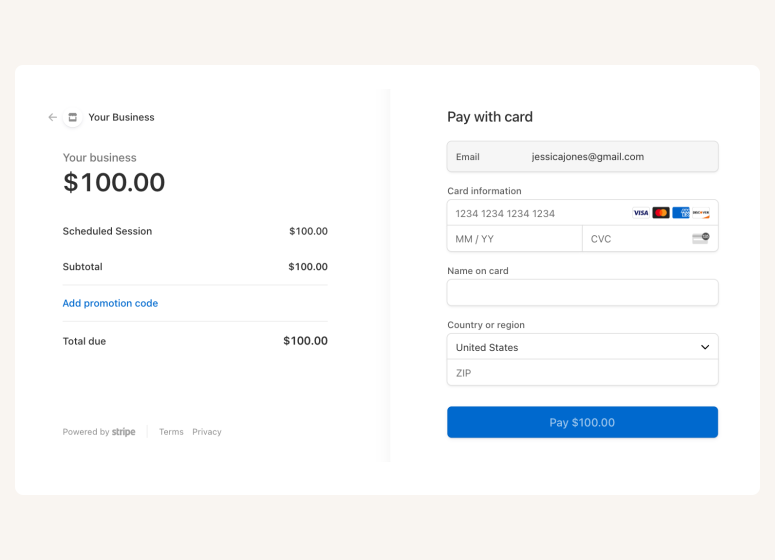
Accept online payments securely through Stripe
A scheduling app that takes care of scheduling for your home service business

Auto-timezone detection
Redirect page

SMS reminder
Customer database







Questions & Answers
Have more questions? Contact us at support@cozycal.com
What property details matter most when customers book a cleaning appointment?
CozyCal's intake forms capture information essential for accurate quoting and preparation: home address, square footage, number of bedrooms and bathrooms, property type (apartment, house, condo), and current condition. Ask about specific areas needing attention, presence of pets, and any allergies to cleaning products. Cleaners arrive prepared with the right supplies, time allocation, and expectations for the job.
How should cleaning companies differentiate between service types on their booking page?
Create separate event types for each offering: standard maintenance cleaning, deep cleaning, move-in/move-out cleaning, post-construction cleanup, or specialty services like carpet or window cleaning. Each service has its own duration, pricing, and description reflecting the work involved. Customers understand exactly what they're booking, and your schedule allocates appropriate time for each job type.
Where do customers provide access instructions for their home or office?
Include dedicated intake form fields for entry details: lockbox codes, hidden key locations, doorman information, alarm codes, or whether someone will be home. Add questions about parking availability and pet containment during service. Cleaners review these instructions before arriving, eliminating last-minute calls and ensuring smooth access to the property.
Does appointment duration adjust based on home size or cleaning intensity?
Yes. Configure different durations for each service tier like a studio apartment maintenance clean might be 2 hours while a 4-bedroom deep clean could be 5 hours. Create service options by property size (small, medium, large) or by specific square footage ranges. Customers select the option matching their home, and your calendar reflects realistic time blocks for each job.
Why might a cleaning business screen booking requests before confirming?
Enable event requests to review jobs before accepting. For first-time clients, assess whether the property falls within your service area, verify the scope matches your team's capacity, or flag unusually large or complex jobs requiring custom quotes. Post-construction and hoarding cleanups often need pre-visit assessments. Approve suitable requests and decline those outside your capabilities—custom emails communicate your decision professionally.
How do crews get notified about their assigned cleaning appointments?
Each team member connects their Google Calendar or Outlook calendar to CozyCal. When assigned a job, it appears on their personal calendar with all details: client address, access instructions, service type, and special notes. Automated email confirmations reinforce the assignment. Staff always know where they're going and what to expect without chasing down information from the office.
What makes recurring cleaning clients different from one-time bookings?
For regular maintenance clients, create cleaning packages that bundle multiple sessions at a discounted rate—such as a "4-Week Cleaning Plan" or "Monthly Deep Clean Package." Clients purchase upfront and receive a redemption code to book individual appointments. Packages secure recurring revenue, reward client loyalty, and encourage consistent scheduling that's easier on your operations.
Can one cleaning company serve multiple neighborhoods or cities from a single account?
Yes. Create individual booking pages for each service area, or combine all locations on one team booking page where customers select their zone. Each area can have different staff assignments, availability windows, and even pricing if costs vary by location. The admin dashboard provides oversight across all territories, letting you track bookings and manage resources centrally.
Are there ways to accommodate customers with allergies or eco-friendly preferences?
Add intake form questions about chemical sensitivities, fragrance-free requirements, or preference for green cleaning products. Include checkboxes for common concerns like pet-safe solutions or specific brand requests. Cleaners see these notes before arrival and bring appropriate supplies. This attention to detail builds trust and differentiates your service from competitors who don't ask.
How does the client database benefit cleaning businesses with repeat customers?
CozyCal stores complete booking history for every client: past services performed, property details, access instructions, special requests, and payment records. When a regular customer books again, all their information is already on file. Staff can reference previous notes about the home, and you can track which clients are due for their next cleaning based on their typical schedule.
What payment approaches work for different cleaning service models?
Connect Stripe to collect payment at booking—ideal for one-time cleans or new clients where prepayment reduces no-shows. For recurring clients with established trust, you might invoice after service completion. Offer promotional coupons for first-time bookings or seasonal discounts. CozyCal handles secure payment collection however your business model requires.
Which features support cleaning teams with multiple employees per job?
Round-robin assignment distributes single-cleaner jobs evenly across your staff, balancing workloads automatically. For larger properties requiring crews of two or three, assign the lead cleaner and note team members in the booking details. The admin dashboard shows all scheduled jobs across your entire workforce, letting managers spot gaps, reassign as needed, and ensure adequate coverage for every appointment.