
Delightfully simple events scheduling software
Empower customers to schedule events anytime, anywhere with a delightful, all-in-one scheduling software.
Receive bookings for your events 24/7
Whether you are hosting business conferences or charity events for local community, create an automated scheduling flow that showcases your events, enables customers to self-schedule and purchase tickets at their convenience.
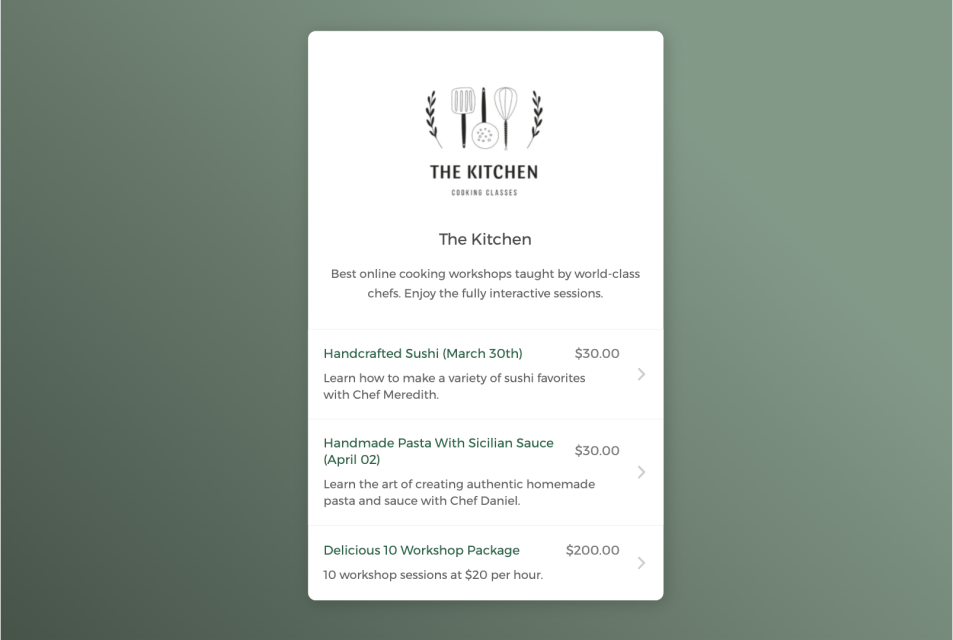

Empower clients to book events on their own
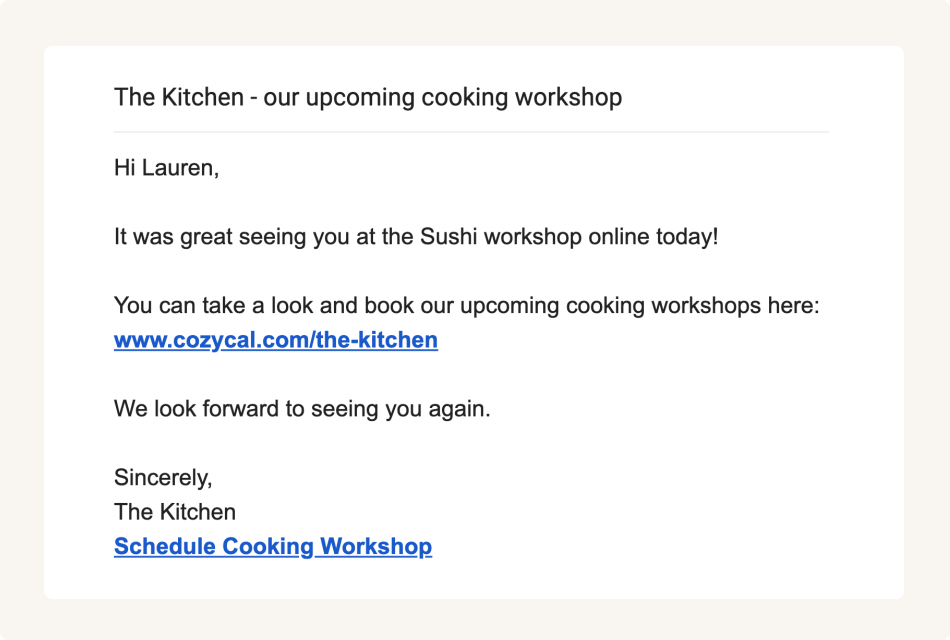
Share booking page links to accept class bookings from multiple channels
Keep your event schedule updated across multiple calendars
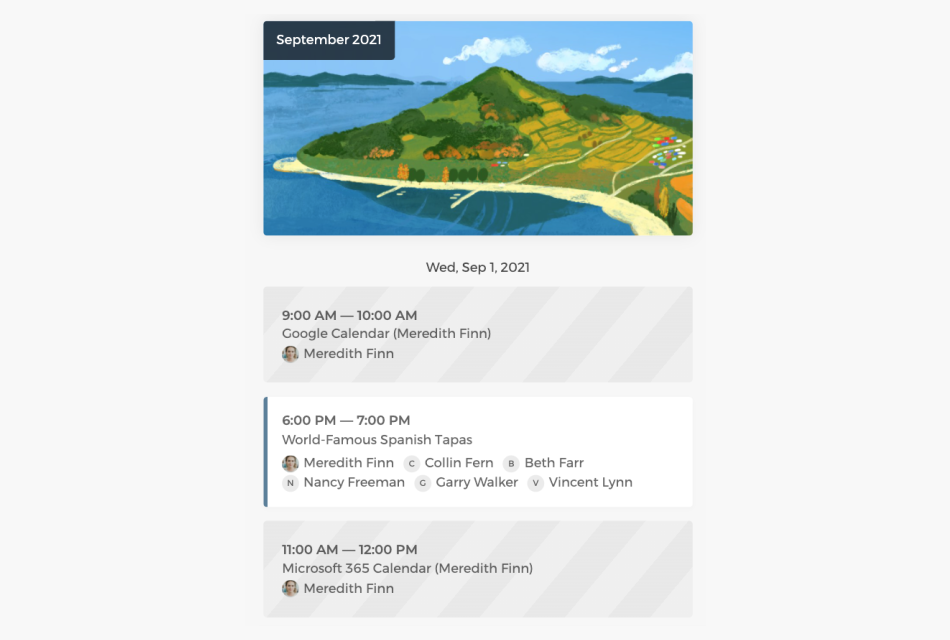
Connect with Google calendar or Outlook calendar to sync your event schedule and availability across all calendars in real-time, eliminate double-bookings and manage event scheduling easily.
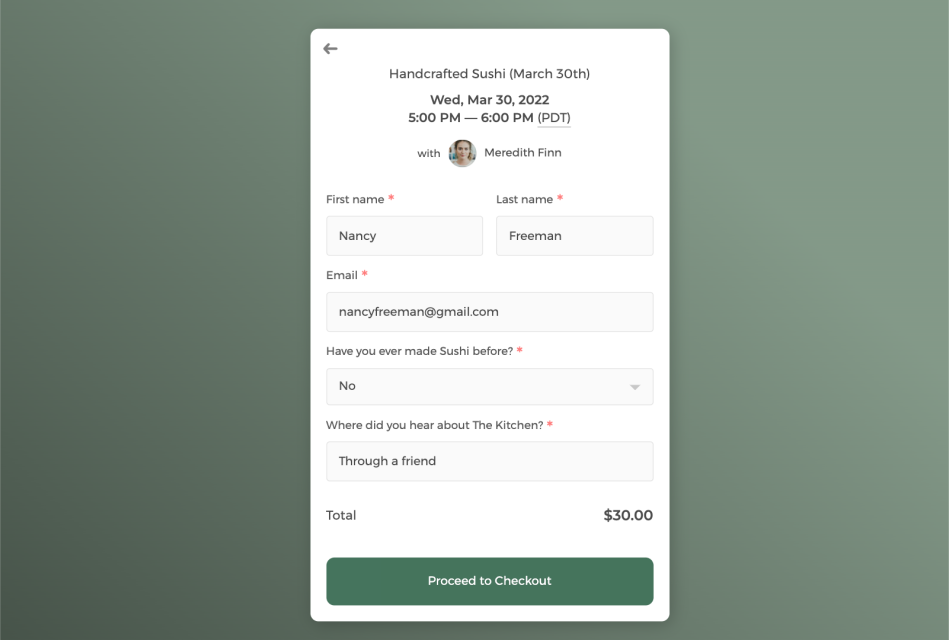
Customize intake form to collect information
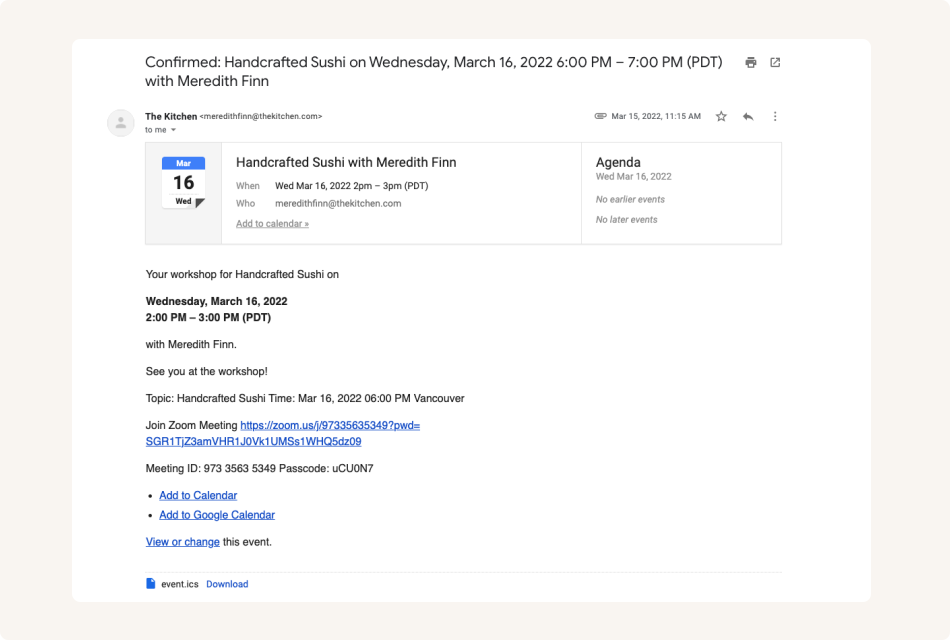
Send white label automatic email notifications to keep customers informed
Control how your events get booked
Easily track all your event bookings on the admin dashboard, manage event availability flexibly, and allocate resources more efficiently.
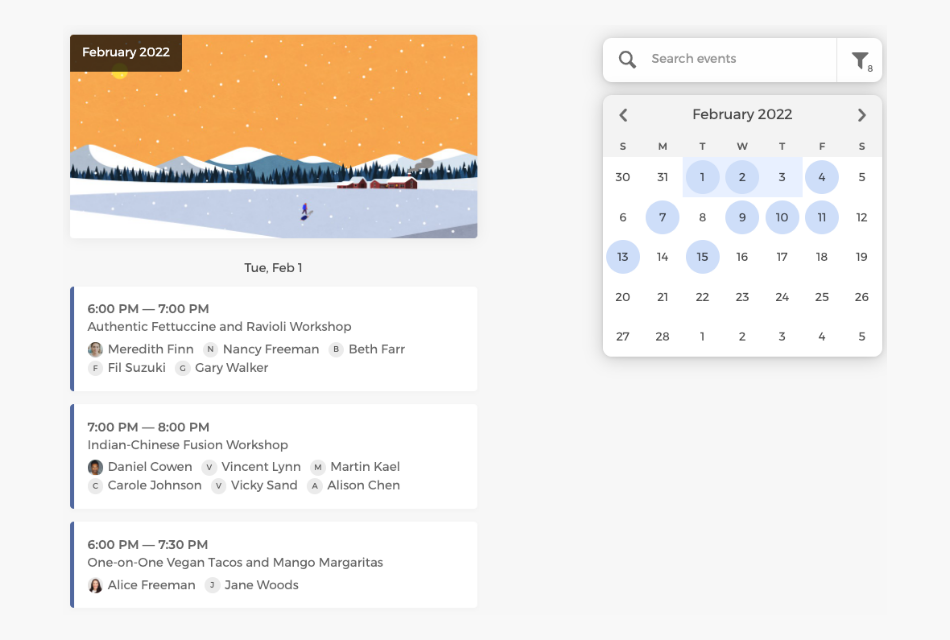
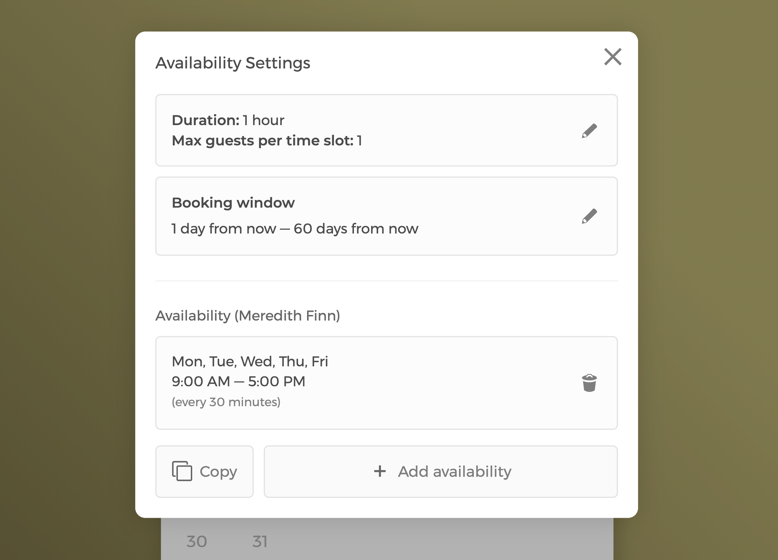
Manage event availability settings with flexibility
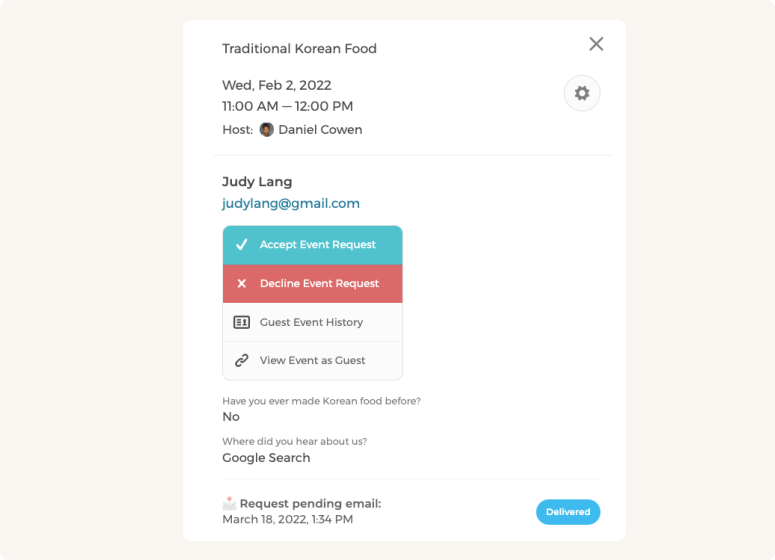
Manually approve or decline event requests
Customize CozyCal to fit your team's scheduling needs
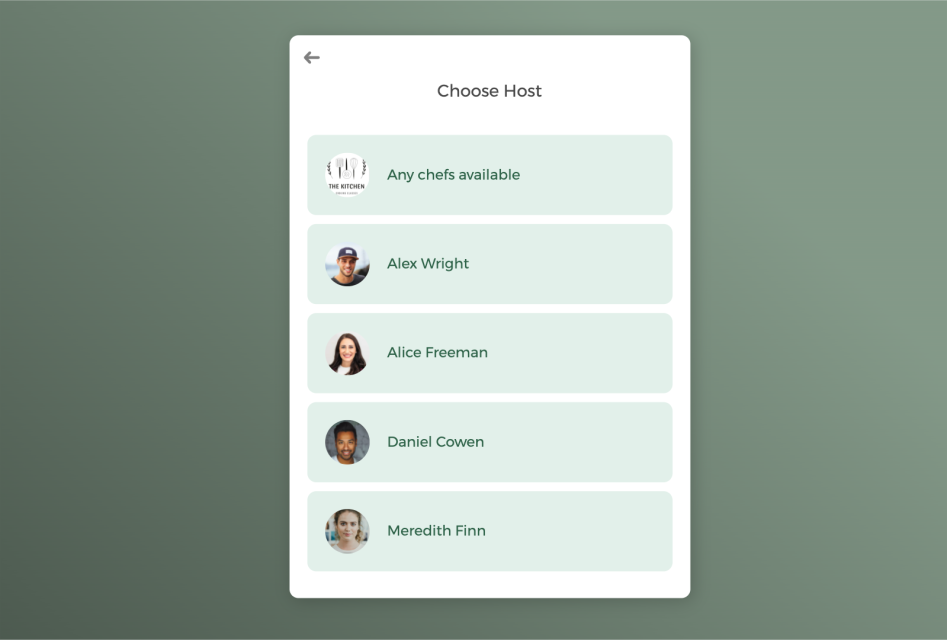
With a team of staff members, booked events can be auto-assigned to staff in a round-robin manner or let clients select a specific team member of their own preference.
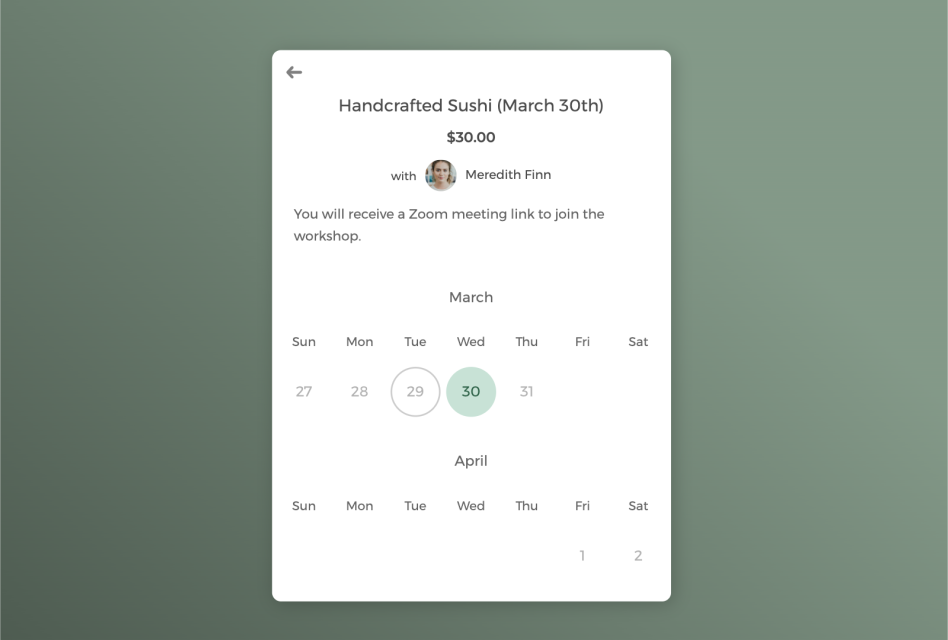
Host private one-on-one session or group events
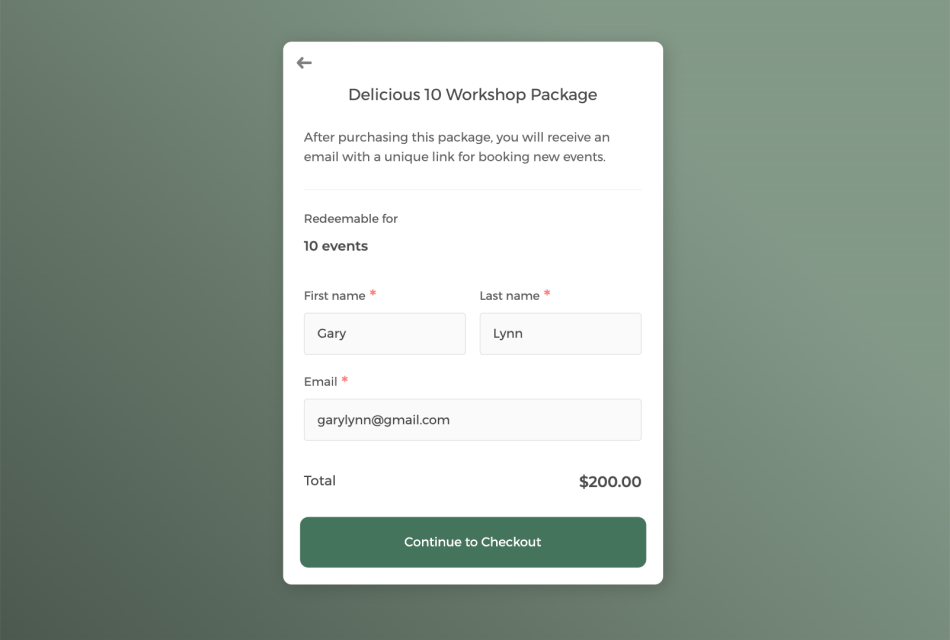
Sell events in package to boost revenue and keep clients engaged
Power up your event scheduling software with integrations
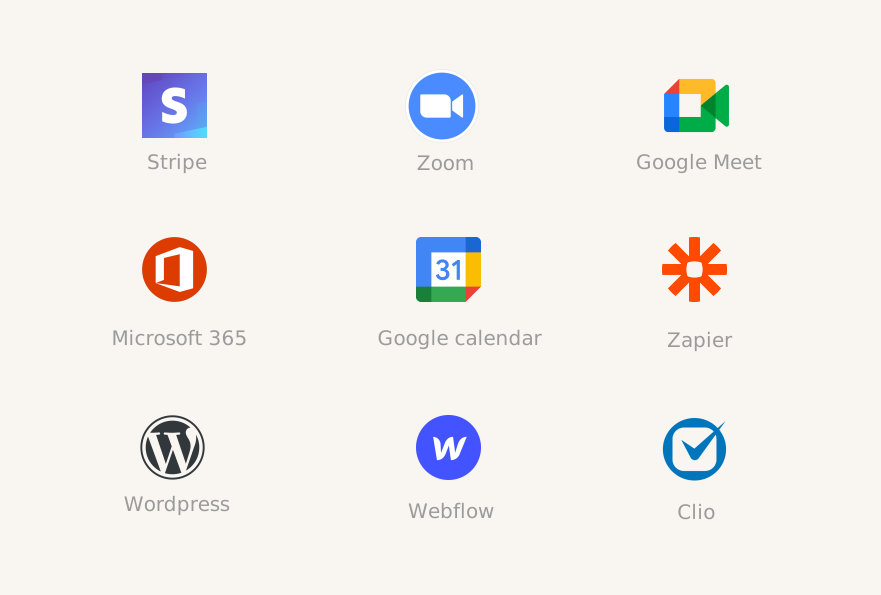
Connect CozyCal with apps your are already using to create automated workflows that increase efficiency, reduce overhead burden and plan the best events for your customers.
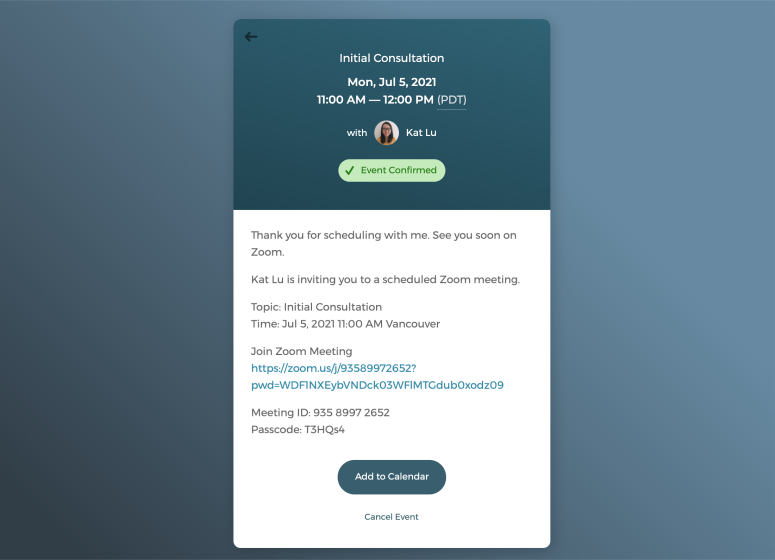
Host virtual events with just one click
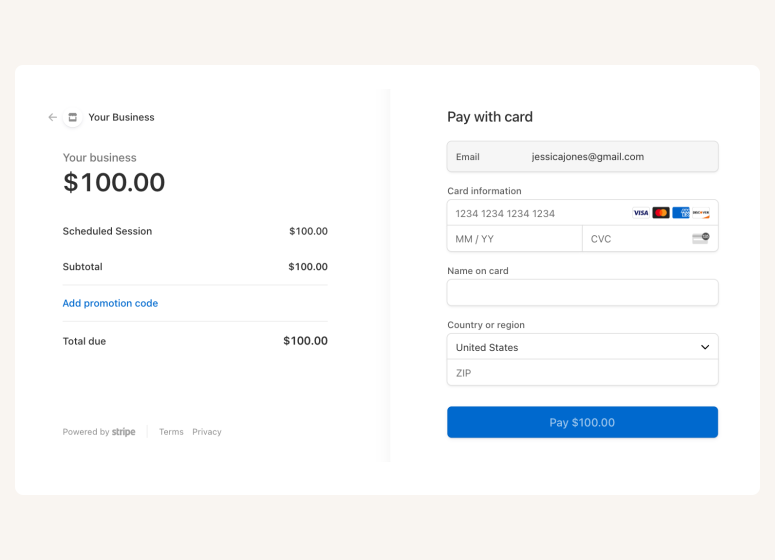
Accept online payments securely through Stripe
A scheduling app that takes care of scheduling for your events

Auto-timezone detection

Redirect page

SMS reminder

Client database







Questions & Answers
Have more questions? Contact us at support@cozycal.com
What types of events can I manage with CozyCal?
CozyCal supports a wide range of events including business conferences, workshops, webinars, charity events, community gatherings, tours, classes, and seminars. Whether you're hosting in-person events or virtual sessions, CozyCal provides the tools to manage registrations, collect attendee information, and process payments. The platform is particularly well-suited for businesses that primarily offer appointment-based services but occasionally host group events, allowing you to manage both within a single system.
How many attendees can register for a single event?
CozyCal supports up to 500 attendees per time slot, making it suitable for everything from small workshops to large conferences and webinars. You can set a maximum guest limit per time slot to prevent overbooking, and also control how many attendees a single person can register in one booking (ideal for families or groups booking together). Once capacity is reached, the time slot automatically becomes unavailable for further registrations.
Can attendees book and pay for multiple people in one transaction?
Yes. CozyCal's multi-guest booking feature allows one person to book and pay for multiple attendees in a single transaction through Stripe. This is perfect for tour operators, workshop hosts, and event planners who need to accommodate families, corporate groups, or friend groups. You can set limits on how many guests one person can book at once while maintaining overall event capacity limits.
Can I sell event tickets and accept payments online?
Yes. CozyCal integrates with Stripe to accept online payments securely. You can set pricing for your events, sell tickets, offer coupons and discounts, and add optional add-on items during checkout. All payments are processed directly on your booking page, providing a seamless experience for attendees. You can also offer tiered pricing, group rates, or package deals for multi-event purchases.
Can I host virtual events and webinars?
Absolutely. CozyCal integrates with Zoom and Google Meet to automatically generate unique video conference links for virtual events. When attendees register, the meeting link is automatically included in their confirmation and reminder emails, as well as their calendar event description. This makes it easy to host webinars, virtual workshops, online classes, and remote conferences without manually managing meeting links.
How do I promote my events and collect registrations?
CozyCal offers multiple ways to share your events and collect registrations. You can embed a booking widget directly on your website, add a floating "Book Now" button, or share direct event URLs via email, text messages, and social media. Attendees can view event details, check availability, fill out intake forms, and complete payment—all in one streamlined flow. You can also redirect attendees to a custom thank-you page after registration and track conversions with Google Analytics.
Can I collect attendee information before the event?
Yes. CozyCal's customizable intake forms allow you to collect essential information from attendees during registration. You can add various question types including short answer, paragraph, checkbox, dropdown, and add-on selections. This information is synced to your Google or Outlook calendar event description and stored in your centralized client database, helping you prepare for your event and follow up with attendees afterward.
How do I reduce no-shows for my events?
CozyCal provides multiple tools to minimize no-shows. Automated email reminders are sent before your event to keep it top-of-mind for attendees. SMS text message reminders are also available for US and Canada. You can require full payment upfront to increase commitment. Additionally, the event request feature lets you screen registrations before confirming them, ensuring you only accept attendees who are genuinely interested.
Can I assign events to specific team members?
Yes. If you have a team of staff members managing events, CozyCal can automatically assign booked events to available staff using round-robin scheduling, ensuring an even distribution of workload. Alternatively, you can let attendees select a specific team member of their preference, or use multi-host collective scheduling to pool availability across multiple hosts for the same event.
How does CozyCal compare to dedicated event management platforms like Eventbrite?
Dedicated event platforms like Eventbrite offer more specialized features for large-scale events such as complex ticketing tiers, seating charts, and event discovery marketplaces. CozyCal is ideal if you want to manage both appointments and events in one place without the overhead of separate systems.