
Delightfully simple coworking space scheduling software
Give community members the freedom to self-book rooms or desks in your coworking space with a delightful, all-in-one scheduling software.
Customize your own coworking space scheduling flow
Whether your coworking space provides rental for meeting rooms, hot desks, or shared equipment, create a customized scheduling flow that showcases your space and empowers clients to self-book spaces.
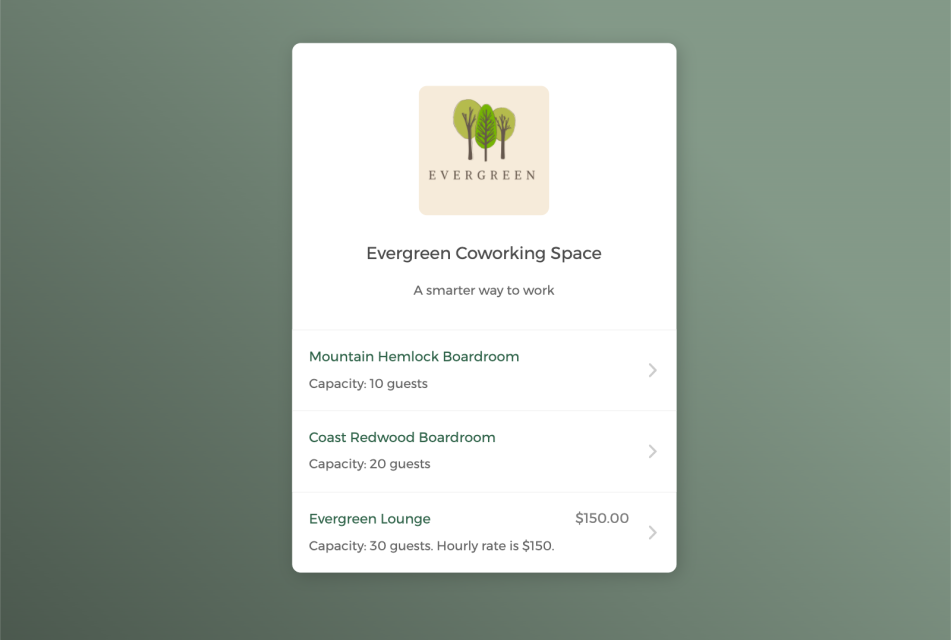
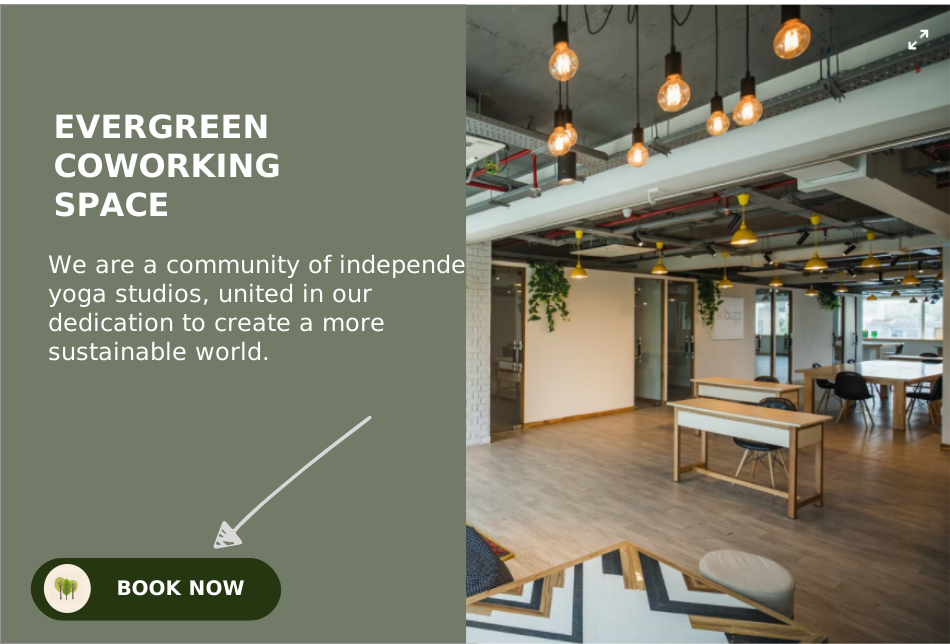
Empower clients to self-schedule spaces
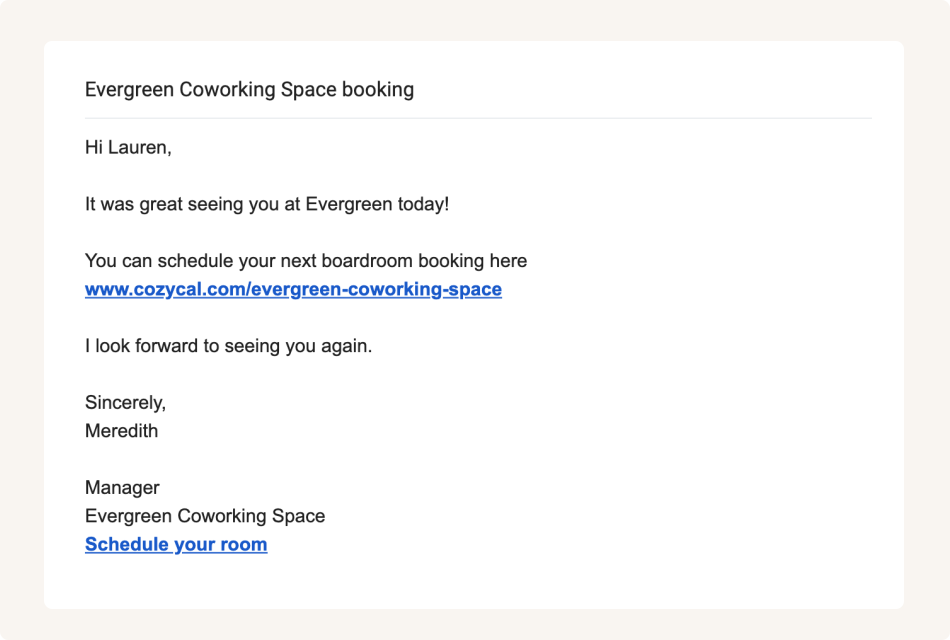
Share booking page links to accept bookings from multiple channels
Keep your coworking space schedule updated
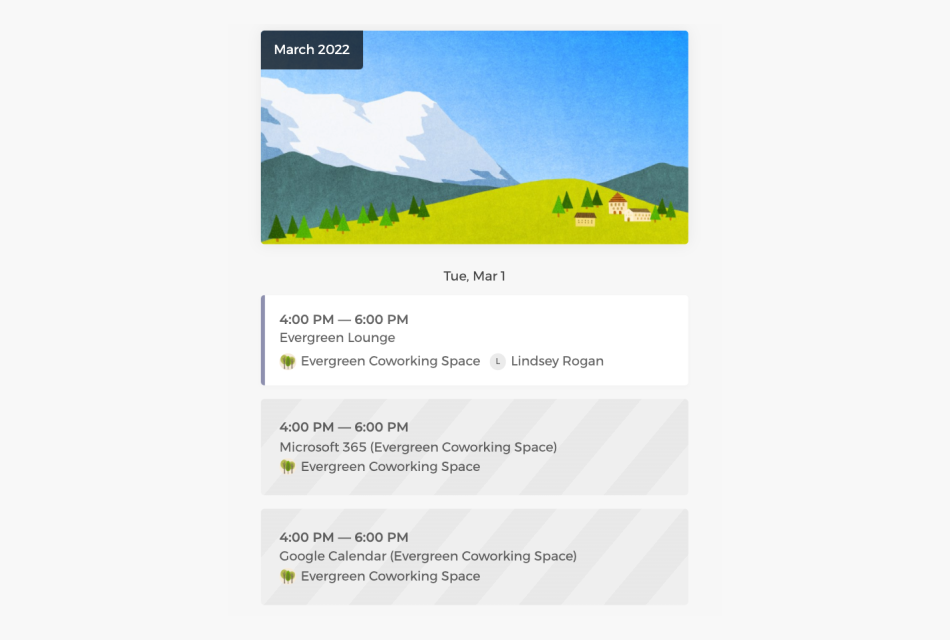
Connect with Google calendar or Outlook calendar to sync your coworking space availability across all calendars in real-time, eliminate double-bookings and manage room scheduling easily.
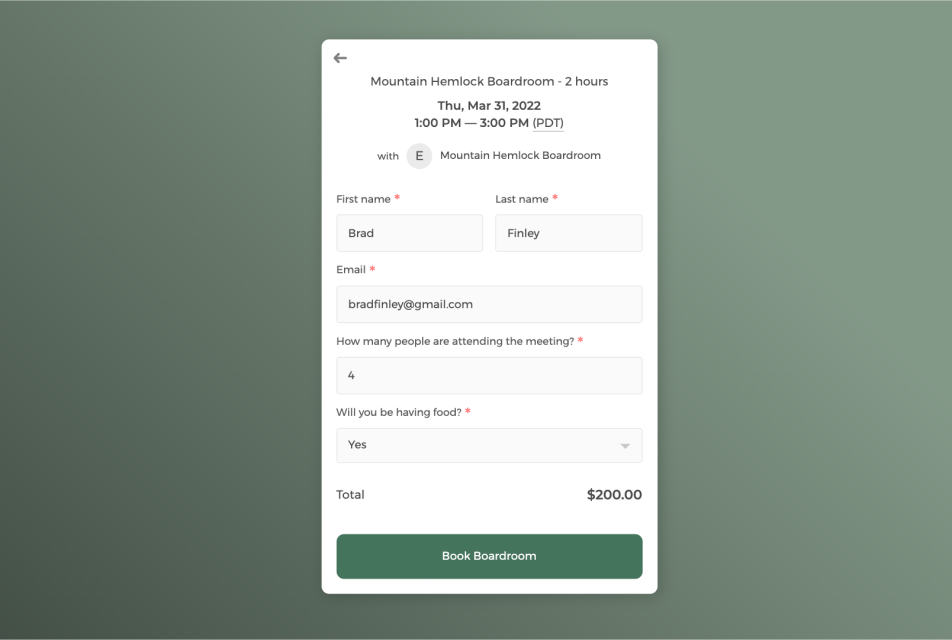
Customize intake form to collect booking information
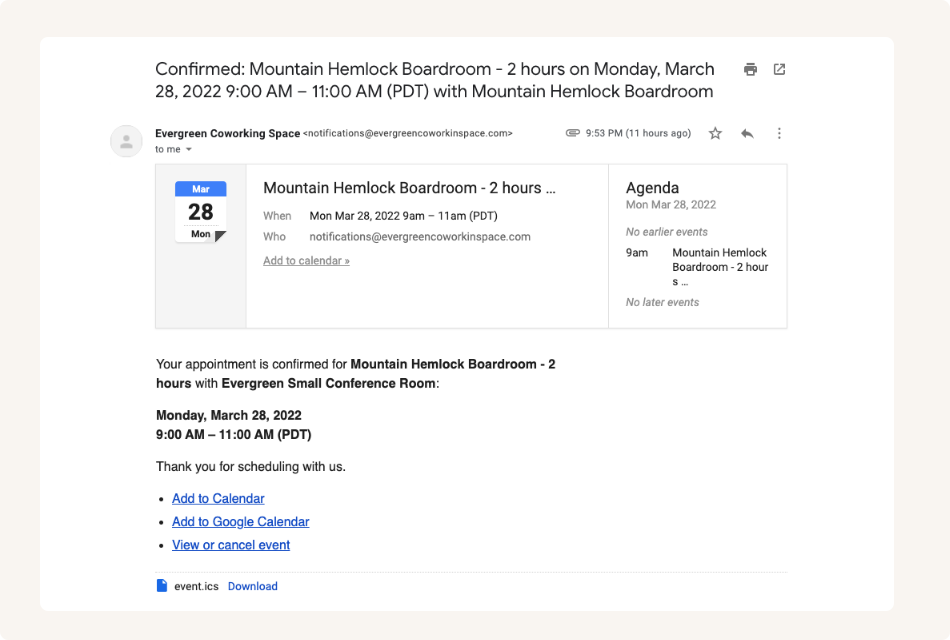
Send white label automatic email notifications to keep booked clients informed
Control how your coworking space gets booked with flexibility
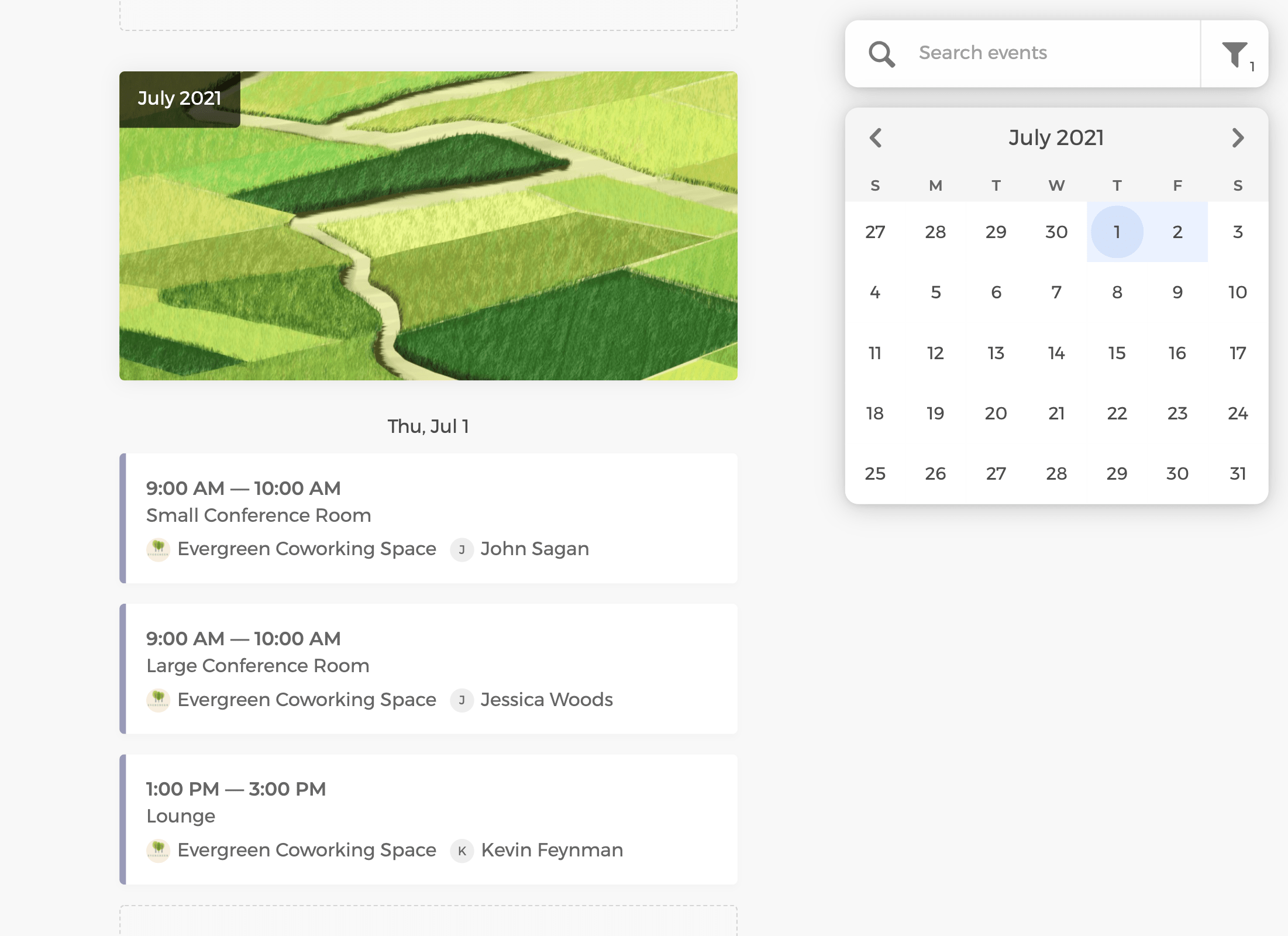
Track scheduled rooms and desks on the admin dashboard, manage space availability flexibly, and allocate space resources more efficiently.
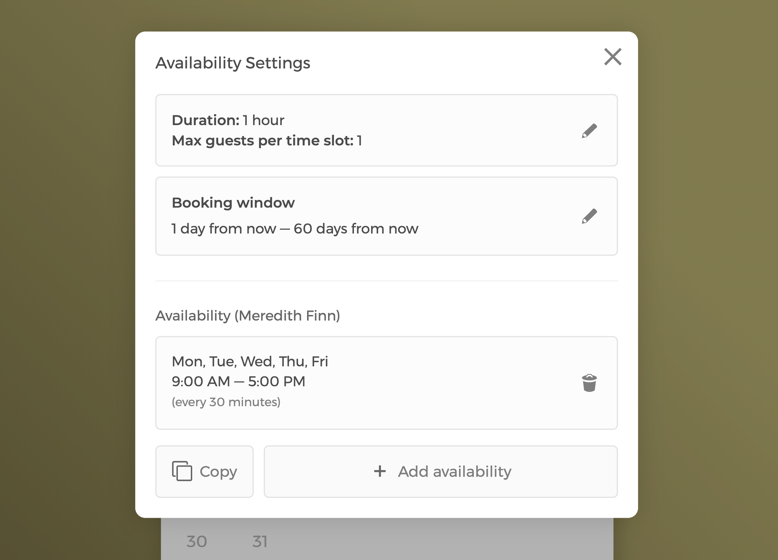
Manage space settings and availability
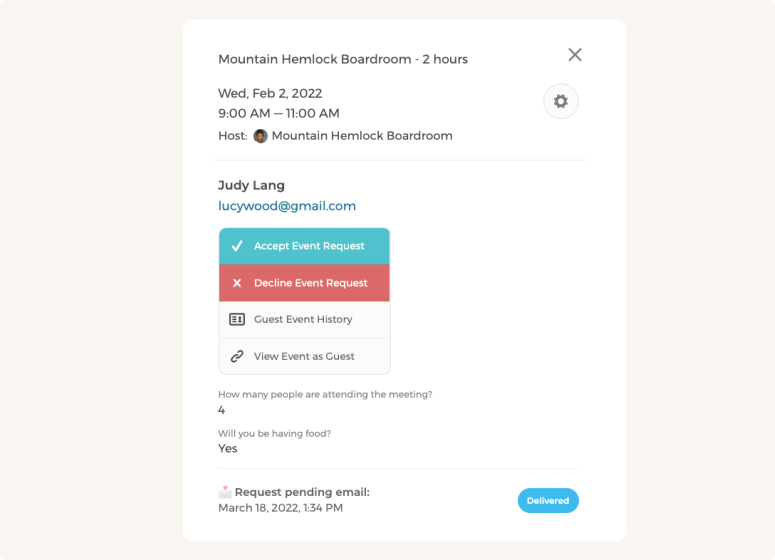
Manually approve or decline space booking requests
Power up your coworking space scheduling software with integrations
Integrate CozyCal with apps your are already using to create automated workflows that increase efficiency, reduce administrative friction and foster a strong coworking community.
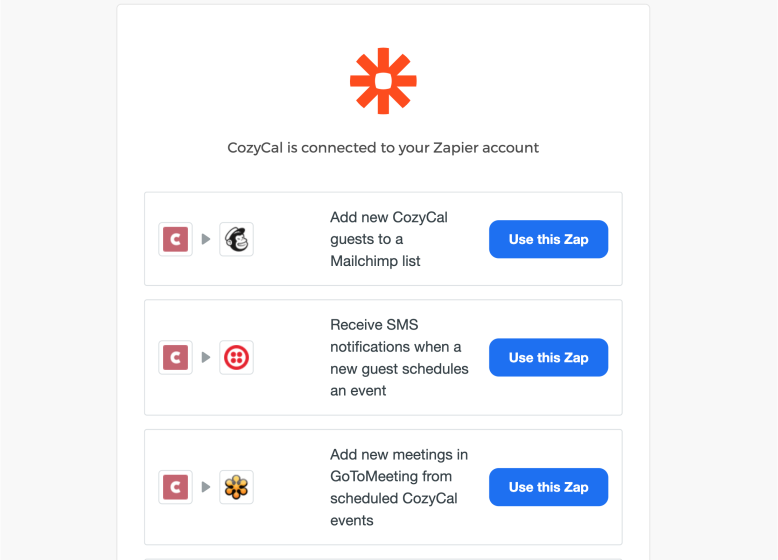
Integrate with 1,000+ apps through Zapier
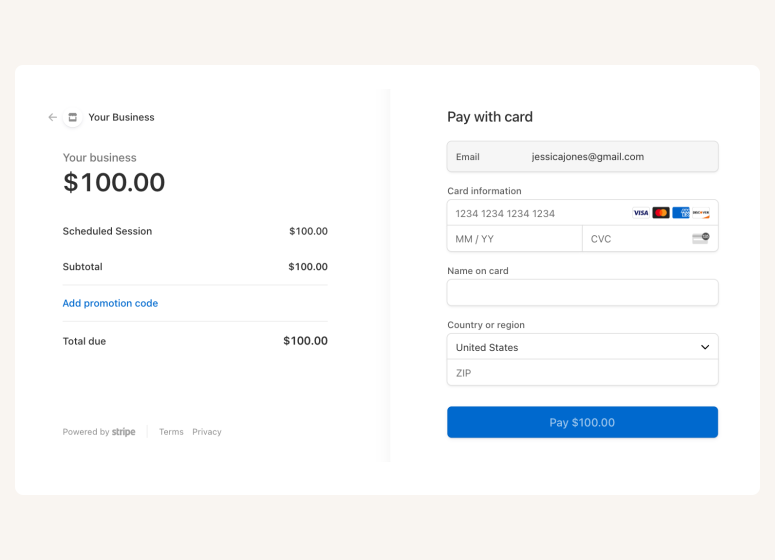
Accept online payments securely through Stripe







Questions & Answers
Have more questions? Contact us at support@cozycal.com
What types of resources can I manage with CozyCal for my coworking space?
CozyCal allows you to manage all types of coworking space resources including meeting rooms, conference rooms, hot desks, private offices, phone booths, event spaces, and shared equipment like projectors or video conferencing gear.
Each resource has its own independent calendar, so you can track availability and bookings without conflicts. You can organize resources into folders (such as "Meeting Rooms" or "Hot Desks") for easy navigation on your booking page, and assign team members as resource owners who can manage specific resources' availability.
Can members book meeting rooms and desks directly from my website?
Yes. CozyCal integrates seamlessly with your coworking space website through embeddable booking widgets, floating "Book Now" buttons, or custom booking buttons. Members can view real-time availability, select their preferred room or desk, complete intake forms, and pay online, all without leaving your website. You can also share direct booking links via email, text messages, or social media for quick access to specific resources.
How does CozyCal handle hot desk assignments?
CozyCal offers round-robin scheduling that automatically assigns available hot desks in a rotating order. When a member books a hot desk, the system selects from available desks and distributes bookings evenly across your inventory. This eliminates manual desk allocation and ensures fair usage of all desks. You can also allow members to select a specific desk if you prefer to give them that choice.
Can I screen booking requests before confirming them?
Yes. CozyCal's event request feature lets you manually review and approve or decline booking requests before they're confirmed. This is particularly useful for drop-in sessions from non-members, premium spaces that require approval, or special event bookings. You can review guest information collected through intake forms, then approve or decline with customized notification emails explaining your decision.
Does CozyCal integrate with my calendar and payment systems?
CozyCal integrates with Google Calendar and Outlook Calendar for two-way sync, ensuring real-time availability across all your calendars and preventing double-bookings.
For payments, CozyCal connects with Stripe to accept online payments, deposits, and add-on charges directly on your booking page. You can also connect with 1,000+ apps through Zapier to automate workflows with your CRM, email marketing tools, or accounting software.
Can I customize the booking experience to match my coworking brand?
Yes. CozyCal's Plaid plan offers complete white-label customization including custom domain booking pages (like book.yourspace.com), white-label email notifications sent from your own domain, and removal of all CozyCal branding. You can customize your booking page appearance, intake form questions, confirmation emails, and reminder messages to reflect your coworking space's brand identity.
How does CozyCal compare to dedicated coworking management software?
Dedicated coworking platforms like Cobot or Nexudus offer comprehensive member management, billing, access control, and community features designed for large coworking operations.
CozyCal is a simpler, more affordable solution focused specifically on resource booking and scheduling. It's ideal for small to medium coworking spaces, shared office suites, or businesses that need straightforward room and desk booking without the complexity of full coworking management software.
CozyCal excels at providing a clean, intuitive booking experience for your members while giving you flexible control over resource availability.
Can members book both a meeting room and equipment together?
Yes, this is one of CozyCal's key strengths. With hybrid booking, members can book a meeting room and related resources (like a projector or video conferencing equipment) in a single booking flow. CozyCal checks availability for both the room and equipment simultaneously, ensuring neither is double-booked. This streamlined approach eliminates the need for separate booking processes for rooms and equipment.