
Best consultant scheduling software
Create an automated, seamless online scheduling process for your consulting business with an easy, reliable scheduling software.
Build an online scheduling flow that automates the client intake process
Whether you are a personal financial advisor or business strategy consultant, you can create a customized, professional booking page that showcases your service offerings, lets client self-schedule meetings, and reduce administrative burden.
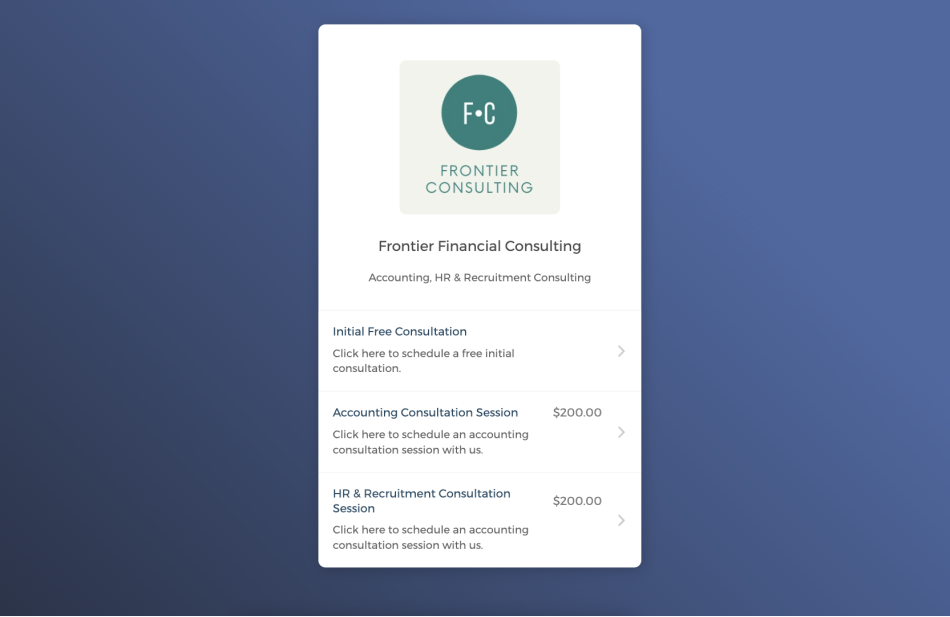

Capture quality leads right on your website
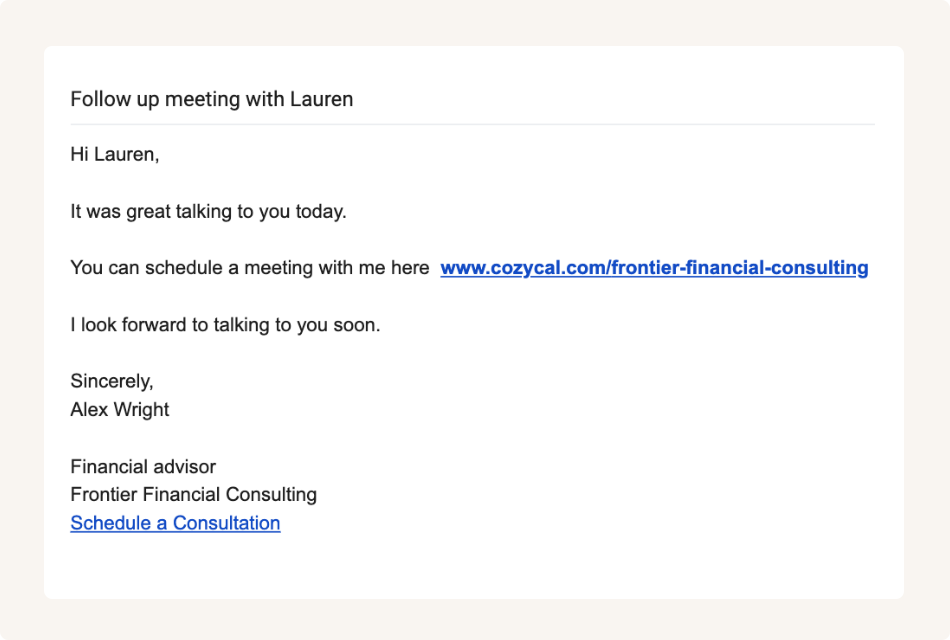
Share the booking page link with your clients
Sync with external calendars to keep your scheduled updated
Connect with Google calendar or Outlook calendar, and CozyCal automatically sends confirmed appointments, new client information and intake form details to your external calendars.
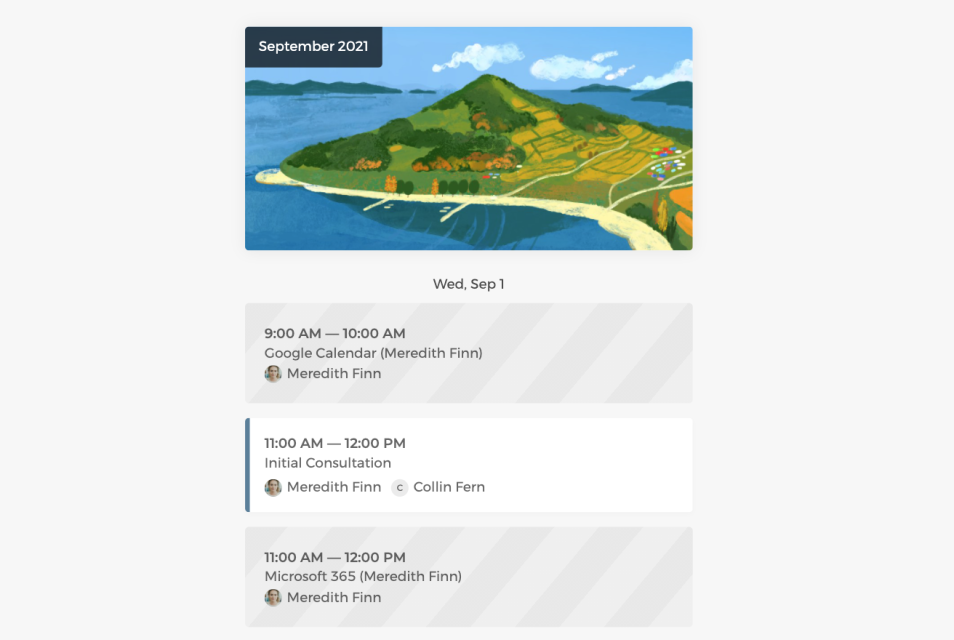
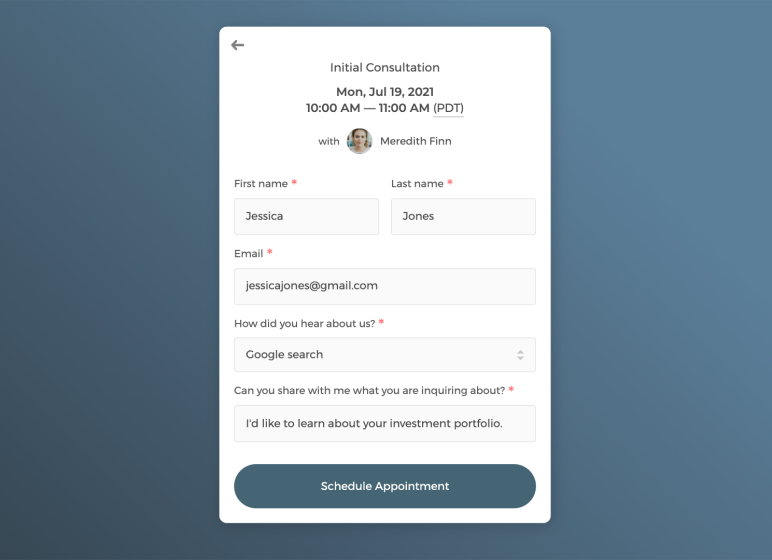
Customize intake form to collect information
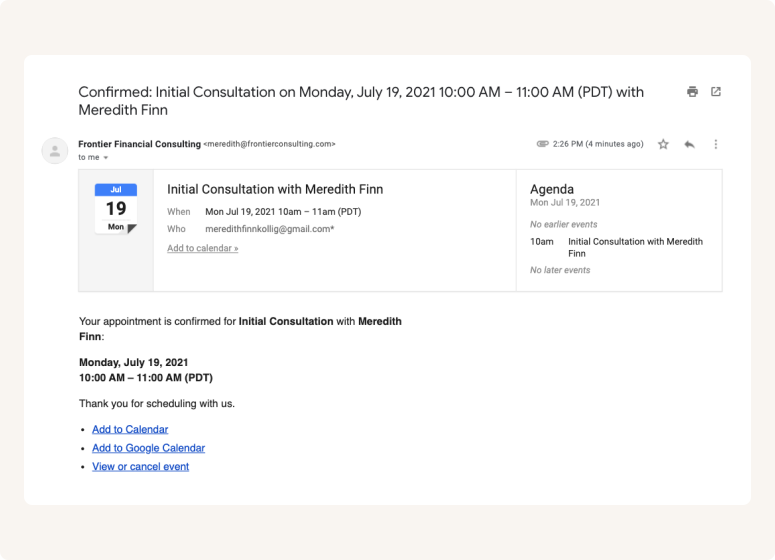
Send white label automatic email notifications
Set up an efficient scheduling flow for your consulting business
If you have a team of consultants, you can get a bird's eye-view of all scheduled bookings by filtering team members, and manage others' availabilities flexibly.
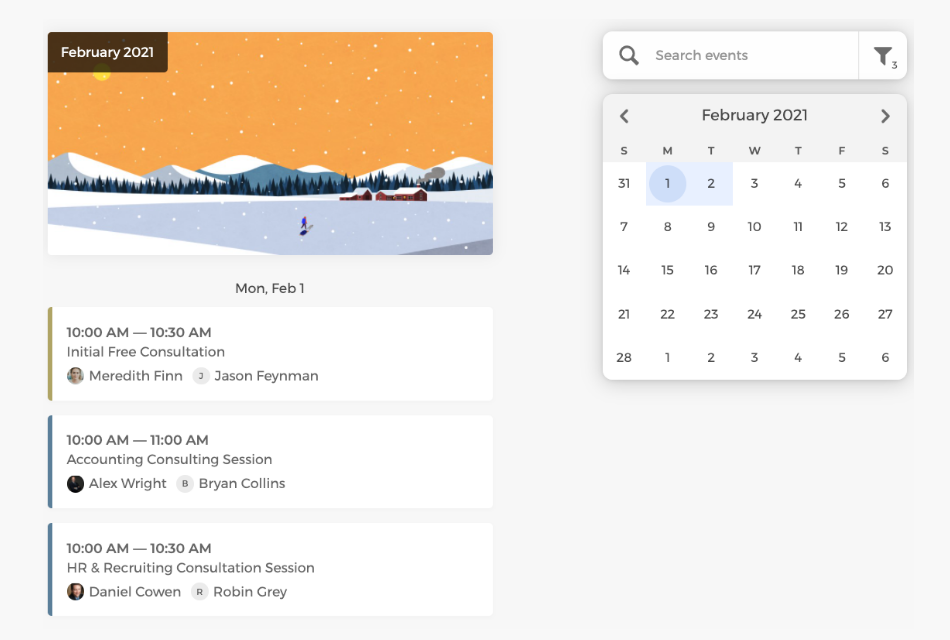
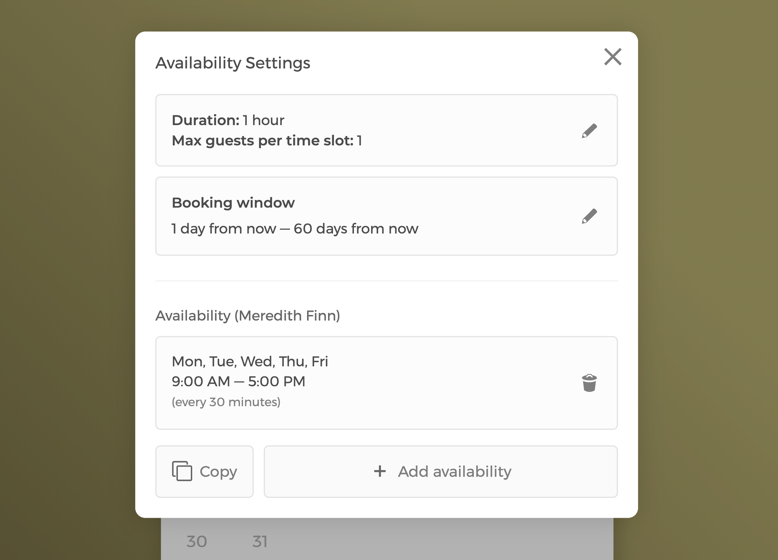
Manage event settings and your business's team availability
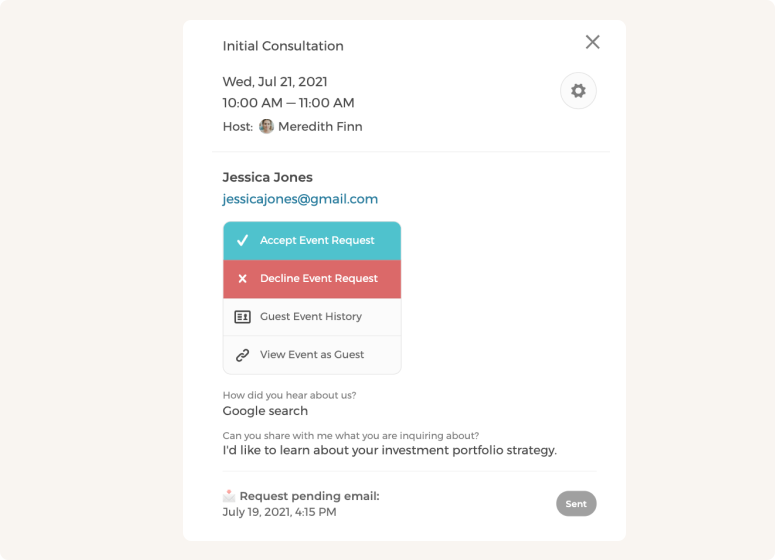
Approve or decline appointment booking requests
Set flexible team scheduling types to maximize bookings
Auto-assign bookings to your firm's consultants in a round-robin manner or let clients pick the consultant they prefer to meet.
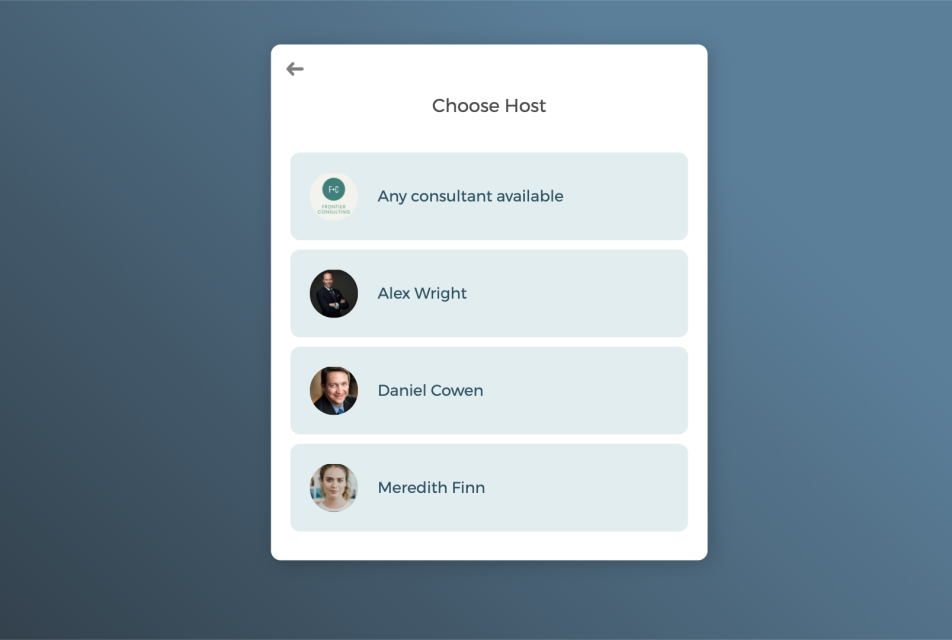
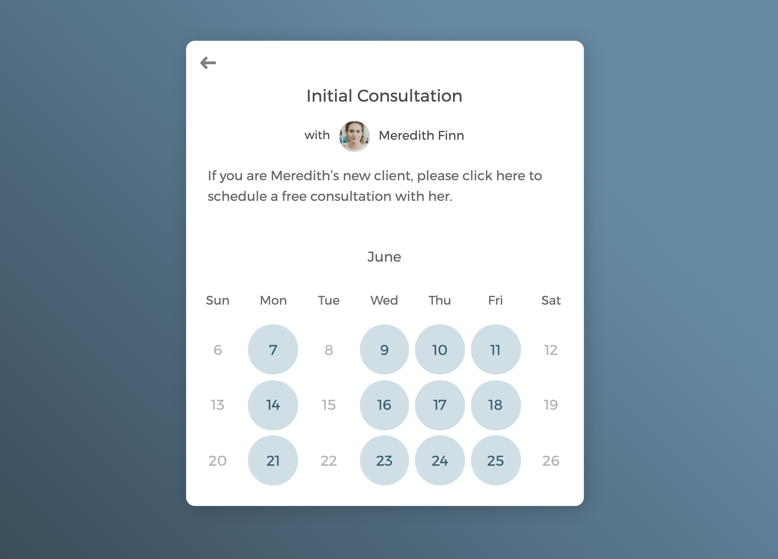
One-on-one meetings with selected consultants
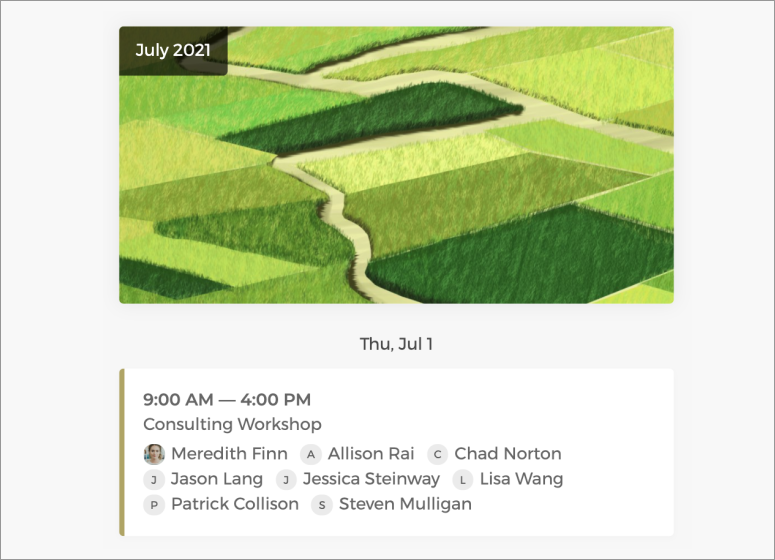
Host group consulting sessions with multiple guests
Power up your online consultant scheduling software with integrations
Integrate with your favorite apps to automate onboarding process and create a smooth scheduling experience for new and existing clients.
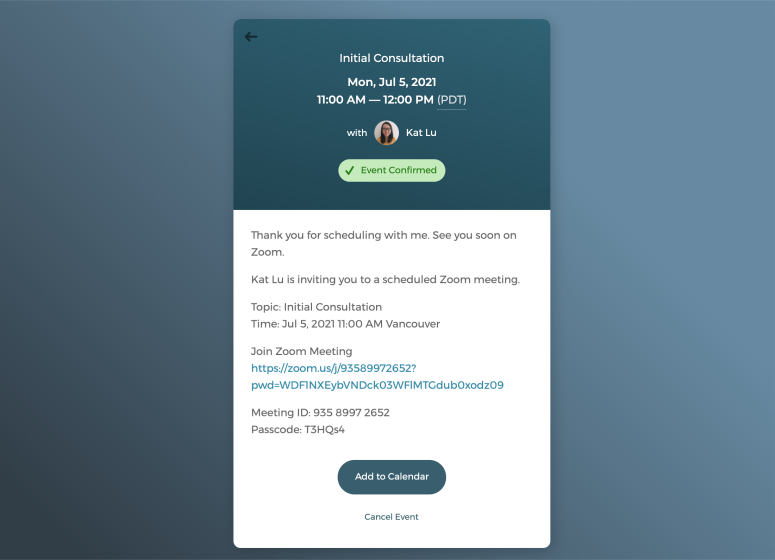
Schedule virtual meetings with one click
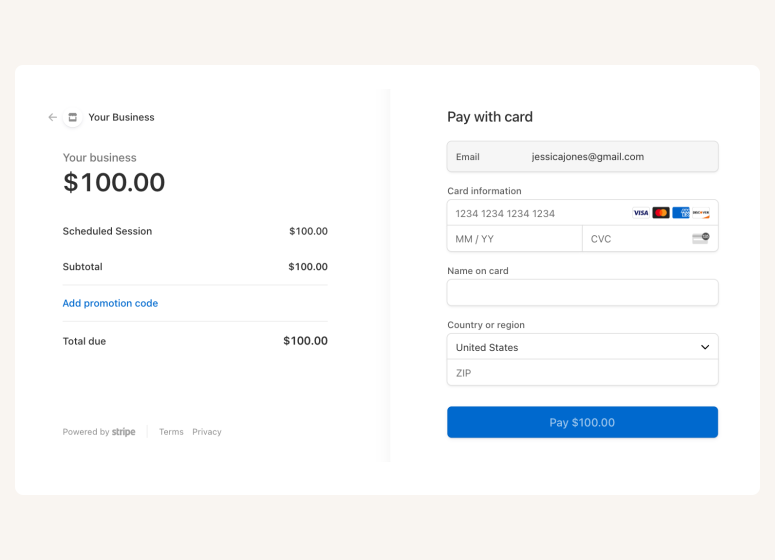
Connect with Stripe to charge payments







Questions & Answers
Have more questions? Contact us at support@cozycal.com
Why should consultants use scheduling software instead of manual booking?
Manual booking through emails and phone calls creates unnecessary back-and-forth, increases the risk of double-bookings, and takes time away from billable work. CozyCal automates the entire process. Clients see your real-time availability, book a slot that works for them, complete intake forms, and pay if required. You stay focused on client work while bookings happen around the clock.
How does CozyCal streamline the client intake process?
When clients book through your CozyCal page, they fill out a customizable intake form with questions you define—such as their consulting needs, business background, project scope, or how they found you. This information syncs directly to your Google or Outlook calendar event, so you're prepared before the meeting even starts. You can also export intake data to spreadsheets or CRMs via Zapier.
What types of consulting services work well with CozyCal?
CozyCal is used by financial advisors, business strategy consultants, marketing consultants, IT consultants, HR advisors, and other professional service providers. It handles initial consultations, follow-up meetings, project check-ins, and ongoing advisory sessions whether you're a solo consultant or part of a larger firm.
How do I manage a consulting firm with multiple consultants?
CozyCal provides a central admin dashboard where you can view all bookings, filter by team member, and manage availability across your firm. You can auto-assign new client meetings using round-robin scheduling to distribute work evenly, or let clients choose their preferred consultant. Each consultant can also manage their own availability and services.
What's the best way to handle initial consultations and prospect screening?
CozyCal's event request feature lets you review bookings before confirming them. Prospective clients submit their intake form, and you decide whether to approve or decline based on fit, budget, or project scope. This prevents unqualified leads from filling up your calendar and gives you control over who you meet with.
How do I charge for consulting sessions?
CozyCal integrates with Stripe for secure payment processing. You can set pricing for each service type, require payment at booking, offer coupons or discounts, and add optional extras during checkout. For ongoing engagements, you can sell session packages at a bundled rate and collect payment upfront.
Can I conduct virtual consultations with clients worldwide?
Yes. CozyCal integrates with Zoom and Google Meet to auto-generate unique meeting links for each booking. The link is included in confirmation and reminder emails, so clients join with one click. CozyCal also detects time zones automatically and clients see your availability in their local time, avoiding confusion when scheduling across regions.
How do I present a professional, branded booking experience?
CozyCal offers white-label options including custom booking page URLs (book.yourcompany.com), branded confirmation and reminder emails sent from your own domain, and the ability to remove CozyCal branding entirely. Your booking page reflects your firm's identity, not a third-party tool.
What safeguards exist to prevent scheduling conflicts?
CozyCal syncs with Google Calendar and Outlook Calendar in real-time, so your availability is always current. You can also set buffer time between meetings, define booking windows, and block off specific times. If a slot is taken, it's automatically removed from your booking page.
Which tools does CozyCal integrate with?
CozyCal connects with Google Calendar, Outlook Calendar, Zoom, Google Meet, Stripe, Google Analytics, and Zapier. Through Zapier, you can link CozyCal to over 1,000 apps, automatically adding new clients to your CRM, logging bookings in a project tracker, or triggering follow-up emails.