
Best coaching scheduling software
Build an automated, seamless online scheduling process for your coaching business with an easy, reliable scheduling software.
Replace back-and-forth forth emailing with automated online booking
Whether you are a career coach or business advisor, CozyCal lets you create a customized booking page that displays your coaching services, takes client bookings 24/7, and saves time so you can focus on helping clients.
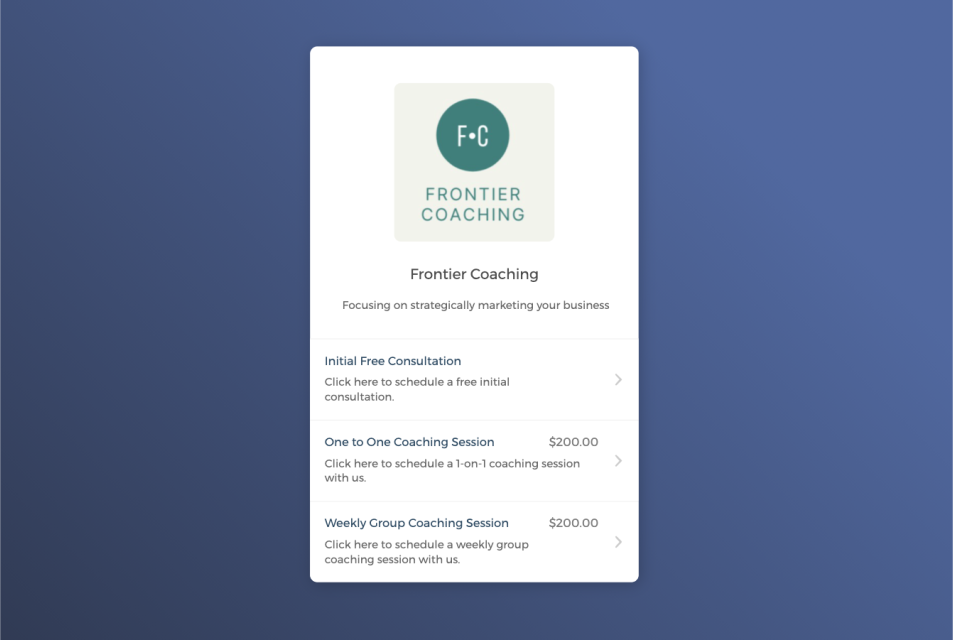

Capture quality leads right on your website
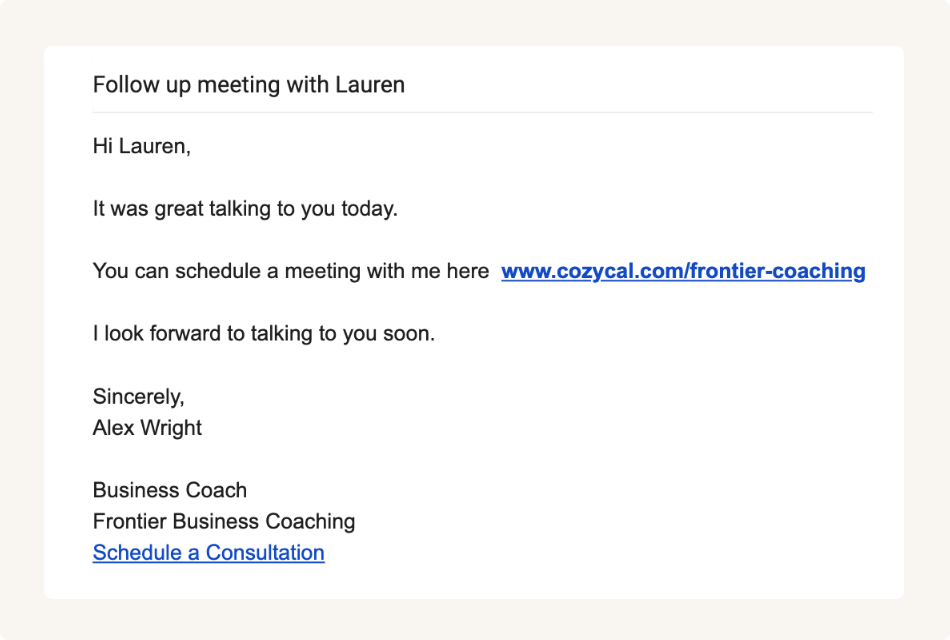
Share the booking page link to make booking easy
Sync with external calendars to keep your schedule updated
Connect with Google calendar or Outlook calendar to keep your availabilities up to date and not worry about double bookings or missed appointments.
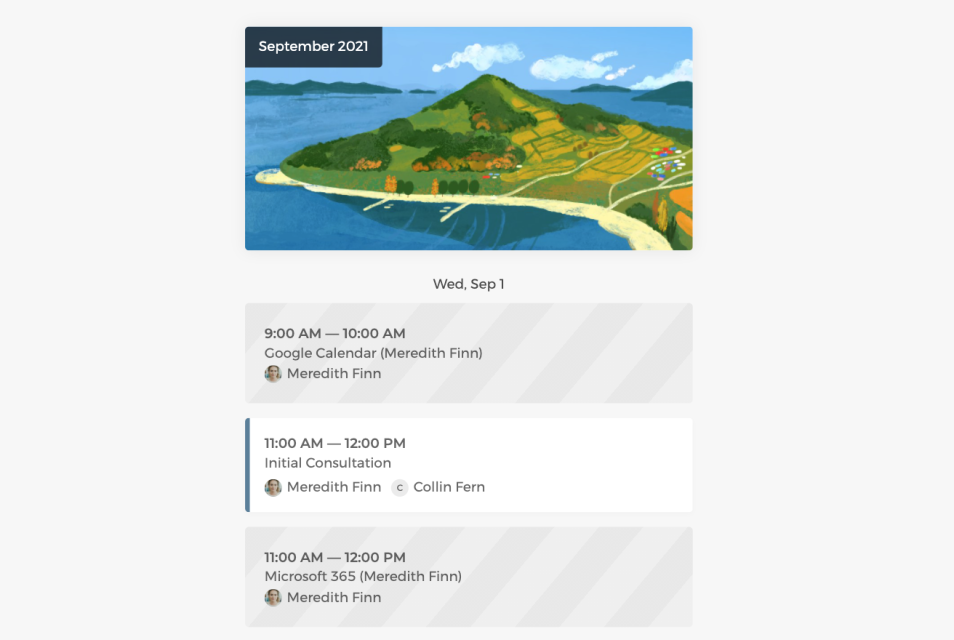
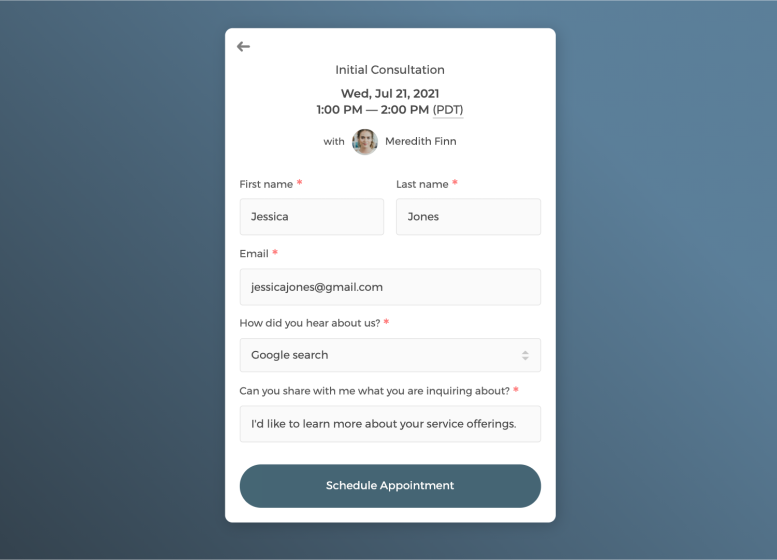
Customize intake form to collect information
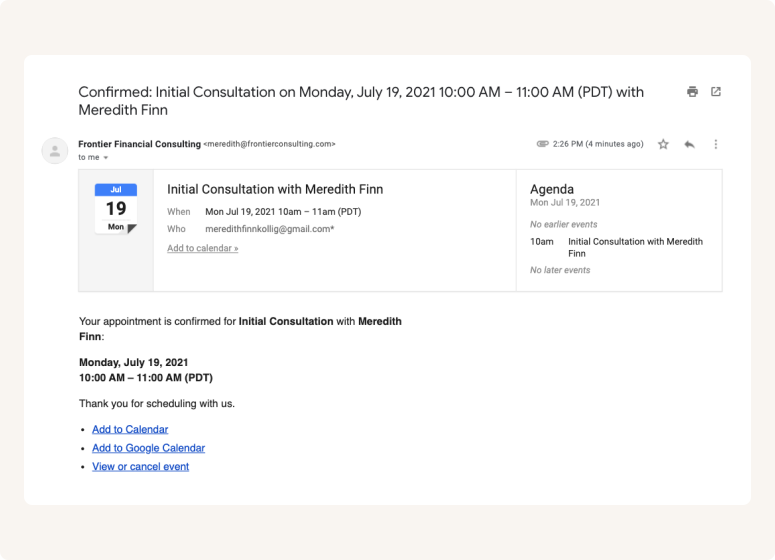
Send white label automatic email notifications
Set up an efficient scheduling flow for your consulting firm
If you have a team of coaches, you can get a bird's eye-view of all scheduled bookings by filtering team members, and manage others' availabilities flexibly.
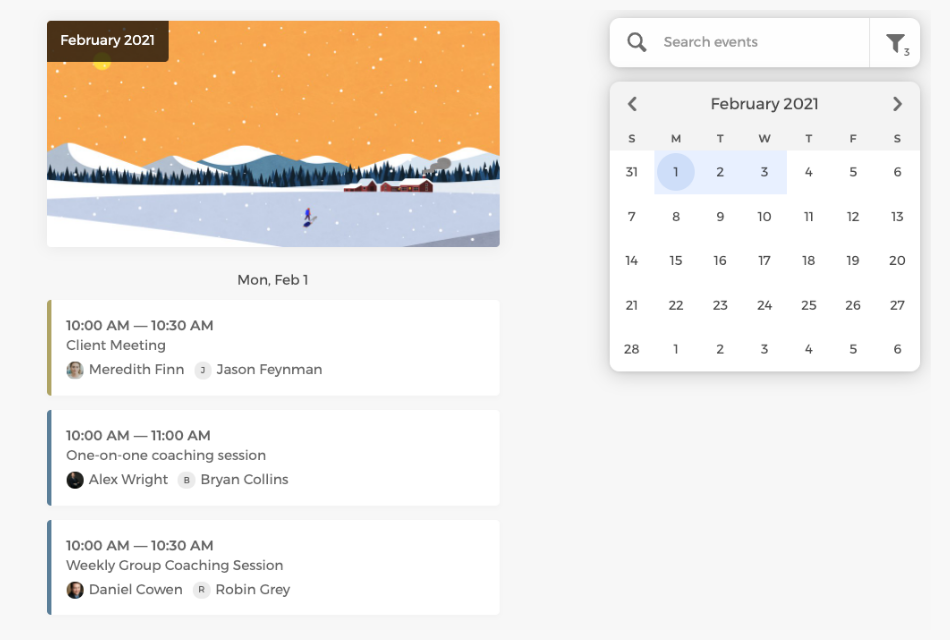
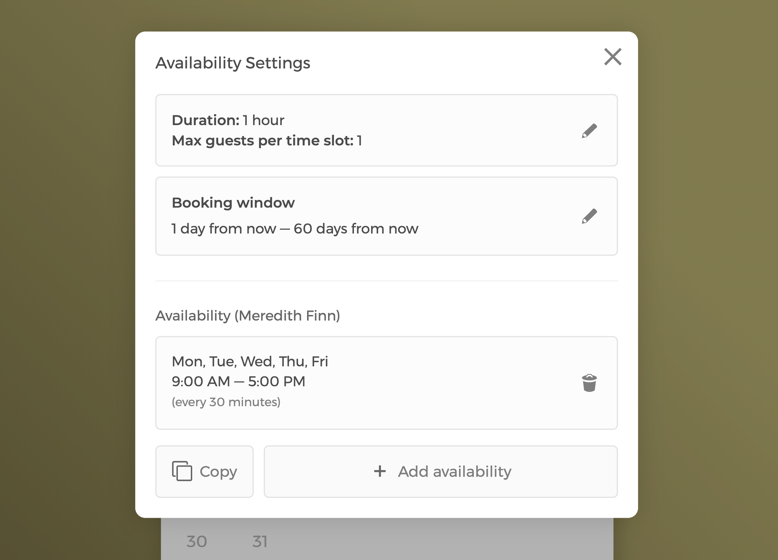
Manage event settings and your firm's team availability
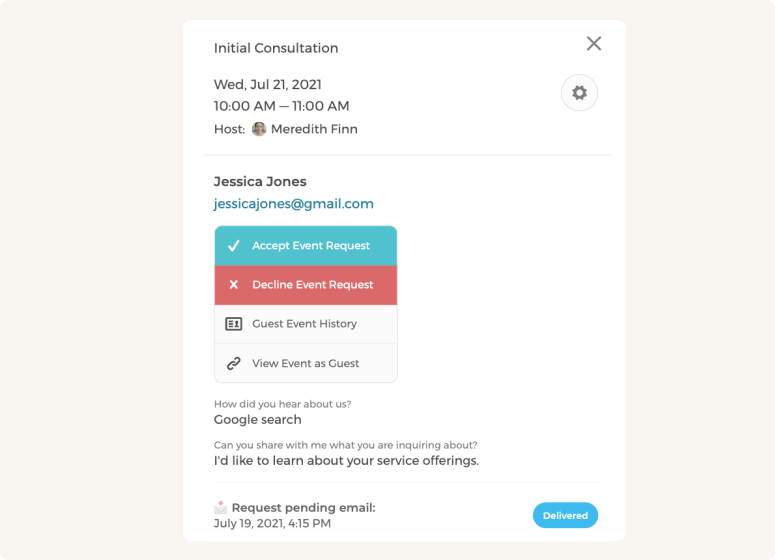
Enable booking requests and control who you want to meet
Customize CozyCal to fit your coaching team's scheduling needs
Auto-assign bookings to your team's coaches in a round-robin manner or give clients the freedom to pick the coach they prefer to meet.
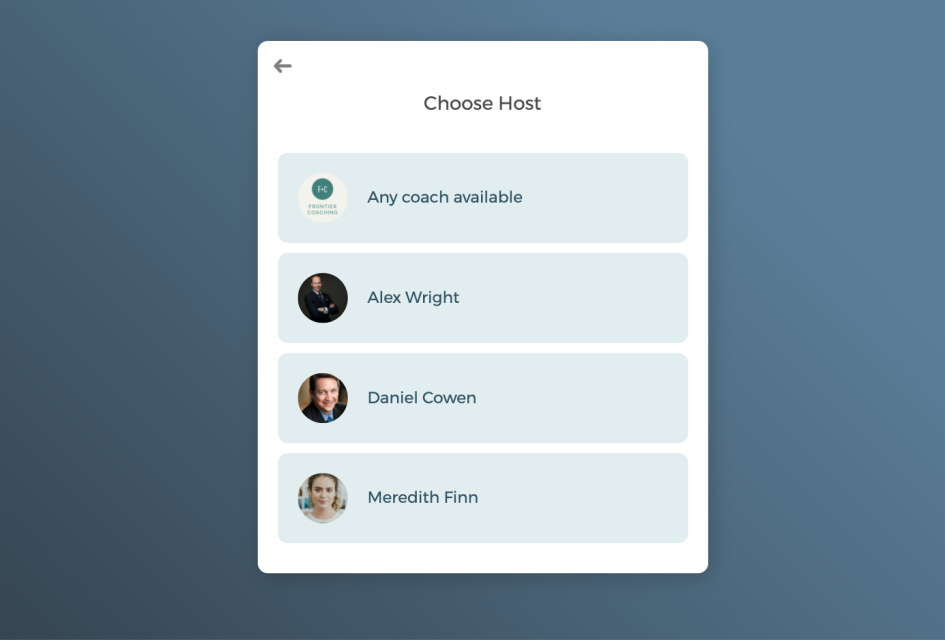
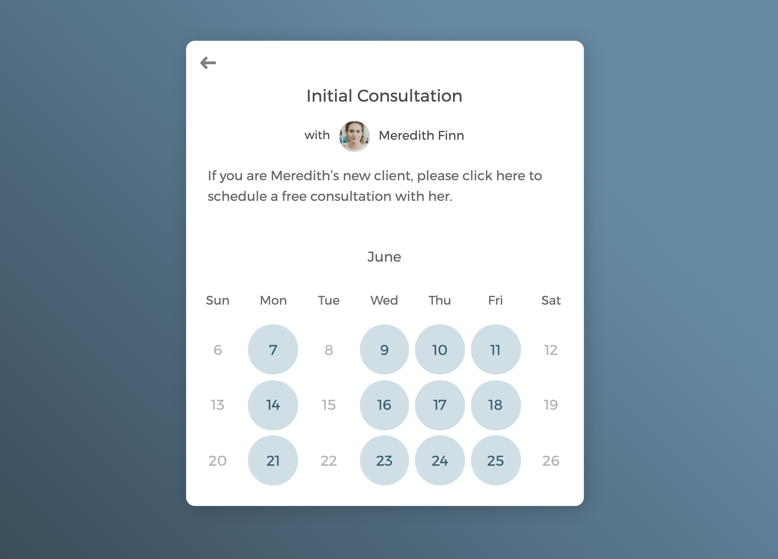
One-on-one meetings with select coaches

Host group meetings to grow your client base
Power up your coaching scheduling software with integrations
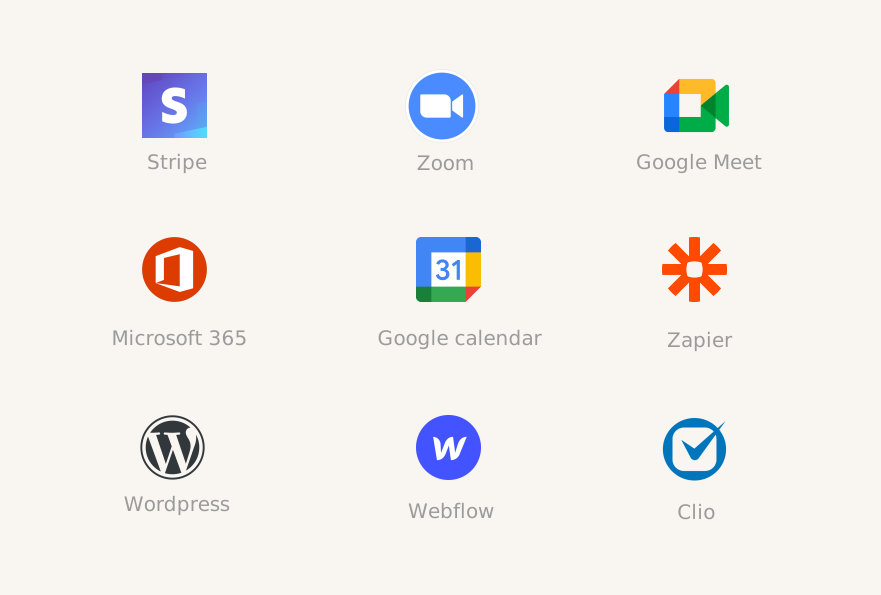
Connect CozyCal with products you already use to create automated workflows that increase efficiency and create a smooth scheduling experience for clients.
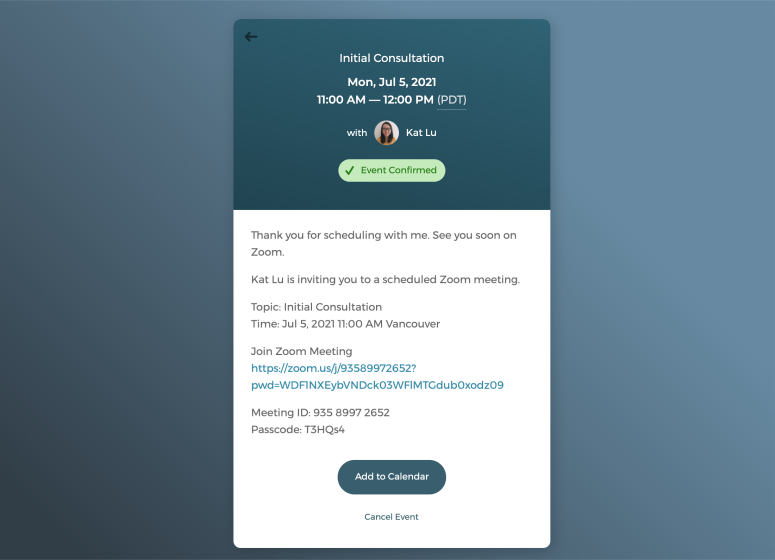
Schedule virtual meetings with just one click
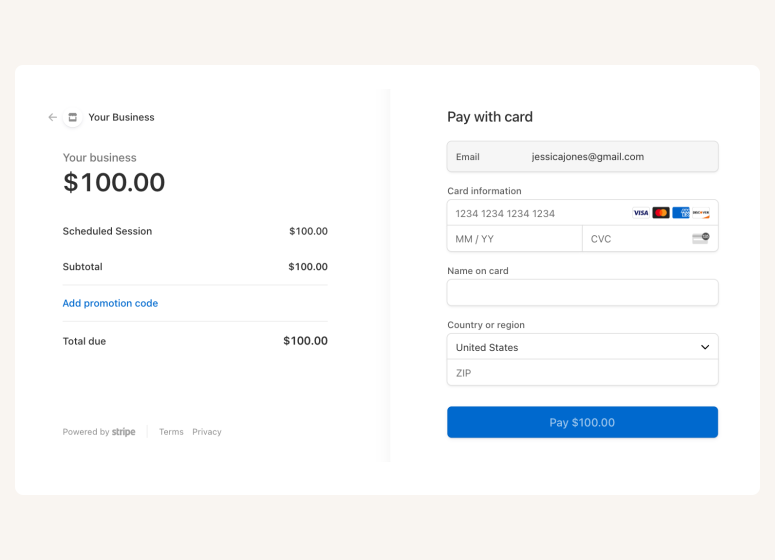
Connect with Stripe to charge payments







Questions & Answers
Have more questions? Contact us at support@cozycal.com
How does CozyCal help coaches save time on scheduling?
CozyCal eliminates back-and-forth emails by letting clients self-book sessions through your booking page. Customizable intake forms gather client goals and challenges upfront, while automated confirmation and reminder emails keep everyone informed without manual effort.
What information can I gather from clients before a session?
Create unlimited custom intake form questions to collect goals, challenges, focus areas, or any details you need to prepare. All responses sync to your calendar event and CozyCal database so you're ready for each coaching session.
Is CozyCal suitable for coaches working with international clients?
Yes. CozyCal automatically detects each client's timezone and displays your availability in their local time, so there's never confusion about meeting times across different regions.
How do I handle discovery calls or client screening?
Enable the event request feature to review booking requests before confirming. You can approve or decline based on client information, helping you ensure a good fit before committing to a session.
What's the best way to sell multi-session coaching engagements?
Use CozyCal's package booking feature to bundle multiple sessions at a set price. Clients pay upfront and receive redemption codes to book individual sessions from their package, simplifying ongoing coaching relationships.
Do I need separate tools for video calls and payments?
No. CozyCal integrates with Zoom and Google Meet for automatic video link generation, and connects with Stripe to collect payments securely at booking. Everything works together on one platform.
How can I reduce last-minute cancellations and no-shows?
Send automated email and SMS reminders before sessions, require upfront payment at booking, and set cancellation policies that protect your time. These features work together to keep clients committed.
What if I run a coaching practice with multiple coaches?
CozyCal's team scheduling lets you manage all coaches from one dashboard. Clients can be auto-assigned via round-robin or choose their preferred coach. Each team member can personalize their own booking page and availability.
How do clients find and book with me?
Share your booking page link in emails, social media, or text messages. Embed a booking widget directly on your website. Either way, clients see your availability and book instantly—no phone calls or emails required.
What apps does CozyCal connect with?
CozyCal integrates with Google Calendar, Outlook, Zoom, Google Meet, Stripe, Google Analytics, and 1,000+ apps via Zapier. Connect your existing tools to create automated workflows that save time.